
Best AI software testing tools in 2026: 7 options compared
By qtrl Team · Engineering
Two years ago, "AI in software testing" mostly meant a chatbot suggesting test cases. The 2026 version is different in kind: agents driving real browsers, model-based authoring that holds up under compliance review, visual systems catching what scripted suites miss. Seven credible options below. Vendor disclosure: qtrl is one of them.
TL;DR: the seven AI software testing tools that compete in 2026
For agentic execution + audit + management in one platform, qtrl. For BrowserStack customers wanting agentic execution on existing capacity, Kane AI. For Tosca shops adding AI authoring inside their model-based workflow, Tricentis Tosca Copilot. For managed E2E with strong ML maintenance, Mabl. For visual specialist depth, Applitools Eyes plus Autonomous. For NL authoring with managed execution, Functionize. For selector-flake reduction inside an existing recorded suite, Testim.
What changed in 2026
Three shifts decide the category in 2026. First, agentic browser execution crossed the "novelty" line into something teams can actually run in regression. Second, the EU AI Act made traceability a hard requirement instead of a nice-to-have, which pushed AI testing tools to invest in audit primitives many had skipped. Third, the gap between AI authoring tools and AI execution tools narrowed enough that you can credibly run both inside one platform. The result is a category that looks similar at the marketing-page level and very different once you run a real workload.
We've dug into the shift in more depth in AI in software testing: hype vs reality and what is agentic testing.
What "AI testing" means under the new compliance frame
The shift teams underestimate isn't technical, it's legal. The EU AI Act and the NIST AI Risk Management Framework both treat test evidence as a primary obligation for AI features in production. Most AI testing tools weren't designed with that in mind, and bolting the audit trail on later is harder than starting from a system that produces it as a side-effect of normal work. That's a real differentiator when comparing seven vendors that all sound similar in the demo. For the testing side specifics, see testing non-deterministic AI under the EU AI Act.
What to look for in an AI software testing tool
- Execution shape. Scripted, smart-scripted, or agentic. The shapes solve different problems. Match the shape to the work, not to the marketing.
- Real-input authoring quality. Feed a real PRD or user story and rate the output on coverage, accuracy, and editing time. The difference between demo and real input is the whole evaluation.
- Self-healing depth. What does the tool do when a locator breaks or a flow drifts? The credible answers involve multiple locator strategies, semantic models, and the ability to fall back from one to another.
- Adaptive memory. Does the agent learn your app across runs, or does every run start cold? Compounding gain that's rarely on the marketing page.
- Manual + AI in one run. Does the tool unify human and AI execution in one history, or split them across systems?
- Audit trail. Immutable, queryable, regulator-defensible run history. The shape modern frameworks ask for.
- Framework coverage. Does the tool replace your framework, sit alongside it, or generate scripts you maintain? Each choice has real follow-on costs.
- CI/CD integration. Coverage of the major providers (GitHub Actions, GitLab CI, Jenkins, CircleCI, Bitbucket Pipelines, Azure DevOps) and how clean the integration is on a real pipeline.
- Data handling and isolation. Where does the AI run? Is your code, PRDs, customer data sent to a third-party model? Important under GDPR and sector regulations.
AI software testing tools compared at a glance
| Tool | Best for | Autonomous browser execution | Self healing tests | Immutable audit trails |
|---|---|---|---|---|
| qtrl | Agentic execution + audit | ✓ | ✓ | ✓ |
| BrowserStack Kane AI | BrowserStack customers | ✓ | ! basic | ! limited |
| Tricentis Tosca Copilot | Enterprise model-based | ! within Tosca | ✓ | ✓ |
| Mabl | Reliable ML maintenance | ! scripted runs | ✓ | ! moderate |
| Applitools (Eyes + Autonomous) | Visual specialist | ! visual focus | ✓ visual baselines | ! moderate |
| Functionize | NL authoring + managed | ! scripted runs | ✓ | ! moderate |
| Testim | Selector-flake stability | ✗ | ✓ ML locators | ! basic |
1. qtrl: agentic test execution with structured test management
qtrl combines AI authoring, autonomous browser execution, and structured test management in one platform. Agents generate cases from PRDs and stories, drive a real browser under progressive autonomy, share run history with manual cases, and produce immutable audit trails as a side-effect of normal work. Adaptive memory means the second run is informed by the first.
Key features:
- AI case generation from PRDs, user stories, designs, and exploratory sessions.
- Agentic browser execution with progressive autonomy (per-flow initiative level).
- Adaptive memory: agents learn your app's patterns across runs.
- Manual and AI execution in the same run with unified history.
- Versioned cases with branchable history and review-gated changes.
- Immutable audit trail satisfying EU AI Act and NIST AI RMF evidence shapes.
- Two-way Jira integration; CI coverage across the major providers.
- Adapts to UI drift through semantic understanding, not just selector fallback.
Where it wins:
- Audit is built in, not bolted on. Important under modern compliance frameworks.
- Agents that recover from UI drift through semantic understanding, not just selector fallback.
- Manual + AI in one run; reporting trends across both isn't a stitching exercise.
- Adaptive memory compounds: generated runs need less correction over time.
Where another tool fits better:
- For pure visual regression on a marketing-heavy product, Applitools owns that slice more deeply.
- For teams already on BrowserStack with capacity already paid for, Kane AI is the natural add-on.
- For Tosca shops, Tosca Copilot is the lower-friction option.
Best for: teams that want unified AI authoring, agentic execution, and audit-ready test management in one platform.
Choose this if agentic execution plus audit in one system is your evaluation criterion.
2. BrowserStack Kane AI
Kane AI is BrowserStack's agentic testing product. It interprets natural-language test specs, drives real browsers, and integrates with the rest of the BrowserStack cloud device infrastructure. For teams already paying for BrowserStack capacity, it's the most natural add-on.
Key features:
- Natural-language test authoring that drives real browsers.
- Integration with the BrowserStack cloud device farm (real iOS, Android, and browser coverage).
- BrowserStack Test Observability and SDK integrations for existing Playwright, Cypress, Selenium suites.
- Live debugging with video, network, and console logs.
- Parallel execution across the BrowserStack grid.
- CI integration with Jenkins, GitHub Actions, GitLab CI, CircleCI, Bitbucket, Azure DevOps.
Where it wins:
- Tight integration with the BrowserStack device cloud most teams already pay for.
- Real iOS and Android coverage Kane AI rides on top of.
- Natural-language authoring is genuinely fast for simple flows.
- Test Observability cuts triage time on existing suites.
Where another tool fits better:
- Test management layer is lighter than dedicated TM tools.
- Workflow assumes BrowserStack infrastructure; teams not on BrowserStack pay for capacity they may not need.
- Audit trail depth is moderate compared to AI-native tools.
- Adaptive memory is limited compared to qtrl.
Best for: teams already paying for BrowserStack capacity who want agentic execution layered on top.
Choose this if BrowserStack is in your stack and you want agentic execution on the same infrastructure.
3. Tricentis Tosca with Copilot
Tosca has been an enterprise automation platform for years, with strong traceability and regulated-industry credentials. The Copilot additions bring AI authoring and maintenance into the existing model-based testing approach. For teams already running Tosca, it's a natural upgrade. For teams not in the Tricentis ecosystem, adoption cost is significant.
Key features:
- Model-based test design that abstracts away the script layer.
- Copilot AI for authoring, case generation, and maintenance.
- Risk-based test optimization.
- Integration with qTest, Jira, Azure DevOps, ServiceNow, SAP S/4HANA, Salesforce, Workday.
- On-premise, hybrid, and cloud deployment options.
- Deep compliance posture for regulated industries.
Where it wins:
- Tightest fit if you're already on Tosca; AI is additive rather than a rip-and-replace.
- Enterprise ERP and SAP integration depth is rare in the AI testing category.
- Compliance posture for regulated industries is genuinely deep.
- Model-based testing absorbs UI drift more gracefully than scripted approaches.
Where another tool fits better:
- Adoption cost is significant outside the Tricentis ecosystem.
- Model-based testing is a different mental model; not the right fit for small agile teams.
- For browser-only testing without enterprise ERP integration, a lighter tool fits better.
Best for: enterprise teams already running Tosca who want AI inside the same workflow.
Choose this if Tosca is staying and AI is the incremental ask.
4. Mabl
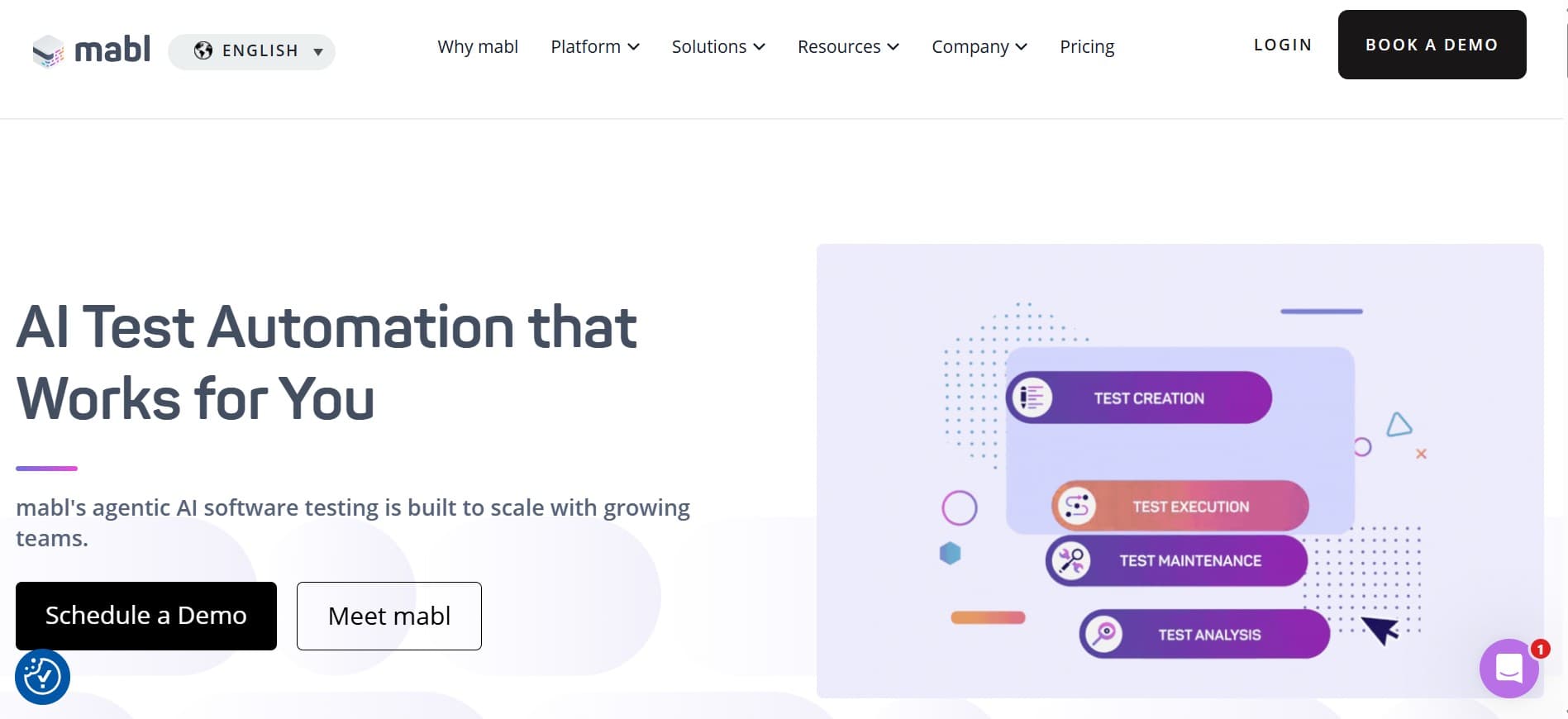
Of the seven tools here, Mabl has the longest production track record under the "AI testing" label. The trade vs. agentic options is honesty: Mabl doesn't pretend to think. It applies ML where ML actually helps (locator healing, failure clustering, run analytics) and leaves authoring scripted, which keeps the platform predictable in regulated CI.
Key features:
- Auto-healing selectors that adapt to UI drift.
- Cross-browser execution (Chrome, Firefox, Safari, Edge) in the Mabl cloud.
- Flake detection and clustering across runs.
- API testing alongside UI testing.
- Test data management with shared fixtures.
- CI integration with Jenkins, GitHub Actions, GitLab CI, CircleCI, Bitbucket, Azure DevOps.
- Integrated reporting with trend views and root-cause analysis.
Where it wins:
- Predictability: ML where it helps, scripted execution where determinism matters.
- Flake triage and CI noise reduction are real, measurable wins.
- Managed platform; no framework maintenance.
- Strong reporting depth on managed E2E.
Where another tool fits better:
- Execution is scripted under the hood; not agentic.
- AI authoring is limited; not a tool to replace test design effort.
- For teams wanting agents that explore beyond defined cases, an agentic tool fits better.
Best for: teams where "reliable AI doing limited work" beats "ambitious AI doing wide work."
Choose this if the daily cost is flake triage and CI noise more than authoring speed.
5. Applitools (Eyes + Autonomous)
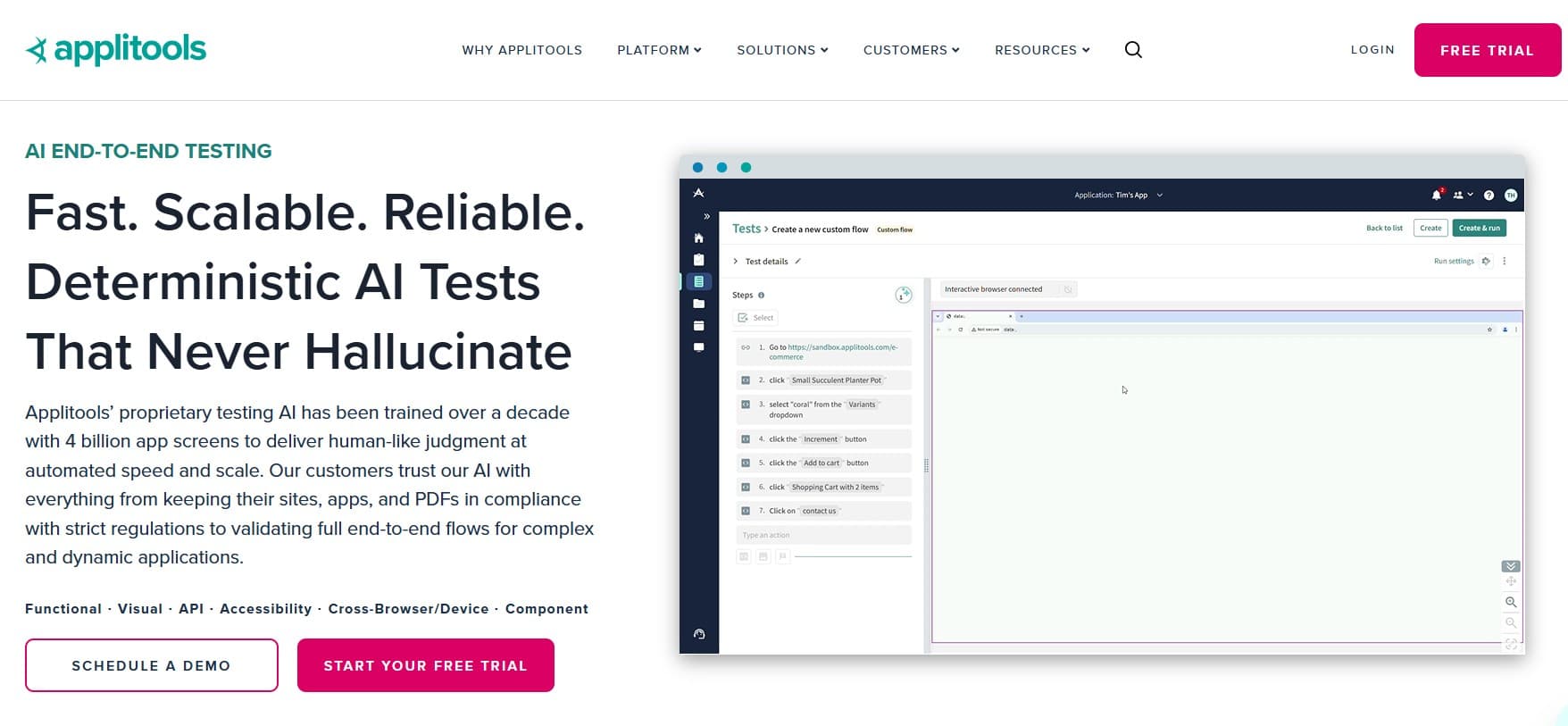
Applitools is the standard for visual testing. Eyes uses ML to compare what the user sees rather than diffing pixels, and the newer Autonomous product extends the approach toward functional flows. If visual bugs are a recurring failure mode for your product, the toolkit is strong. We covered the broader space in visual regression testing in 2026.
Key features:
- Visual AI that compares perceived intent, not raw pixels.
- SDKs for Playwright, Cypress, Selenium, WebDriverIO, Appium, and more.
- Ultrafast Grid for parallel visual checks at scale.
- Cross-browser and cross-device visual baselines.
- Applitools Autonomous for AI-driven functional coverage.
- Visual root-cause analysis on detected differences.
Where it wins:
- Visual coverage depth is genuinely best-in-category.
- False-positive rate is meaningfully lower than pixel-diff tools.
- SDK coverage plugs into whatever framework you already use.
- Ultrafast Grid removes the cross-browser cost as a constraint.
Where another tool fits better:
- Surface area outside visual regression is narrow.
- For products with minimal UI, the ROI is harder to justify.
- Pricing at scale is a real budget conversation.
- Test management still needs to live elsewhere.
Best for: teams where visual correctness is a recurring failure mode.
Choose this if visual coverage is the gap you can't close with another tool.
6. Functionize
Functionize is one of the more established ML-assisted test platforms. Natural language authoring, ML-based locator maintenance, and a managed platform model for teams that don't want to maintain a Playwright or Cypress repo.
Key features:
- Natural-language test authoring with NLP backbone.
- ML-based locator stability across UI changes.
- Managed cloud execution with cross-browser support.
- Test data management and parameterized cases.
- Integration with Jenkins, GitHub Actions, GitLab CI, Bamboo, TeamCity, Azure DevOps.
- Live debugging with screenshots, network, and console logs.
Where it wins:
- NL authoring is genuinely productive for teams without a dedicated SDET function.
- Managed platform removes framework maintenance entirely.
- ML locator stability is strong and predictable.
Where another tool fits better:
- Execution is scripted under the hood; not agentic.
- Opinionated workflow; not flexible if your team wants control.
- Test management layer is lighter than dedicated tools.
Best for: teams that want a managed E2E platform with NL authoring and ML maintenance.
Choose this if NL authoring with a managed platform is what you're solving for.
7. Testim
Testim (Tricentis) was one of the early ML-locator products. It uses smart locators to reduce maintenance, integrates with CI, and has a record-and-tweak authoring style. It's a solid option for teams whose primary pain is selector flake, not authoring speed or exploration.
Key features:
- ML-based smart locators that adapt to UI changes.
- Record-and-tweak authoring with editable steps.
- Reusable components and shared groups across tests.
- Integration with Jira, Slack, GitHub, GitLab, Jenkins, CircleCI.
- Branching for parallel work on test suites.
- Part of the Tricentis ecosystem (integrates with qTest, Tosca).
Where it wins:
- Selector stability is genuinely strong; recorded tests survive class renames and DOM shuffles.
- Record-and-tweak is fast for teams that prefer that authoring style.
- Integration with the wider Tricentis suite for enterprise customers.
Where another tool fits better:
- Not agentic; the AI is focused on stability, not exploration.
- NL authoring is limited.
- For teams whose problem is "our flows change every two weeks," a smart-locator tool isn't the right fix.
Best for: teams whose primary pain is selector flake on an existing recorded suite.
Choose this if selector stability is the main problem and you don't want to change authoring shape.
Tool comparison summary
| Tool | Strengths | Limitations | Best for |
|---|---|---|---|
| qtrl | Agentic execution + audit + management in one platform | Newer product; not a visual specialist | Unified AI execution + audit |
| BrowserStack Kane AI | Agentic execution on real-device cloud | Light management; assumes BrowserStack stack | BrowserStack customers |
| Tosca Copilot | Enterprise model-based AI; ERP/SAP depth | Adoption cost outside Tricentis ecosystem | Tosca shops |
| Mabl | Reliable ML maintenance, managed E2E | Scripted execution; limited authoring AI | Flake triage and managed E2E |
| Applitools | Visual specialist depth, broad SDK coverage | Narrow surface; budget at scale | Visual regression depth |
| Functionize | NL authoring, ML stability, managed platform | Scripted execution; opinionated workflow | NL authoring with managed platform |
| Testim | Smart locators, record-and-tweak, Tricentis suite | Not agentic; limited NL authoring | Selector-flake stability |
How to evaluate an AI software testing tool
Most AI testing evaluations get decided by the demo, which is the wrong signal. The trial-week playbook that actually surfaces the differences:
- Pick a real flow with history. A flow that's broken your existing suite three or more times in the last quarter is the right test. Demo flows hide the differences.
- Run a full week, not an afternoon. Flake patterns, maintenance load, and the cost of human review only show up over time.
- Measure intervention rate and intervention time. The product of those two numbers is the real cost. The vendor with the lowest product is doing the work, regardless of which AI buzzword sits on the box.
- Walk through the audit trail. Ask compliance or an auditor to produce defensible evidence from the tool's output. If they can't, the audit story isn't ready.
- Stress the data-handling story. Where does the AI run? What gets sent to a third-party model? What happens to PRDs, source code, customer data? Get the answer in writing.
- Run a UI drift test. Change a class name, rename a button, restructure a section. See how the tool handles drift. The recovery story is where smart-locator and agentic tools diverge.
Where qtrl fits
Most AI software testing tools solve one slice: visual, selectors, authoring speed, cloud capacity. The slice that's hardest to assemble from point tools is the combination: AI agents executing real browser tests, on top of structured test management with versioning and review, with an audit trail that holds up to compliance review. That's the case qtrl was designed for.
For teams shipping AI features, the audit angle isn't optional. The EU AI Act and the parallel frameworks in the US and UK all expect a documented record of what was tested and how. The ISO/IEC/IEEE 29119 testing standard is the cleanest vendor-neutral reference for what that evidence shape looks like.
Frequently asked questions
What's the best AI software testing tool in 2026? It depends on the slice of the problem. qtrl is the strongest fit for agentic execution plus structured management. Applitools is the standard for visual. Mabl and Functionize are solid for managed E2E with smart maintenance. Kane AI is the natural pick for BrowserStack customers.
Can AI software testing tools handle non-deterministic systems? Some can, with statistical pass criteria and intent-based oracles. Most weren't built for it. See testing non-deterministic AI under the EU AI Act.
Do AI testing tools replace Playwright or Cypress? For some teams, yes. For others they sit alongside. Scripted frameworks are still excellent for stable, high-frequency regression. Agentic tools shine in exploration, AI feature testing, and reducing maintenance overhead on flows that change often. See Playwright vs Cypress and Playwright vs Selenium.
Are AI software testing tools secure for production-like environments? The credible vendors run isolated browser sessions, scoped credentials, and recorded execution traces. The questions to ask are about data handling, recording retention, and whether the agent can be constrained to defined surfaces.
How is AI software testing different from test automation? AI software testing is broader: it includes authoring, execution, maintenance, triage, and visual review. Test automation typically refers to the execution layer. AI software testing tools may or may not include automation; they may also include capabilities that aren't automation (visual diffing, defect clustering).
Do I need on-premise AI testing? For most teams, no. For regulated industries handling sensitive data (healthcare, defense, some finance), the answer is sometimes yes. The on-premise option narrows the shortlist quickly.
What about prompt-injection risks? Real and worth taking seriously, especially for agentic tools. Credible vendors run isolated sessions, scoped credentials, and policy boundaries the agent can't cross. Ask for specifics during evaluation.
How long does it take to roll out an AI testing tool? Plan for at least one full sprint of trial use before deciding, and one to two quarters before the tool is fully embedded in your workflow. Faster rollouts usually skip the review loop and end up with output nobody trusts.
What others say about the AI testing tools
Public reviews give you a feel for where each tool actually breaks in production. A few recurring complaints we pulled from G2 for the tools most commonly shortlisted:
What others say about Mabl
“No option to run plans from a custom branch other than master.”
G2 reviewer · G2 reviews
“Setup of QA testing often did not work as expected, and when it did, tests took so long to run that they slowed the development process.”
G2 reviewer · G2 reviews
“Highly priced and overly complicated for what you get.”
G2 reviewer · G2 reviews
What others say about Testim
“Test execution slows down when handling very large test suites, and pricing can be high for smaller teams compared to open-source frameworks.”
G2 reviewer · G2 reviews
“Limited integration with other tools, no mobile-device testing, does not support all languages, and debugging can be challenging.”
G2 reviewer · G2 reviews
“For complex scenarios you sometimes need to write custom code, network log visibility is limited, and some tests are flaky on reruns.”
G2 reviewer · G2 reviews
What others say about Functionize
“Automating certain dynamic UI elements is still a challenge.”
G2 reviewer · G2 reviews
“Test execution can be very slow and assigning a VM sometimes takes a while.”
G2 reviewer · G2 reviews
“AI and natural language test creation help, but there is a learning curve before you can use the system effectively.”
G2 reviewer · G2 reviews
What others say about Applitools
“The learning curve is steep and you have to manually create baseline images, which gets tedious.”
G2 reviewer · G2 reviews
“Test execution feels slow and the UI looks less polished than competing visual-testing tools.”
G2 reviewer · G2 reviews
“Baseline management gets confusing when multiple team members update baselines, and very minor pixel differences occasionally trigger false positives.”
G2 reviewer · G2 reviews
What others say about Katalon
“Reviewing results in large suites is painful because you click through cases one by one, and performance lags on big projects.”
G2 reviewer · G2 reviews
“The free version is useful to start with but key features sit behind the paid tier, and pricing becomes a factor at scale.”
G2 reviewer · G2 reviews
“Self-healing helps but it doesn’t always work, and the search experience could be better.”
G2 reviewer · G2 reviews
What others say about Momentic
“Browser coverage is limited to Chrome, which is a real constraint for teams that need Safari or mobile coverage.”
Independent product review (Bug0) · Bug0 Momentic review
“Quote-based pricing makes it hard to budget or compare without a sales call.”
Independent product review (The CTO Club) · The CTO Club
“Tests live inside the platform. Momentic does not generate Playwright or Cypress code, so leaving means starting over.”
AI testing tools comparison (dev.to) · dev.to comparison
The shape that wins evaluations
Two patterns separate the AI testing tools that compound from the ones that decay. The first is honest scope: vendors that name the slice they own win the long-run trust. The second is review-loop investment: tools that surface decisions cleanly and route approvals compound, tools that produce green checkmarks with no review path lose trust. Both signals are visible in the first trial week. Neither is on the marketing page.
If unified AI authoring, agentic execution, and audit-ready test management is what you're evaluating against, qtrl was built for that. Try it out and see where it lands on your shortlist.
Have more questions about AI testing and QA? Check out our FAQ