
Best Jira test case management tools in 2026: 7 options
By qtrl Team · Engineering
Jira test case management is the narrower lane inside the broader Jira testing question, focused on the case repository itself: where it lives, how it's versioned, and how it stays in sync with Jira tickets. The seven tools below sit on one clear axis: Jira-native (tests are Jira issues) versus Jira-connected (tests live elsewhere with deep sync). Vendor disclosure: qtrl is on the Jira-connected side.
TL;DR: the seven Jira test case management tools that actually compete
For Jira-connected AI execution + management, qtrl. For Jira-native flexibility and BDD depth, Xray. For polished Jira-native enterprise reporting across many teams, Zephyr Scale. For lightweight Jira-native tracking, Zephyr Squad. For large regulated programs with Jira as the engineering surface, qTest. For familiar dedicated QA workflow alongside Jira, TestRail. For a clean modern external tool with a Jira link, Qase. Pricing varies per vendor and per Jira-seat shape; do the seat math before signing.
Jira-native vs. Jira-connected, the architectural split that decides everything
Two architectural choices, two sets of tradeoffs. The split is the most important thing in this category, and it usually decides the right pick before any feature comparison.
- Jira-native. Test cases are Jira issues. Native rights, shared visibility, no extra licenses for read access. UI inherits Jira's quirks. Reporting uses Jira's primitives. Pricing is tied to Jira seats. Xray, Zephyr Scale, and Zephyr Squad live here.
- Jira-connected. The case repository lives outside Jira with two-way sync. Purpose-built UI, richer reporting, deeper AI features, separate licensing. The integration has to be tight enough that nobody falls back to email or spreadsheets. qtrl, qTest, TestRail, and Qase live here.
What to look for in a Jira test case management tool
Nine criteria that decide a real evaluation:
- Architectural fit. Jira-native versus Jira-connected. Neither is universally better; match the architecture to who edits cases and who reads them.
- Sync depth, for the Jira-connected tools. Demo the failure modes: offline reconnects, conflicting edits, issue type changes. The happy path always works.
- Case versioning and review. Diffs, approvals, rollback. Without versioning, a structured tool is just a slower spreadsheet.
- Audit and traceability depth. Immutable run history, requirement-to-case-to-run links, role-based access. For regulated work this is the first filter.
- BDD and API surface. Cucumber/Gherkin and a documented REST/GraphQL API matter if developers contribute tests or if you need custom CI integration.
- AI authoring and execution. Where does AI sit in the workflow? Native to the core, bolt-on, or absent?
- License math. Jira-native tools tie pricing to Jira seats. Jira-connected tools price independently. The right model depends on your read-access shape.
- Reporting depth. Cross-project coverage, defect leakage, release readiness. The reports an engineering leader will actually open in a quarterly review.
- Audit and compliance shape. The EU AI Act, NIST AI RMF, and ISO/IEC/IEEE 29119 all expect evidence shapes older Marketplace apps weren't designed for.
Jira test case management tools compared at a glance
| Tool | Architecture | Case versioning + review | AI test generation | Immutable audit trails |
|---|---|---|---|---|
| qtrl | Jira-connected | ✓ | ✓ | ✓ |
| Xray | Jira-native | ✓ | ! limited authoring | ✓ |
| Zephyr Scale | Jira-native | ✓ | ! basic suggestions | ✓ |
| Zephyr Squad | Jira-native | ! basic | ✗ | ! basic |
| qTest | Jira-connected | ✓ | ! moderate | ✓ |
| TestRail | Jira-connected | ✓ | ! recent additions | ! basic history |
| Qase | Jira-connected | ✓ | ! catching up | ! basic history |
1. qtrl: AI execution that connects into Jira workflows
qtrl is Jira-connected. Cases live in qtrl with deep two-way sync to Jira issues. The difference versus the Jira-native tools is AI: case generation, agentic browser execution, adaptive memory, and manual + AI execution in the same run. For teams where Jira is the work surface but AI is the priority on the QA side, the architecture matters less than the capabilities.
Key features:
- Versioned test cases with branchable history and review-gated changes.
- AI authoring from PRDs, user stories, design specs, exploratory sessions.
- Agentic browser execution with progressive autonomy (you set the level of agent initiative per flow).
- Adaptive memory: agents learn your app's patterns across runs.
- Manual and AI execution in the same run, with one unified history.
- Immutable audit trail produced as a side-effect of normal work.
- Deep two-way Jira sync (issue links, status updates, defect creation) via the Atlassian Cloud REST API.
- CI hooks for GitHub Actions, GitLab CI, Jenkins, CircleCI, Bitbucket Pipelines, Azure DevOps.
Where it wins:
- AI is woven into authoring and execution, not added on top.
- Manual + AI runs share one history.
- Adaptive memory makes the second run faster than the first.
- Audit shape fits EU AI Act and NIST AI RMF without bolt-on integrations.
- Pricing is independent of Jira seat count; the read-access tier doesn't require Jira licenses.
Where another tool fits better:
- If your QA culture strongly prefers tests as first-class Jira issues with no separate UI, Xray or Zephyr fit that shape better.
- If your team is large and heavily regulated with deep existing Tricentis investment, qTest's legacy compliance certs may matter more than AI capability.
- If you're not ready to weave AI into the daily workflow yet, a simpler tool like Qase or TestRail is a gentler ramp.
Best for: Jira-centric teams that want AI execution and structured management without paying Jira-seat pricing for read-only QA visibility.
Choose this if Jira is your work surface but you want AI execution and structured management on the QA side.
2. Xray: Jira-native flexibility
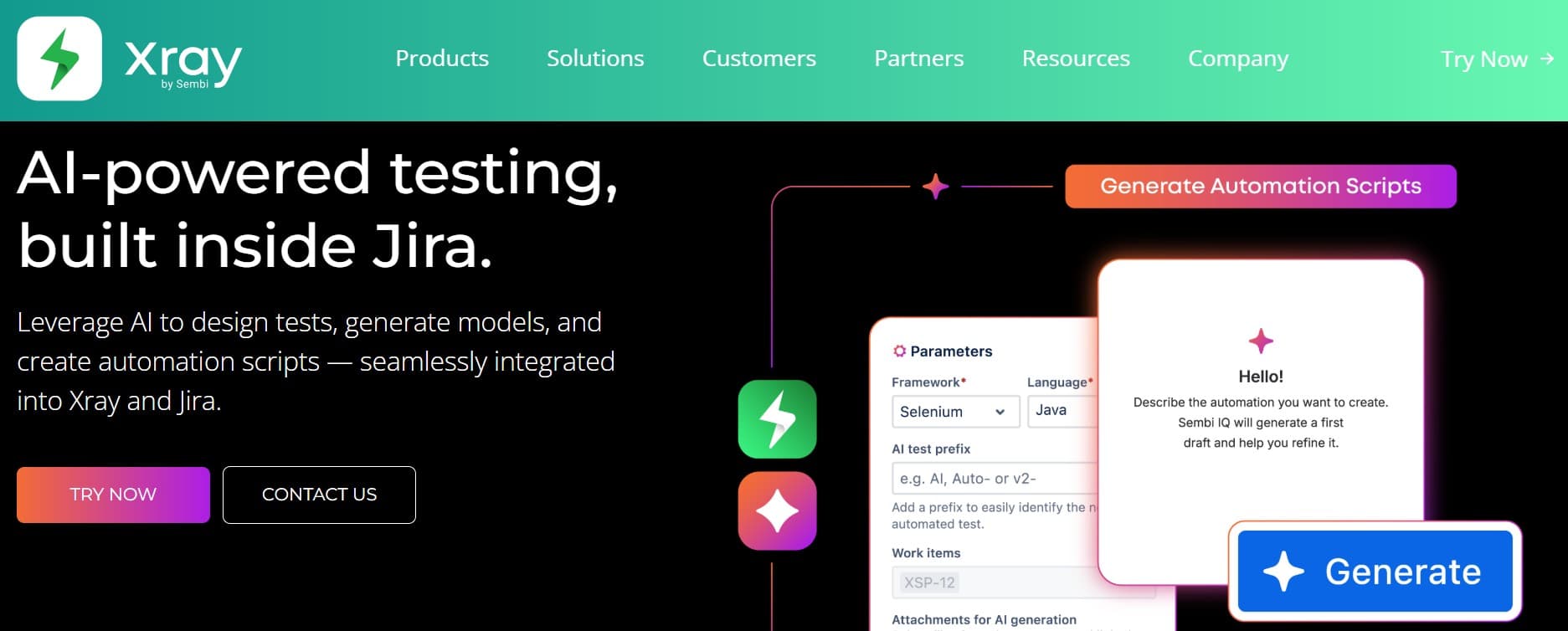
Xray (Xpand IT) is the most flexible Jira-native option. Cucumber, BDD, a deep REST API, and broad data-model flexibility. Strong for engineering-led QA where developers contribute tests directly.
Key features:
- Test cases as Jira issues, with native rights and visibility.
- Native Cucumber and BDD/Gherkin support.
- REST API and a separate Xray GraphQL API for CI integration.
- Test plans, test sets, and test executions as separate issue types.
- Support for manual, automated, exploratory, and Cucumber test types.
- Integrations for Jenkins, GitHub Actions, GitLab CI, Bitbucket Pipelines, Azure DevOps.
Where it wins:
- Engineering teams in Jira adopt with near-zero cognitive switch.
- BDD support is genuinely first-class.
- REST and GraphQL APIs support real CI integration.
- Native Jira rights mean cross-team visibility doesn't need extra license tiers.
Where it falls short:
- UI inherits every Jira quirk; non-engineers find it steep.
- Custom approval workflows are thinner than dedicated tools.
- AI authoring is still limited.
- Performance can degrade in very large test repositories.
Best for: Jira-centric engineering orgs where developers contribute tests and BDD or a strong API surface matters.
Choose this if you want maximum Jira-native flexibility, BDD support matters, and AI authoring is secondary.
3. Zephyr Scale: enterprise Jira polish
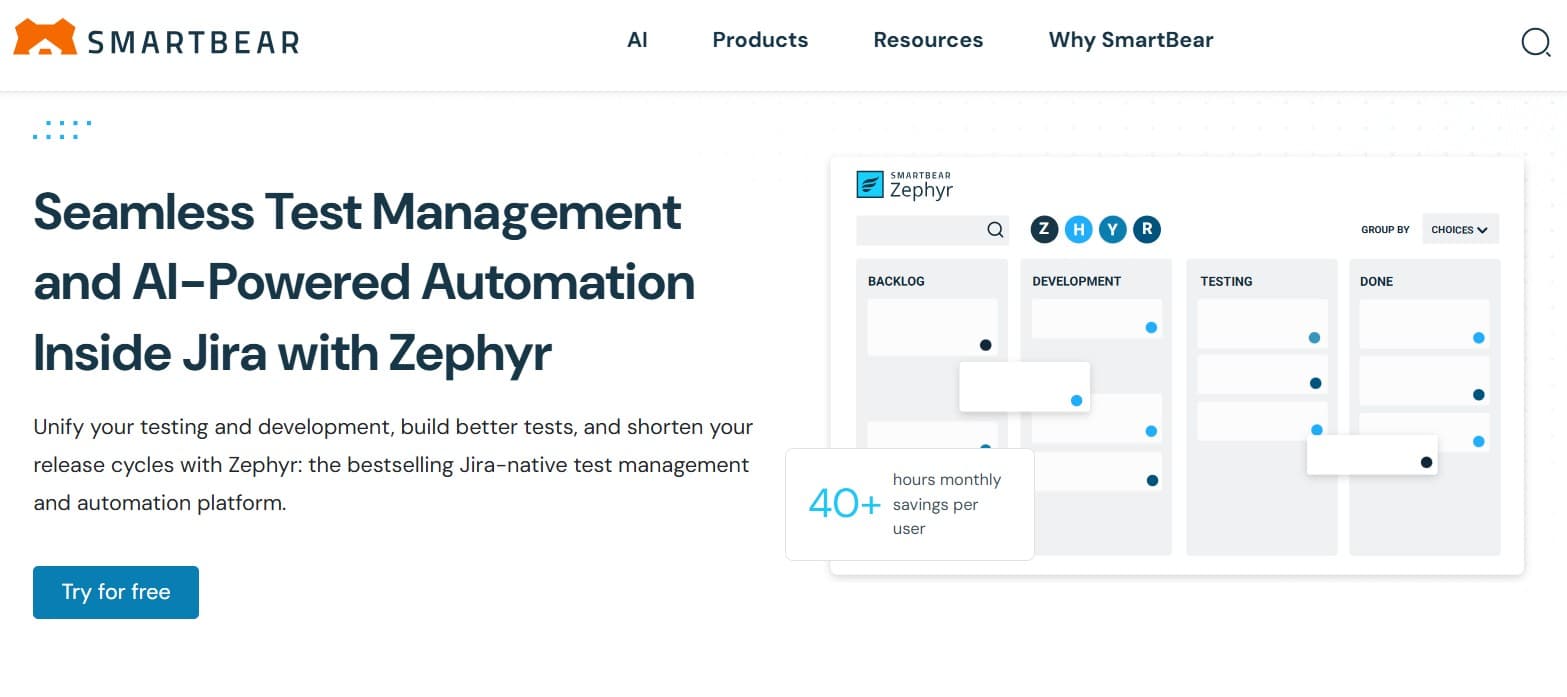
Zephyr Scale (SmartBear, formerly TM4J) is the polished Jira-native option. Stronger cross-project reporting than Xray, cleaner case organization, enterprise tone. Large Jira-centric programs running multiple QA teams tend to land here.
Key features:
- Hierarchical folders and parameterized test cases.
- Cross-project reporting and dashboards for engineering leadership.
- Test plan and test cycle management with planning views.
- Native Confluence integration alongside Jira.
- REST API and integrations with major CI providers.
- Custom field support that doesn't require Jira admin work.
Where it wins:
- Cross-team reporting at enterprise scale is genuinely strong.
- Cleaner case organization than Xray.
- Mature Jira integration that feels purpose-built.
- Confluence link helps for teams that document requirements there.
Where it falls short:
- Cost at scale is a real line item.
- AI features are limited.
- Less flexible than Xray for unusual data models.
Best for: large Jira-centric orgs with multiple QA teams and cross-team reporting requirements.
Choose this if you're a large Jira-centric org that needs cross-team reporting.
4. Zephyr Squad: lightweight Jira-native tracking
Zephyr Squad is the lighter sibling of Zephyr Scale. Less polished, less flexible, but inexpensive and adequate for smaller Jira-based teams that don't need enterprise depth. The product is maintained but isn't where most of the Zephyr line's investment goes.
Key features:
- Test cases as Jira issues with linked execution cycles.
- Basic test cycle management and reporting inside Jira.
- Public REST API for CI integration.
- Integrations with Jenkins, GitHub Actions, GitLab CI for triggering automated runs.
- Cloud and Data Center deployments.
Where it wins:
- Lowest cost of the Jira-native options.
- Fast install and easy ramp for small teams.
- Adequate for teams whose "test management" needs are tracking and traceability.
Where it falls short:
- Reporting depth is thin; not the right pick if leadership wants dashboards.
- No real AI features.
- Limited customization compared to Scale or Xray.
- Conservative roadmap.
Best for: small or growth-stage teams that want a basic Jira-native test layer.
Choose this if you want a basic Jira-native test layer and budget matters more than depth.
5. qTest: Jira-connected enterprise heavyweight
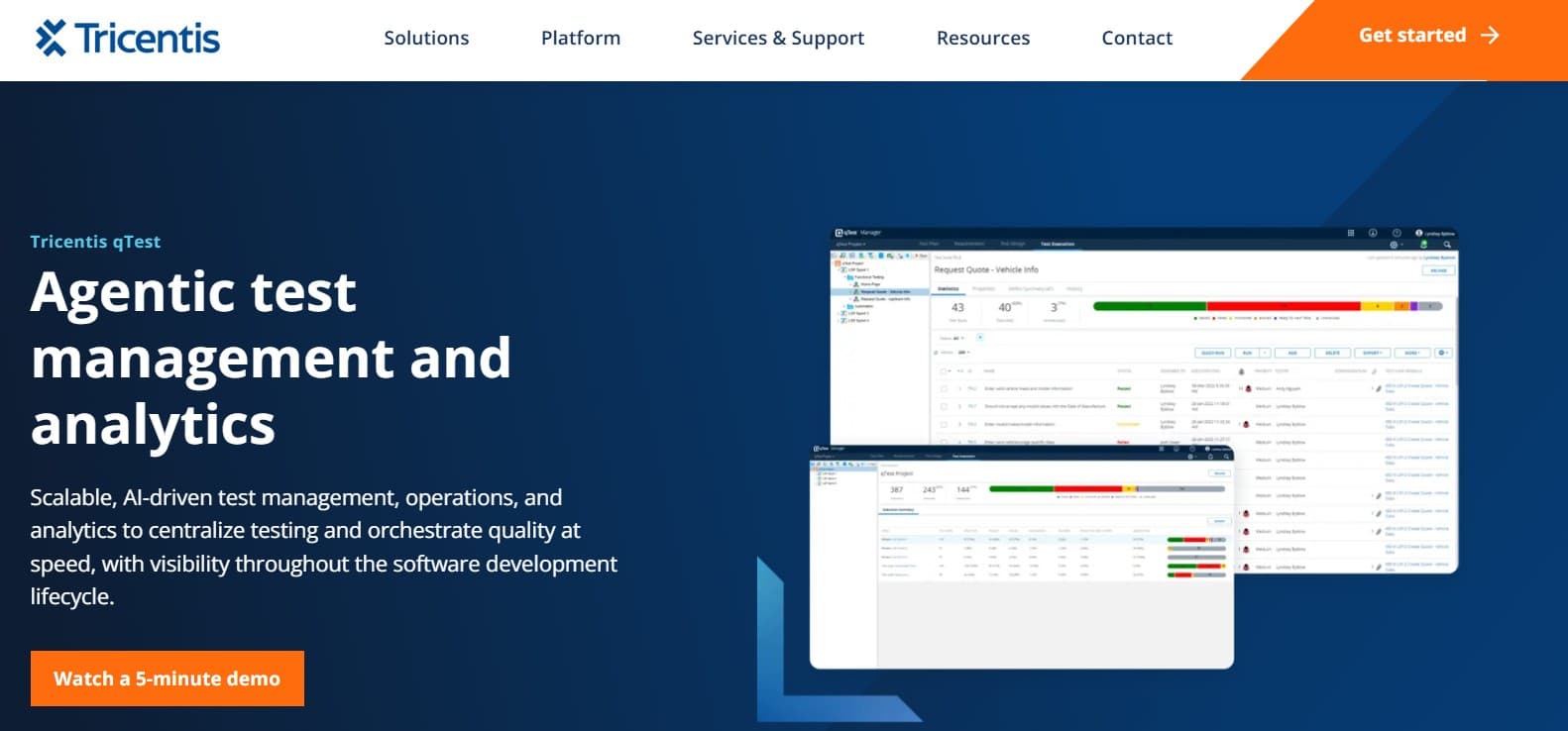
qTest (Tricentis) is Jira-connected and built for large, regulated QA programs. Strong traceability, audit history, admin controls. Heavy cost, heavy implementation. The Jira integration is real but the product isn't Jira-native; it sits beside Jira with two-way sync. See best qTest alternatives for the broader picture.
Key features:
- Deep requirements traceability from Jira issues through to runs.
- Role-based access designed for compliance audits.
- Integration with the wider Tricentis platform (Tosca, qTest Pulse, qTest Explorer).
- Two-way Jira sync with linked-issue and defect support.
- Custom workflows for enterprise QA programs.
- Built for global QA orgs spanning many teams and geographies.
Where it wins:
- Compliance and audit posture for regulated industries is deep.
- Cross-program reporting at enterprise scale.
- Admin model handles global QA orgs cleanly.
- Integration with Tosca matters when both are already in play.
Where it falls short:
- Heavyweight; wrong fit for growth-stage teams.
- AI features are bolt-ons.
- Pricing scales fast at enterprise tier.
- Implementation effort is non-trivial.
Best for: large regulated enterprises (pharma, banking, medical devices) using Jira as the engineering surface.
Choose this if you're a large regulated enterprise with Jira as the engineering work surface.
6. TestRail: the familiar Jira-connected default
TestRail (Idera) with Jira integration is the familiar default. Mature integration, wide community, recent AI additions on the margins. Many QA engineers already know it from a previous job.
Key features:
- Test case repository with suites, sections, and milestones.
- Test runs and test plans with configurable workflows.
- Mature Jira integration (linked issues, defect creation, status sync).
- REST API with broad coverage.
- Recent AI features for case suggestions, summarization, and run analysis.
- Integrations with most major CI tools (Jenkins, GitHub Actions, GitLab CI, CircleCI, Bamboo).
Where it wins:
- Familiar to many QA engineers; short ramp-up.
- Deep community resources.
- Pricing is generally lower than enterprise Jira-native options.
- Broad API coverage for CI integration.
Where it falls short:
- AI features sit on a 2010s-era core.
- Audit history is lighter than enterprise compliance tools.
- Slow product evolution compared to newer entrants.
- Support response at lower tiers is mixed.
Best for: teams wanting a familiar dedicated QA tool linked to Jira where AI isn't the primary driver.
Choose this if familiarity matters and AI isn't a primary driver.
7. Qase: clean modern Jira-connected external tool
Qase is Jira-connected with a clean modern UI. Real two-way sync, comprehensive API, modern UX. AI features are catching up but still on the lighter side. For deeper coverage see best Qase alternatives.
Key features:
- Modern UI optimized for QA daily workflow.
- Free tier usable for small teams; paid tiers for advanced features.
- Real CI/CD integrations (GitHub Actions, GitLab CI, Jenkins, CircleCI, Bitbucket Pipelines).
- Public REST API with comprehensive coverage.
- AI features for case generation, defect summarization, and suite analysis.
- Two-way Jira integration with linked-issue support.
Where it wins:
- Modern UX with short ramp-up.
- Free tier keeps trial cost low.
- Broad API surface for custom workflows.
- AI features improving each quarter.
Where it falls short:
- Compliance depth is lighter than enterprise tools.
- AI sits on a non-AI core.
- Jira sync is real but less deep than the native options.
- Reporting at large scale isn't at enterprise tier.
Best for: teams wanting a modern external test management tool with a clean Jira link.
Choose this if you want a modern external tool linked to Jira with a low onboarding cost.
Tool comparison summary
| Tool | Strengths | Limitations | Best for |
|---|---|---|---|
| qtrl | Jira-connected AI execution + management + audit | Newer entrant; fewer legacy certs than incumbents | Jira-centric teams wanting AI on the QA side |
| Xray | Jira-native flexibility, BDD depth, strong APIs | Jira-quirky UI; limited AI authoring | Engineering-led Jira-centric orgs |
| Zephyr Scale | Enterprise polish, cross-team reporting | Cost at scale; limited AI | Large Jira-centric enterprises |
| Zephyr Squad | Inexpensive Jira-native option | Thin reporting; no AI; conservative roadmap | Small teams wanting basic tracking |
| qTest | Deep traceability, enterprise admin | Heavyweight; AI bolt-on; high implementation cost | Large regulated programs |
| TestRail | Familiar, mature integration, lower cost | 2010s core; lighter audit; slow evolution | Familiarity over AI |
| Qase | Clean modern UX, free tier, growing AI | Lighter compliance; sync depth less than native | Modern external tool with Jira link |
How to evaluate without burning a quarter
A pragmatic playbook for picking between Jira-native and Jira-connected:
- Map who edits and who reads. If everyone editing and reading already has a Jira seat, Jira-native is cheaper. If half your readers are compliance or PMs without Jira seats, Jira-connected usually wins on cost.
- Run real sync failure modes. Disconnect Jira mid-run, edit from both sides, change a case status while Jira is offline. The tool that recovers gracefully is the one that'll keep QA trusting the integration two years in.
- Test field mapping in trial. Custom fields are where most migrations break. Document what you have, decide what you keep.
- Validate read-access cost. Get a real seat count and a real price quote. Jira-native pricing scales with Jira seats; Jira-connected pricing is independent.
- Have a developer find a result. Ask someone outside QA to find the test results for the feature they shipped last week. If they can't do it without help, you haven't solved the visibility problem.
- Plan the cutover. Freeze the old tool as read-only, set a date, commit. Running both indefinitely is how migrations stall.
The license math nobody runs upfront
Jira-native tools look cheap right up until you count the seats. Test cases as Jira issues sound great until your compliance team needs read-only access for twelve auditors and you're suddenly paying Jira-seat prices for twelve people who only ever read one report. The Jira-connected tools price differently and often work out cheaper at the read-access tier. Worth doing the math on actual seat shape before committing, because moving later is painful. Atlassian's own Jira REST API documentation is the most useful reference for understanding what sync depth a connected tool can actually achieve.
Where qtrl fits in a Jira test management stack
The Jira-native tools answer the "where do tests live" question. They don't answer the "and how do they get executed against the real product every release" question. The usual split: a Jira-native test app for management plus a separate Playwright or Cypress repo for execution, stitched through CI. qtrl collapses that into one connected system, with progressive autonomy (you choose when agents run unsupervised), adaptive memory, and immutable audit history out of the box. For broader context, see best Jira testing tools in 2026. For the regulatory baseline most regulated teams now plan against, the ISO/IEC/IEEE 29119 standard is the cleanest vendor-neutral reference.
Frequently asked questions about Jira test case management tools
What is the best Jira test case management tool in 2026? For maximum Jira-native flexibility, Xray. For enterprise polish, Zephyr Scale. For lightweight, Zephyr Squad. For AI execution alongside Jira, qtrl. For regulated enterprise, qTest. For familiar workflow, TestRail. For modern external, Qase.
Does Jira come with built-in test management? No. Atlassian doesn't ship a first-party test management product. The whole category is Marketplace apps and connected external tools.
Can I use Jira issues as test cases directly? You can, but it gets messy quickly. Custom issue types and statuses lack the primitives a test case needs (steps, expected results, run history). The purpose-built tools exist for a reason.
How much do Jira test management plugins cost? Most are tier-based on Jira seat count. Xray and Zephyr Scale at enterprise tiers cost real money. Zephyr Squad is lighter. Jira-connected tools (qtrl, TestRail, qTest, Qase) price independently of Jira. Tier carefully on actual-needed-seats rather than total Jira users.
Jira-native or Jira-connected, which should I pick? Jira-native suits teams where every editor and reader has a Jira seat. Jira-connected suits teams with significant read-only QA audience (compliance, PMs, leadership) who don't need full Jira access.
Can I migrate from one Jira test tool to another? Yes, and most vendors advertise importers. Run any import on a real, messy project before committing. A demo import isn't a migration test.
Which Jira test tool has the best AI features? qtrl is the most AI-native (agentic execution, AI authoring, adaptive memory, progressive autonomy). Qase and TestRail have AI additions on non-AI cores. The Jira-native tools are not primarily AI-driven today.
Do Jira test tools actually run the tests, or just track them? Most track. The Jira-native apps manage cases and record results that execution produced somewhere else, usually a Playwright or Cypress repo wired through CI. If you want the tool to drive the browser itself, that's the agentic-execution end of the market. See best agentic testing tools.
How does the EU AI Act affect Jira test case management? It affects how easy compliance is, not whether you can achieve it. Tools that produce immutable evidence as a byproduct of normal work are easier than tools that need bolt-on integrations.
What others say
What others say about Xray
“Xray is overrated and hard to work with. It is slow, lags on large test sets, and the UX is unclear.”
G2 reviewer, QA Team Lead (Mid-Market) · G2 reviews
“Xray does not prevent duplicate issues, lacks Slack integration, cannot report issues from email, and has no external dashboard.”
G2 reviewer, Junior Software Tester (Mid-Market) · G2 reviews
What others say about Zephyr Scale
“The UI is initially confusing, integrations sometimes need better syncing, large test cases can be slow, pricing feels high for smaller teams, and support can be delayed.”
G2 reviewer, Manual Tester (Enterprise) · G2 reviews
“Reliable overall, but reporting and performance are areas needing improvement, and large repositories can feel slow.”
Gartner reviewer, Engineering Manager in IT Services (500M–1B USD) · Gartner Peer Insights
What others say about qTest
“The Azure Pipelines integration does not fully update test status, which limits how much you can trust the automated results.”
G2 reviewer, IT and Services (Mid-Market) · G2 reviews
“Advanced metrics and reporting feel clunky and workflow customization is limited.”
G2 reviewer, Functional Tester (Mid-Market) · G2 reviews
The two checks that decide the right pick
Two things move the needle more than anything else when picking a Jira test case management tool, and most teams skip both.
First, run the license math on actual seat shape. Test cases as Jira issues sounds free until you count the read-only auditors and PMs who suddenly need Jira seats. Jira-connected tools price differently for a reason.
Second, test sync failure modes, not the happy path. Disconnect Jira mid-run, edit from both sides, change an issue type. The tool that recovers gracefully is the one QA will trust two years in.
If Jira-connected case management with AI execution is what you're shortlisting, try qtrl and see how it fits next to your Jira setup.
Have more questions about AI testing and QA? Check out our FAQ