
Best AI tools for QA automation in 2026: 7 picks compared
By qtrl Team · Engineering
For the execution tier specifically, AI in QA automation lands in three shapes: smart locator maintenance, natural-language authoring, and agentic browsers driving the app from intent. The seven tools below affect how automated tests get authored, run, and maintained in 2026. The wider QA-lifecycle question lives in AI tools for QA across the lifecycle. Vendor disclosure: qtrl is on the agentic side. The judgement calls below come from more than a decade of building and breaking automated test suites across enterprise and growth-stage teams.
What we mean by "AI tools for QA automation"
An AI QA automation tool, for this shortlist, is one where machine learning or an LLM materially changes how automated tests get authored, executed, or maintained. That excludes tools that simply added an "AI" label to a feature shipped two years ago, and it excludes the wider QA-lifecycle AI (case management, defect triage, audit) covered in AI tools for QA across the lifecycle. What stays in scope: tools that change selector behaviour with ML, tools that produce runnable artifacts from natural language, and tools where an agent drives the browser from intent rather than a recorded script. Anything else is regular test automation with a rebrand.
TL;DR: the seven AI tools for QA automation that actually compete
For agentic intent-driven execution with management built in, qtrl. For BrowserStack customers wanting AI execution on existing capacity, Kane AI. For ML-assisted maintenance and flake triage on a managed platform, Mabl. For natural-language authoring without owning a framework, Functionize. For selector stability on recorded tests, Testim. For AI authoring inside an existing Tosca workflow, Tosca with Copilot. For visual coverage that scripted assertions miss, Applitools. Pricing varies per vendor; pull current numbers from each sales team.
Three shapes of AI in QA automation
The shapes matter because they sit at different points in the pipeline and break differently. Mixing them up leads to picking the wrong tool for the actual pain. A team buying a smart-locator tool when the real problem is "our flows change every two weeks" doesn't move the needle; a team buying an agentic tool when the pain is "a single class rename breaks our suite" is overkill. Diagnose first, then pick.
- Smart maintenance. ML reduces selector flake or clusters failures. The authoring and execution model is unchanged; the tool helps you keep what you already have.
- AI authoring. Natural-language input produces scripts or low-code flows. The script still runs through a conventional execution engine, but you didn't write it by hand.
- Agentic execution. The agent interprets intent and drives the browser. There's no script in the middle. Adaptive memory and progressive autonomy change the cost curve at scale.
What to look for in an AI QA automation tool
Nine criteria that decide a real evaluation:
- Match the shape to the pain. Selector flake, authoring speed, and agentic execution are different problems with different tools. Diagnose first.
- Resilience to UI drift. Two weeks of normal release cadence is the real test, not a demo flow on a stable page.
- WebDriver compatibility. Tools built on the W3C WebDriver standard port between clouds; tools relying on vendor-specific extensions are lock-in.
- Manual + AI in one run. If your suite mixes manual and AI, having both contribute to the same run beats stitching two histories.
- Integration with existing Playwright/Cypress/Selenium. Most teams keep some scripted tests. The right tool ingests their results rather than replacing them.
- CI integration depth. Real hooks for GitHub Actions, GitLab CI, Jenkins, CircleCI, Bitbucket Pipelines, Azure DevOps.
- Pricing under regression volume. Per-run or per-flow pricing climbs fast under real CI cadence. Validate before signing.
- Audit and compliance shape. The EU AI Act and NIST AI RMF expect evidence shapes scripted-only tools weren't designed for.
- Management layer fit. Decide upfront whether you're buying execution only (pair with TestRail, Jira, qtrl) or execution + management.
AI tools for QA automation compared at a glance
| Tool | Best for | Agent browser execution | Self healing tests | Natural language authoring |
|---|---|---|---|---|
| qtrl | Intent-driven execution + management | ✓ | ✓ | ✓ |
| BrowserStack Kane AI | BrowserStack customers | ✓ | ! basic | ✓ |
| Mabl | Flake triage + auto-healing | ! scripted runs | ✓ | ! limited |
| Functionize | NL authoring + managed | ! scripted runs | ✓ | ✓ |
| Testim | Selector-flake stability | ✗ | ✓ ML locators | ! limited |
| Tricentis Tosca + Copilot | Enterprise model-based | ! within Tosca | ✓ | ✓ |
| Applitools (Eyes + Autonomous) | Visual specialist | ! visual focus | ✓ visual baselines | ✗ |
1. qtrl: agentic execution with management built in
qtrl is the agent-driven option. Instead of generating a script that runs, agents interpret your test intent and exercise the app directly. The same repository holds manual cases. Adaptive memory means the second run benefits from what the first one saw. For teams tired of selector maintenance, the model is meaningfully different from anything that just "heals locators smarter."
Key features:
- Agentic browser execution with progressive autonomy (you set the level of agent initiative per flow).
- Natural language authoring from PRDs, user stories, design specs.
- Adaptive memory: agents learn your app's patterns across runs.
- Versioned test cases with branchable history and review-gated changes.
- Manual and AI execution in the same run, with one unified history.
- Immutable audit trail produced as a side-effect of normal work.
- Two-way Jira integration (issue links, status updates, defect creation).
- CI hooks for GitHub Actions, GitLab CI, Jenkins, CircleCI, Bitbucket Pipelines, Azure DevOps.
Where it wins:
- Execution doesn't depend on selectors at all; UI drift hurts less.
- Management is built in, not a separate purchase.
- Adaptive memory makes the second run faster than the first.
- Audit shape fits EU AI Act and NIST AI RMF without bolt-on integrations.
- Manual + AI runs share one history.
Where another tool fits better:
- If your real pain is selector stability on otherwise good scripted tests, Testim solves that more cheaply.
- If you're already deep in BrowserStack, Kane AI is the cleaner bundle.
- If visual regression is the biggest blind spot, pair with Applitools.
Best for: teams whose flows change often enough that scripted regression is breaking, and who want management + audit in the same system.
Choose this if you want execution that doesn't depend on selectors at all, and a management layer that holds the audit history.
2. BrowserStack Kane AI: agentic execution on the BrowserStack cloud
Kane AI is the agentic execution layer BrowserStack added on top of its cloud device farm. Natural-language test specs run against real browsers and devices, which is the differentiator: if you're already paying for BrowserStack capacity, you get agentic execution against the same device cloud without adding a new vendor.
Key features:
- Agentic execution against real browsers on BrowserStack capacity.
- Natural-language test specs.
- Bundled with existing BrowserStack contracts.
- Integrations with BrowserStack Test Observability.
- Real-device mobile execution on the BrowserStack cloud.
- CI integration with the standard major providers.
Where it wins:
- Procurement is already done for BrowserStack customers.
- Device cloud bundling avoids paying twice for capacity.
- Mobile coverage is genuinely strong.
- Test Observability reporting is mature.
Where it falls short:
- No standalone management layer; pair with TestRail, Jira, or qtrl.
- Locked into BrowserStack's pricing model.
- Audit shape is built for cloud test runs, not regulated AI testing.
- Wrong direction if you're evaluating away from BrowserStack already.
Best for: BrowserStack customers wanting agentic execution on top of existing capacity.
Choose this if BrowserStack capacity is already in your stack and you want agentic execution on the same infrastructure.
3. Mabl: ML-assisted maintenance and flake triage
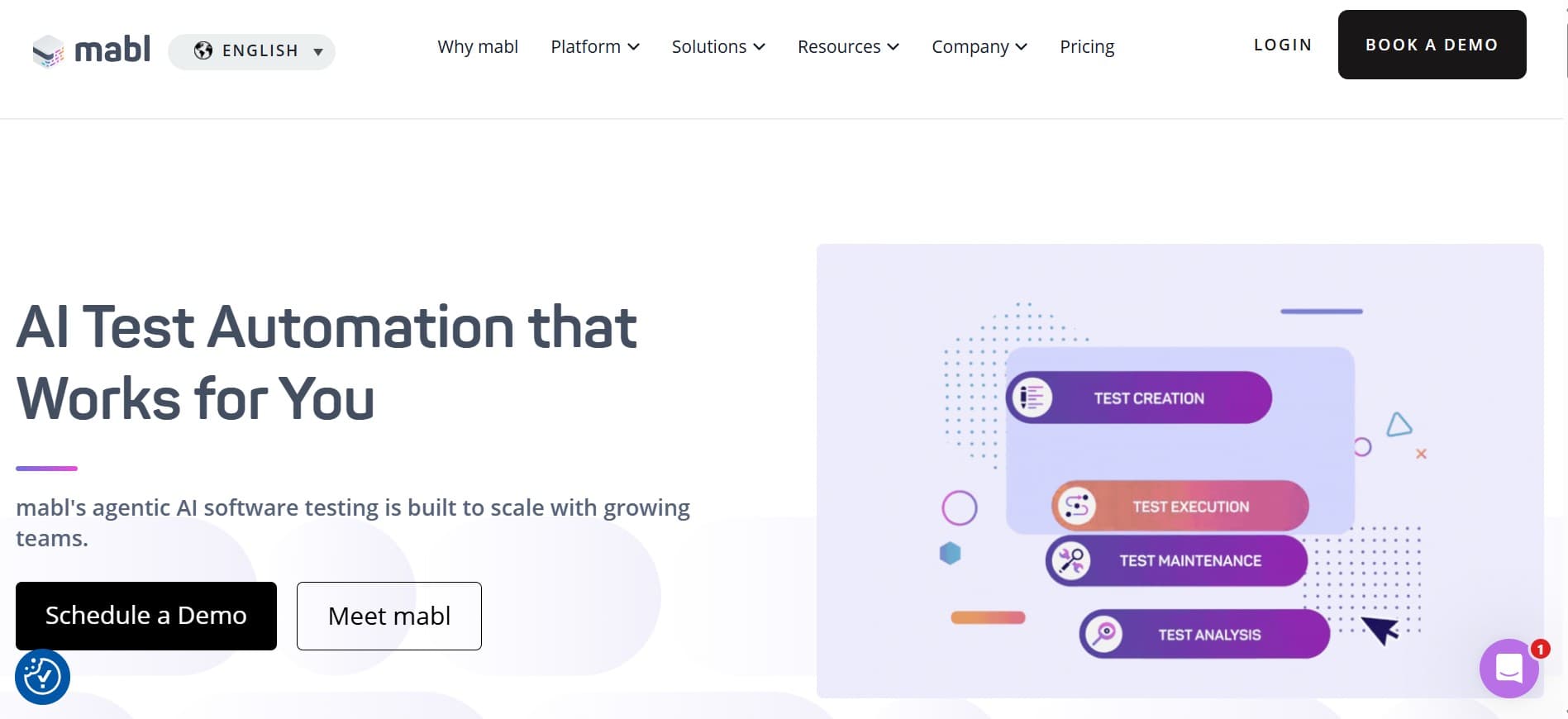
Mabl is the platform you pick when the goal is "less time triaging flaky runs," not "rethink how authoring works." Execution is still scripted under the hood, but the analytics and auto-healing focus is on what breaks in real CI. Mature, low-drama, predictable.
Key features:
- Low-code authoring with ML-assisted element identification.
- Auto-healing tests that adapt to small UI changes.
- Managed cloud execution across browsers.
- API testing and accessibility testing add-ons.
- Test analytics and flake clustering dashboards.
- Native CI integration (GitHub Actions, GitLab CI, Jenkins, CircleCI).
Where it wins:
- Auto-healing cuts flake on small UI changes.
- Flake analytics genuinely accelerate triage.
- Managed execution removes infrastructure work.
- Predictable behavior over months of release cadence.
Where it falls short:
- Execution is scripted, not agentic.
- Low-code abstraction has a ceiling on complex flows.
- No real-device cloud; mobile coverage is shallow.
- NL authoring is limited.
Best for: teams whose daily cost is flake triage and CI noise, not authoring speed or agentic execution.
Choose this if the daily cost is flake triage and CI noise more than authoring speed.
4. Functionize: NL authoring on a managed platform
Functionize is the natural-language-to-script veteran. Type what the test should do, the platform produces a runnable artifact and maintains the selectors. The opinionated platform model removes the framework-maintenance question entirely, which is the win for teams without a dedicated SDET function.
Key features:
- Natural-language test authoring with ML execution.
- Managed cloud platform with no framework to maintain.
- Self-healing tests against UI changes.
- Visual testing and data-driven testing.
- Integrations with major CI providers.
- Enterprise-tier support and onboarding.
Where it wins:
- NL authoring is first-class, not an add-on.
- No Playwright/Cypress repo to maintain.
- Self-healing reduces maintenance overhead.
- Enterprise onboarding is mature.
Where it falls short:
- Execution is scripted under the hood, not agentic.
- Opinionated platform model resists non-standard flows.
- No structured management layer; pair with another tool.
- Enterprise-tier pricing from the start.
Best for: teams wanting NL authoring without owning a framework, where the platform's opinions are tolerable.
Choose this if you want NL authoring without owning a Playwright or Cypress repo, and the platform's opinions are tolerable.
5. Testim: ML-assisted locator stability
Testim's differentiator has always been smart locators. Record a test, Testim figures out the most stable way to identify each element across renders. Now part of Tricentis, the focus is still narrow: keep recorded tests stable, don't rebuild authoring from scratch.
Key features:
- ML-assisted locator strategies that survive minor UI changes.
- Record-and-tweak authoring with code export for advanced users.
- Mobile and web execution.
- Integrations with major CI providers and Jira.
- Test pull requests and branching workflows.
- Part of the broader Tricentis stack ( qTest, Tosca).
Where it wins:
- Selector stability is genuinely strong.
- Record-and-tweak fits teams that already work that way.
- Tricentis ecosystem integration if you're already on qTest or Tosca.
- Mature enterprise support.
Where it falls short:
- Not agentic; the AI is locator stability only.
- NL authoring is limited.
- Record-and-tweak feels dated for AI-native teams.
- Pricing is mid- to high-tier.
Best for: teams whose core pain is "tests break when devs rename a class," not "we need an agent to think for us."
Choose this if the pain is "tests break when devs rename a class," not "we need an agent to think for us."
6. Tricentis Tosca with Copilot: AI inside an existing enterprise stack

Tosca's model-based testing already abstracted away the script layer. Copilot adds AI on top of the same model, which is why this is more of an upgrade for existing Tosca shops than a switch target for everyone else. The migration cost in is real if you're coming from another platform.
Key features:
- Model-based test authoring with deep enterprise compliance primitives.
- Copilot for AI-assisted case generation within Tosca's workflow.
- SAP, Salesforce, ServiceNow, and broad packaged-app integration.
- Mobile, API, and web execution.
- Tight integration with qTest and the rest of the Tricentis stack.
- Mature enterprise governance and audit posture.
Where it wins:
- Compliance and audit depth for regulated industries.
- Packaged-app integration that nobody else matches.
- AI Copilot fits inside an existing enterprise workflow.
- Tricentis stack integration if you're already on it.
Where it falls short:
- Heavyweight; wrong fit for growth-stage QA orgs.
- AI is bolted on rather than woven through.
- Implementation effort is real.
- Locked into Tricentis pricing and procurement.
Best for: large enterprises already on Tosca who want AI assistance in their existing workflow.
Choose this if Tosca is already running and you want AI in the same workflow.
7. Applitools (Eyes + Autonomous): the visual specialist
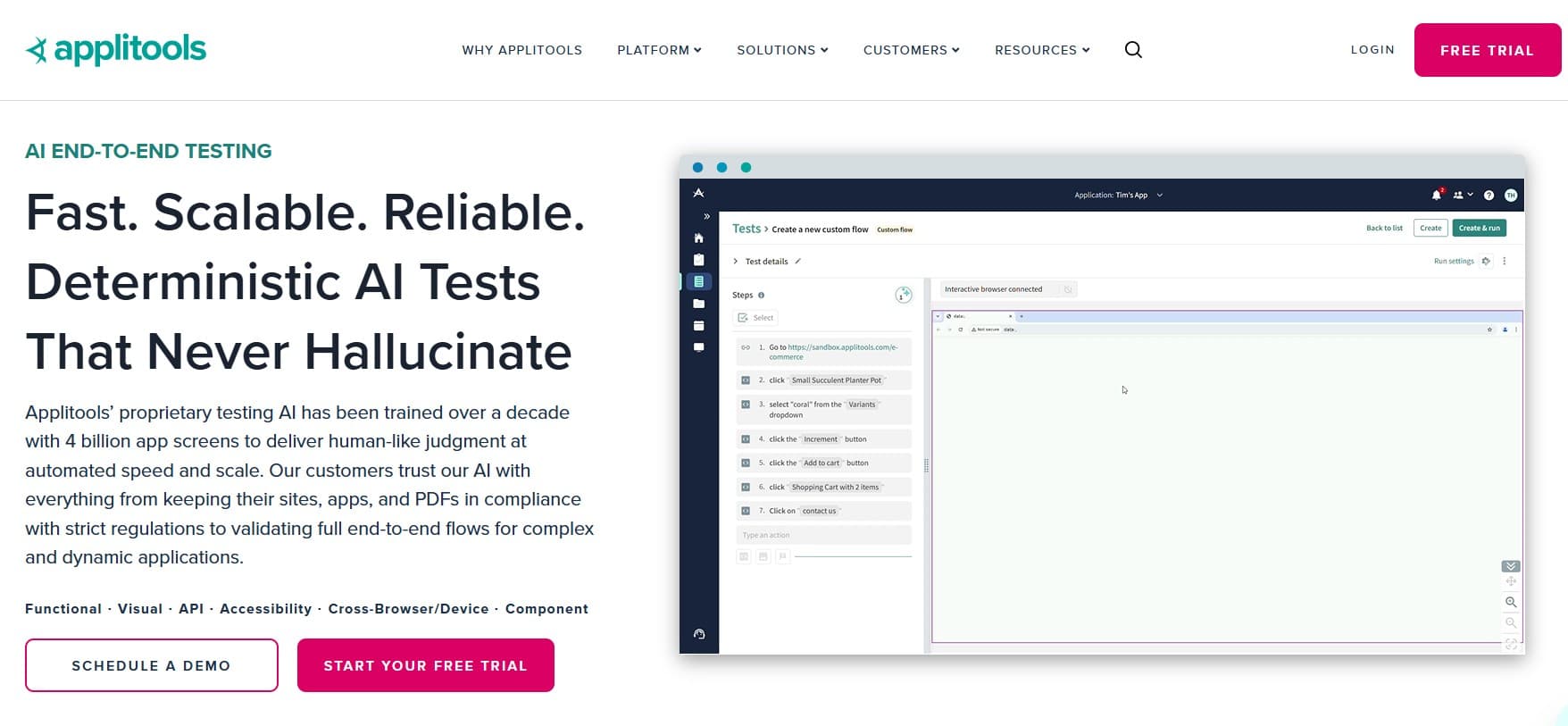
Applitools is the visual specialist that's expanded toward functional flows with Autonomous. For automation purposes, Eyes is the workhorse: it catches the rendering bugs that functional assertions miss entirely. Autonomous is newer and worth a real trial, not a feature-matrix tick.
Key features:
- Visual AI for cross-browser, cross-viewport visual regression.
- Ultrafast Grid for rapid visual checks across many combinations.
- Autonomous product for functional flow testing.
- Integrations with Selenium, Playwright, Cypress, WebDriverIO, Appium.
- Component-level visual testing for design systems.
- Root cause analysis for visual diffs.
Where it wins:
- Visual coverage at a depth nothing else matches.
- Ultrafast Grid replaces a lot of device-cloud cost.
- Mature framework support across major automation tools.
- Component-level visual checks fit modern design systems.
Where it falls short:
- Primarily a verification layer, not an executor or a manager.
- Pair with functional + management for the full stack.
- Pricing climbs with checkpoint volume.
- Autonomous functional capability is newer than Eyes and less proven.
Best for: teams whose biggest gap is rendering bugs that scripted functional assertions miss.
Choose this if visual regression is the biggest gap your scripted suite leaves open.
Tool comparison summary
| Tool | Strengths | Limitations | Best for |
|---|---|---|---|
| qtrl | Agentic execution + adaptive memory + management + audit | Newer entrant; not a device cloud | Intent-driven execution + management |
| BrowserStack Kane AI | Bundled with device cloud, mature cloud reporting | No standalone management; BrowserStack lock-in | BrowserStack customers |
| Mabl | Auto-healing, flake analytics, predictable platform | Scripted execution; low-code ceiling | Flake triage + maintenance pain |
| Functionize | NL authoring as first-class, managed platform | Scripted execution; opinionated; enterprise pricing | NL authoring without framework work |
| Testim | ML locator stability, mature enterprise support | Not agentic; dated authoring model | Selector flake as the core pain |
| Tricentis Tosca + Copilot | Compliance depth, packaged-app integration | Heavyweight; AI bolt-on; high implementation cost | Enterprises already on Tosca |
| Applitools | Visual AI depth, broad framework support | Verification layer; pair with functional + management | Visual coverage as the primary surface |
How to evaluate an AI QA automation tool
Most AI QA automation evaluations stall on the same patterns. A pragmatic playbook:
- Diagnose the real pain first. Selector flake, authoring speed, agentic execution. The right tool is determined by the actual problem, not the most exciting demo.
- Pick a flow with a known break history. Run the candidate against a flow that currently breaks weekly. Measure intervention rate and intervention time. The product of those two numbers is the real maintenance cost.
- Run two weeks of real release cadence. Demos pass; failure modes show up in week two.
- Validate WebDriver portability. Tools written to the W3C WebDriver standard port between clouds; vendor extensions are lock-in.
- Keep what works. Most teams end up with a hybrid: scripted Playwright or Cypress for stable, high-frequency regression; an AI tool for flows that change often. The right tool ingests both kinds of results.
- Bring management into the trial. If the tool is execution-only, decide upfront whether you'll pair it with TestRail, Jira, or qtrl, and wire that during the trial.
The selector vs. intent split
If you only take one thing from this list, take the split between locator-maintenance tools and agentic tools. They're solving different problems and live in different decades of the same category. Buying a smart-locator tool when the real pain is "our flows change every two weeks" doesn't move the needle. Buying an agentic tool when the pain is "a single class rename breaks our suite" is overkill. Diagnose first, then pick. For the testing-pyramid reasoning behind why some flows still belong in scripted unit and integration layers, see Martin Fowler's practical test pyramid.
Where qtrl fits in an AI QA automation stack
The selector-maintenance tools improve what you already have. The agentic tools change what you write in the first place. qtrl is the second category, with progressive autonomy (you control how much initiative the agent takes) and a management layer that holds versioned cases, manual runs, and audit history alongside the AI execution. For broader context on the agentic shift, see what is agentic testing and AI in software testing: hype vs reality.
Frequently asked questions about AI tools for QA automation
What is the difference between AI tools for QA and AI tools for QA automation? AI for QA is the wider category (management, triage, visual, unit-test generation). AI for QA automation narrows to the execution layer. See best AI tools for QA for the wider lifecycle view.
Should I rebuild my Playwright suite around an agentic tool? Usually not. Scripted Playwright is excellent for stable, high-frequency regression. The agentic tools earn their place on the parts of the product that change often or are non-deterministic. Most teams end up with both.
Are AI automation tools stable enough for production regression? For flows that change often, yes. For stable high-frequency regression, scripted tests are usually faster and cheaper.
How do I evaluate an AI QA automation tool? Run a real flow with a known break history for a week. Measure intervention rate and intervention time. The product of those two numbers is the real cost.
What is adaptive memory in an AI testing tool? It's the difference between an agent that starts each run cold and one that remembers your app's patterns across runs. Adaptive memory changes the cost curve at scale.
What is the difference between Kane AI and qtrl? Kane AI runs inside the BrowserStack pricing model and assumes a separate test management system. qtrl bundles AI execution with structured test management, audit, and manual + AI runs in the same history.
Can I use an AI tool with a device cloud? Yes. AI execution tools generally drive browsers; pair with BrowserStack, Sauce Labs, or LambdaTest for real-device coverage. See best BrowserStack alternatives for the device cloud picture.
How does the EU AI Act affect AI test automation tools? It expects immutable evidence of how AI-influenced features were tested. Tools that produce that shape by default are easier to comply with than tools that need bolt-on integrations.
What others say
What others say about Mabl
“No option to run plans from a custom branch other than master.”
G2 reviewer · G2 reviews
“Setup of QA testing often did not work as expected, and when it did, tests took so long to run that they slowed the development process.”
G2 reviewer · G2 reviews
“Highly priced and overly complicated for what you get.”
G2 reviewer · G2 reviews
What others say about Testim
“Test execution slows down when handling very large test suites, and pricing can be high for smaller teams compared to open-source frameworks.”
G2 reviewer · G2 reviews
“Limited integration with other tools, no mobile-device testing, does not support all languages, and debugging can be challenging.”
G2 reviewer · G2 reviews
“For complex scenarios you sometimes need to write custom code, network log visibility is limited, and some tests are flaky on reruns.”
G2 reviewer · G2 reviews
What others say about Functionize
“Automating certain dynamic UI elements is still a challenge.”
G2 reviewer · G2 reviews
“Test execution can be very slow and assigning a VM sometimes takes a while.”
G2 reviewer · G2 reviews
“AI and natural language test creation help, but there is a learning curve before you can use the system effectively.”
G2 reviewer · G2 reviews
What others say about Momentic
“Browser coverage is limited to Chrome, which is a real constraint for teams that need Safari or mobile coverage.”
Independent product review (Bug0) · Bug0 Momentic review
“Quote-based pricing makes it hard to budget or compare without a sales call.”
Independent product review (The CTO Club) · The CTO Club
“Tests live inside the platform. Momentic does not generate Playwright or Cypress code, so leaving means starting over.”
AI testing tools comparison (dev.to) · dev.to comparison
The two checks that decide the right pick
Two things move the needle more than anything else when picking an AI QA automation tool, and most teams skip both.
First, name the real pain. Selector flake, authoring speed, agentic execution: these are three different tools for three different problems. Diagnose before you shortlist.
Second, run on a flow that breaks weekly. The tool that recovers gracefully on your worst flow is the one actually solving your problem; everything else is a sales demo.
If you're sitting on the intent side of the selector vs. intent split, try qtrl and see how it fits next to whatever else is on your shortlist.
Have more questions about AI testing and QA? Check out our FAQ