
Best Testpad alternatives in 2026: 7 tools compared
By qtrl Team · Engineering
Outgrowing Testpad isn't a Testpad problem. The product does one thing well: keep manual checklists fast and free of ceremony. The friction starts when a team needs versioning, automation hooks, AI authoring, or an audit trail. The seven alternatives below cover the credible 2026 shortlist, sorted by what kind of team is doing the outgrowing. Vendor disclosure: qtrl is on the list.
TL;DR: the seven Testpad alternatives that actually compete
For teams scaling beyond manual into AI execution and audit, qtrl. For a clean modern mid-weight test management tool, Qase. For the most familiar dedicated QA tool, TestRail. For a slight step up that keeps Testpad's simplicity, Testiny. For another lightweight option with a clean Jira link, TestLodge. For Jira-centric teams that want tests as first-class Jira issues, Xray. For enterprise Jira programs with cross-project reporting needs, Zephyr Scale. Pricing varies per vendor; pull current numbers from each sales team.
What Testpad does well, and why teams still look elsewhere
Testpad keeps test plans on a single editable surface with checkbox runs. The strengths are real and worth naming: nearly zero setup, a teaching ramp short enough that non-QA contributors can author cases, no licensing theatre, and a price that doesn't scare a startup. For small teams whose QA process is dominated by exploratory and manual checklist work, Testpad still does the job better than the enterprise-shaped tools.
Three patterns push teams to look at alternatives. First, automation hooks. Testpad isn't built for automated test execution, and if your team has started writing Playwright or Cypress scripts, you need a tool that lives alongside CI. Second, versioning and review. A checklist is great until someone changes it without telling anyone; mature QA workflows want versioned cases with reviewable diffs. Third, AI. Test case generation, agentic execution, and structured audit shape weren't in Testpad's original brief and aren't in the roadmap.
What to look for in a Testpad alternative
Most replacement evaluations stall on feature lists because almost every tool checks almost every box. Nine criteria that actually decide which one fits the team you're becoming:
- How much heavier you can absorb. An enterprise tool drags every enterprise problem into a team that can't absorb the overhead. Match the upgrade to where you'll be in twelve months, not where you might be in five years.
- Case versioning and review workflows. Diffs, approvals, and rollback for real test case changes. Without versioning, a structured tool is just a slower spreadsheet.
- Automation framework support. If your team has started writing scripts, the tool needs first-class support for Selenium, Playwright, Cypress, Appium, or whatever else is in play.
- CI integration depth. Real GitHub Actions, GitLab CI, Jenkins, CircleCI, Bitbucket Pipelines, Azure DevOps hooks. Not a generic webhook with three caveats.
- Jira integration. Whether you go Jira-native or link from outside, the sync needs to handle case-to-issue links, status updates, and defect creation without manual intervention.
- AI authoring quality. Most modern tools can produce something from a PRD. Test it on a real PRD before you trust it on a live project.
- Agent execution. If AI agents driving the browser are part of where you're going, the tool either supports that natively or it doesn't.
- Import and migration. Testpad exports to CSV. The fidelity of any tool's CSV import varies. Run a real export of a real project before signing.
- Audit shape. If you're moving into regulated work, EU AI Act and ISO/IEC/IEEE 29119 set the evidence shape modern reviewers expect.
Testpad alternatives compared at a glance
| Tool | Best for | Case versioning + review | AI test generation | Agent browser execution |
|---|---|---|---|---|
| qtrl | Scaling into AI execution | ✓ | ✓ | ✓ |
| Qase | Clean modern mid-weight | ✓ | ! catching up | ✗ |
| TestRail | Familiar default | ✓ | ! recent additions | ✗ |
| Testiny | Small teams, fast setup | ! basic | ! limited | ✗ |
| TestLodge | Lightweight Jira-linked | ! basic | ✗ | ✗ |
| Xray | Jira-native flexibility | ✓ | ! limited | ✗ |
| Zephyr Scale | Enterprise Jira polish | ✓ | ! basic | ✗ |
1. qtrl: structured management with AI execution built in
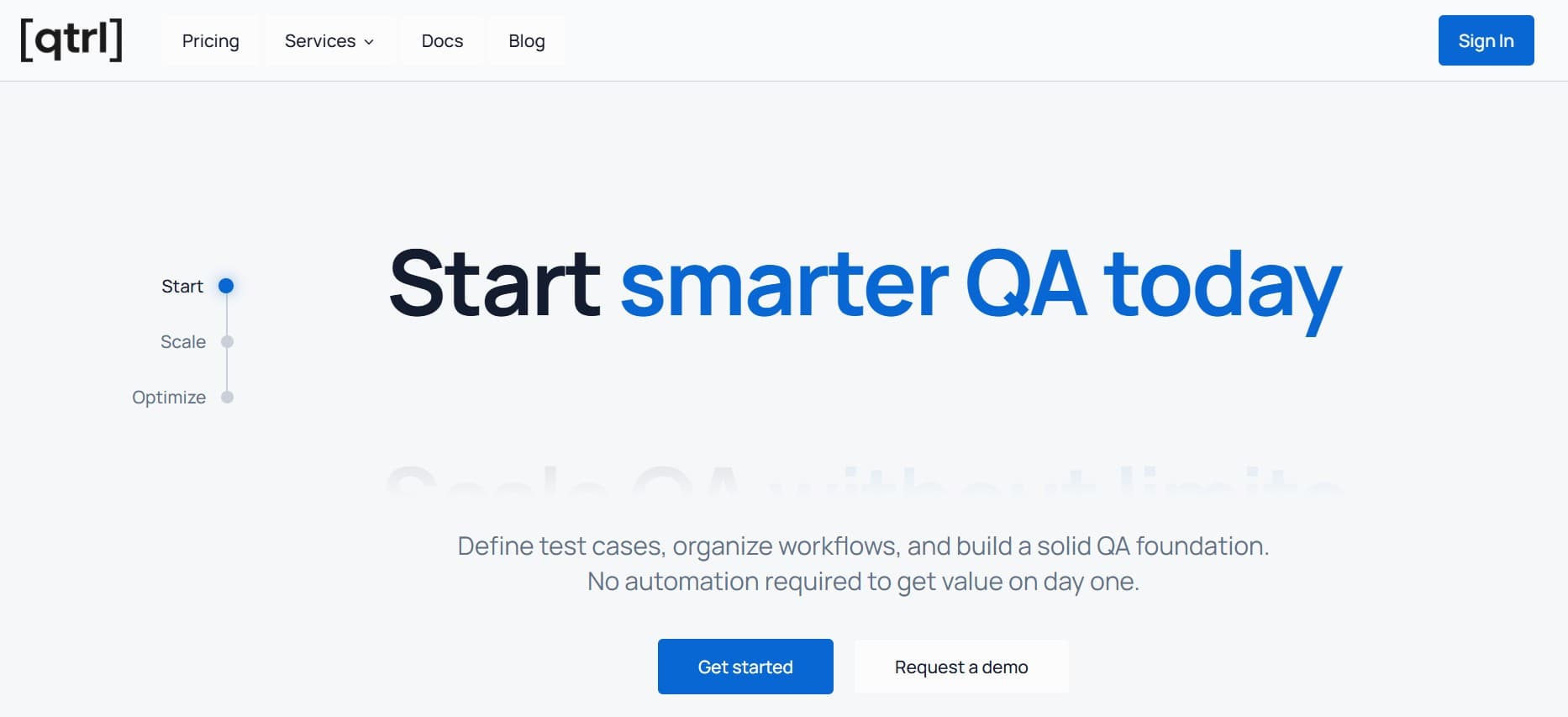
qtrl sits on the far end of the spectrum from Testpad. Where Testpad keeps things intentionally simple, qtrl gives you versioned cases, review workflows, manual and AI execution in one place, and an audit trail by default. The strongest fit is when a team has outgrown manual checklists not because Testpad got worse, but because the work has moved into automation, AI features, and structured audit.
Key features:
- Versioned test cases with branchable history and review-gated changes.
- AI authoring from PRDs, user stories, design specs, and exploratory sessions.
- Agentic browser execution with progressive autonomy (you set the level of agent initiative per flow).
- Adaptive memory: agents learn your app's patterns across runs rather than starting cold every time.
- Manual and AI execution in the same run, with one unified history.
- Immutable audit trail produced as a side-effect of normal work, not assembled at audit time.
- Two-way Jira integration (issue links, status updates, defect creation).
- CI hooks for GitHub Actions, GitLab CI, Jenkins, CircleCI, Bitbucket Pipelines, Azure DevOps.
Where it wins vs. Testpad:
- Built for the next stage: automation, AI authoring, agent execution.
- Versioned cases with review replace Testpad's flat checklist model.
- Audit shape fits modern regulatory frameworks without bolt-on work.
- Manual cases still fit cleanly, so the team doesn't lose what worked in Testpad.
Where another tool fits better:
- If your team is small and the work is genuinely all manual exploratory, Testpad or Testiny is the right weight.
- If you're Jira-centric and want tests as Jira issues, Xray or Zephyr Scale fit that shape better.
- If you're not ready to bring AI into the daily workflow yet, a simpler tool like Qase is a gentler step.
Best for: teams whose QA work has moved past manual checklists into automation, AI features, or audit-relevant testing.
Choose this if you're scaling beyond Testpad because the work itself has changed, not just because you outgrew the checklist UI.
2. Qase: the clean mid-weight
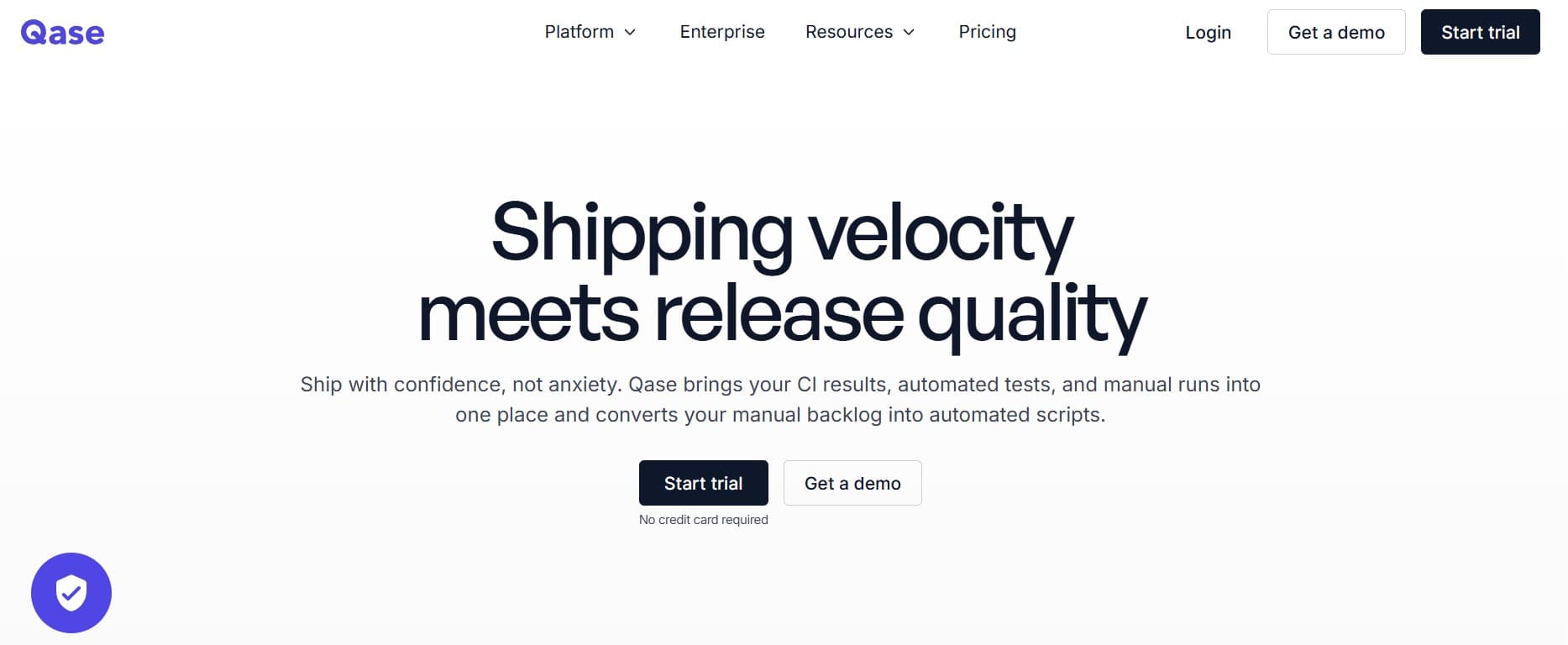
Qase is the cleanest mid-weight option. Familiar data model, modern UI, a usable free tier, real CI integrations, and a public API that doesn't feel like an afterthought. For Testpad teams that want a step up without enterprise heaviness, Qase is the most natural landing spot.
Key features:
- Modern UI optimized for QA daily workflow.
- Free tier usable for small teams; paid tiers for advanced features.
- Real CI/CD integrations (GitHub Actions, GitLab CI, Jenkins, CircleCI, Bitbucket Pipelines).
- Public REST API with comprehensive coverage.
- AI features for case generation, defect summarization, and suite analysis.
- Two-way Jira integration with linked-issue support.
- Native support for behavior-driven tests and parameterized cases.
Where it wins vs. Testpad:
- Structured cases with versioning and review.
- Real CI hooks for automation execution.
- Modern UI that doesn't feel like a tax to use.
- Public API makes custom workflows tractable.
Where it falls short:
- AI features sit on top of a non-AI core.
- Reporting depth at large scale isn't at enterprise tier.
- Compliance depth is lighter than the enterprise-grade tools.
- No native agent execution. See best Qase alternatives for more on this.
Best for: small to mid-size teams stepping up from Testpad who want a modern UX and a real API without committing to enterprise pricing.
Choose this if you want a clean modern test management tool with a familiar workflow and a low onboarding cost.
3. TestRail: the familiar default
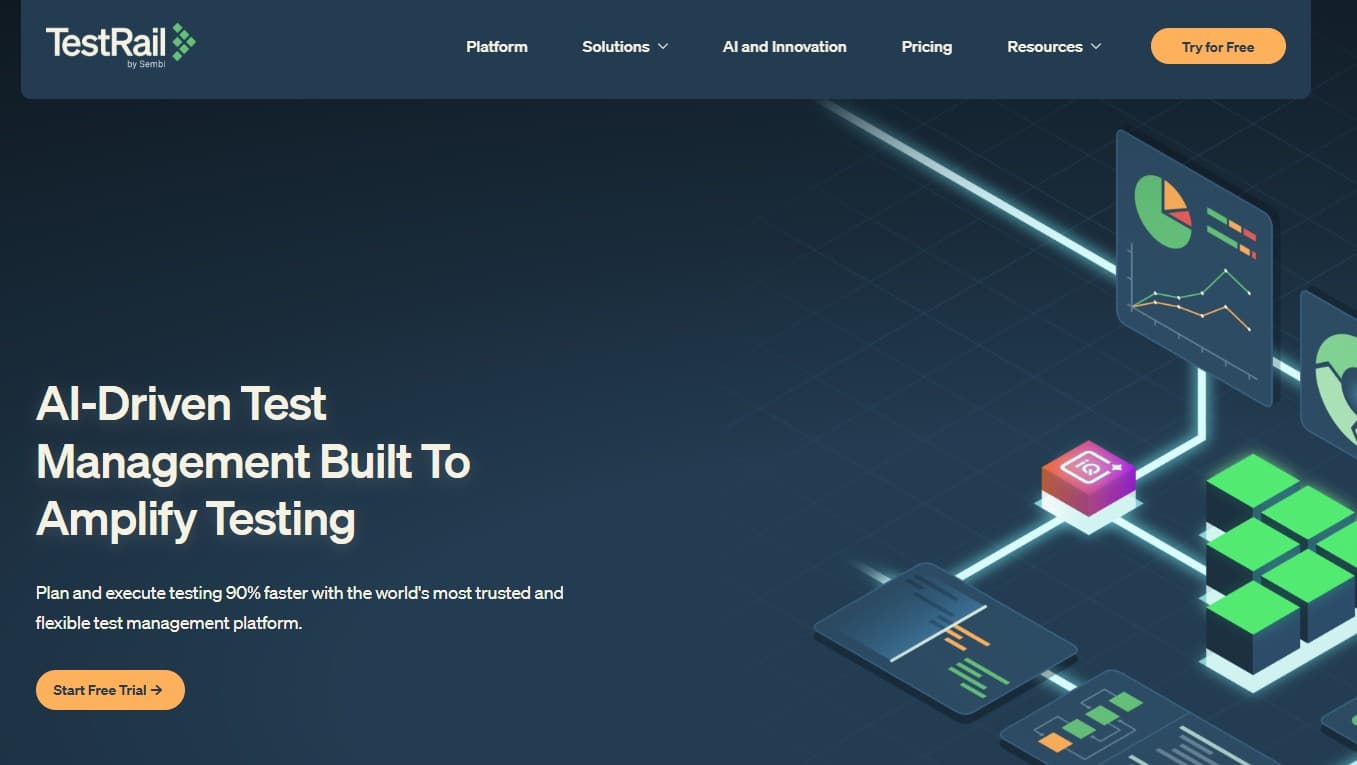
TestRail (Idera) is the most familiar name in the space. Mature, well-documented, and lots of QA engineers know it from a previous job. Recent AI additions help on the margins but don't change the underlying shape. Worth a look if you want familiarity, less interesting if AI features are why you're moving. See why QA teams are leaving TestRail for the broader picture.
Key features:
- Test case repository with suites, sections, and milestones.
- Test runs and test plans with configurable workflows.
- Integration with most major CI tools, Jira, Bugzilla, GitHub, GitLab.
- REST API with broad coverage.
- Recent AI features for case suggestions, summarization, and run analysis.
- Customizable case templates and fields.
Where it wins vs. Testpad:
- Structure that Testpad doesn't pretend to offer.
- Mature CI and Jira integration story.
- Familiar to QA engineers across the industry.
- Broad ecosystem of third-party tutorials and integrations.
Where it falls short:
- AI features sit on a 2010s-era core architecture.
- Slower product evolution than newer entrants.
- Audit history is lighter than enterprise compliance tools.
- Heavier setup than Testpad-class lightweight tools.
Best for: teams that want a familiar dedicated QA tool with broad community knowledge, where AI isn't the primary decision factor.
Choose this if familiarity matters and you don't need AI as a primary feature.
4. Testiny: the gentle step up
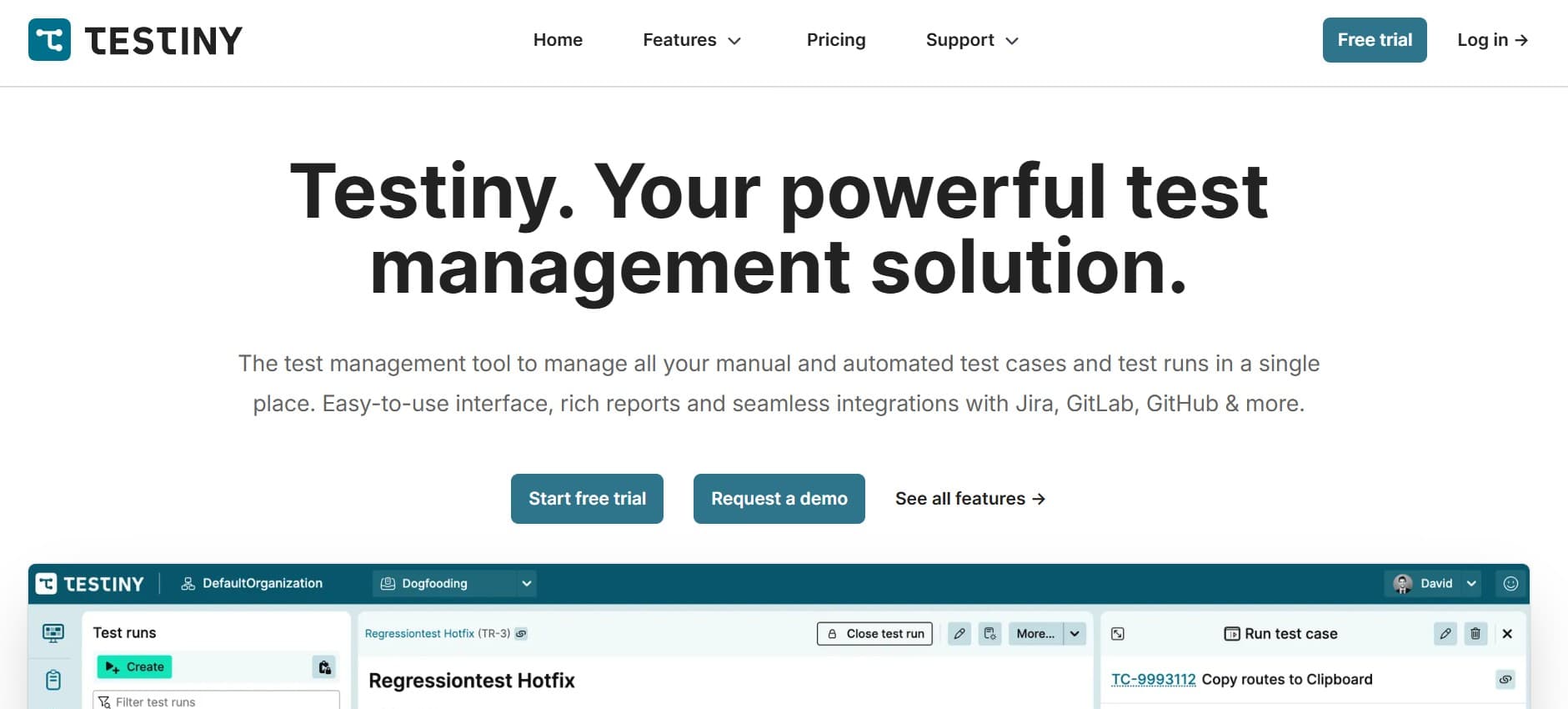
Testiny is closer in spirit to Testpad than most of this list. Opinionated, fast, doesn't try to be everything. A reasonable step up if you want a little more structure than Testpad but still value simplicity over completeness.
Key features:
- Lightweight test case structure with suites and runs.
- Modern UI with fast keyboard-driven workflow.
- Jira and GitHub integration.
- REST API for automation result ingestion.
- Affordable per-seat pricing for small teams.
- Cloud-hosted with minimal setup.
Where it wins vs. Testpad:
- Adds basic structure without the enterprise tax.
- Modern UI without the steep ramp of bigger tools.
- Jira and GitHub integration that Testpad doesn't match.
- Test runs and result tracking beyond pure checklists.
Where it falls short:
- No AI features.
- Limited reporting depth.
- Smaller ecosystem than TestRail or Qase.
- Not designed for agent execution.
Best for: small teams wanting a slight step up from Testpad with a similar minimal-overhead feel.
Choose this if you want a slightly more structured tool than Testpad without committing to a full enterprise platform.
5. TestLodge: another lightweight option
TestLodge is built around test plans, suites, and runs with a clean Jira integration. Less ambitious than the AI-native or enterprise tools, but capable and inexpensive. It's the kind of tool that doesn't generate excitement but doesn't generate complaints either.
Key features:
- Test plan, test suite, and test run structure.
- Jira integration with linked issues.
- Other issue tracker integrations (Bugzilla, FogBugz, GitHub).
- Public REST API.
- Email-based notifications for run updates.
- Predictable per-user pricing.
Where it wins vs. Testpad:
- Real test plan and suite structure.
- Solid Jira integration that Testpad doesn't match.
- Inexpensive at small team size.
- Stable, mature product without surprises.
Where it falls short:
- No AI features and no roadmap to add them.
- UI feels older than newer entrants.
- Reporting is basic.
- Slow product evolution.
Best for: small teams wanting a no-frills lightweight tool with a decent Jira link.
Choose this if you want a no-frills, predictable lightweight tool with a decent Jira link.
6. Xray: Jira-native flexibility
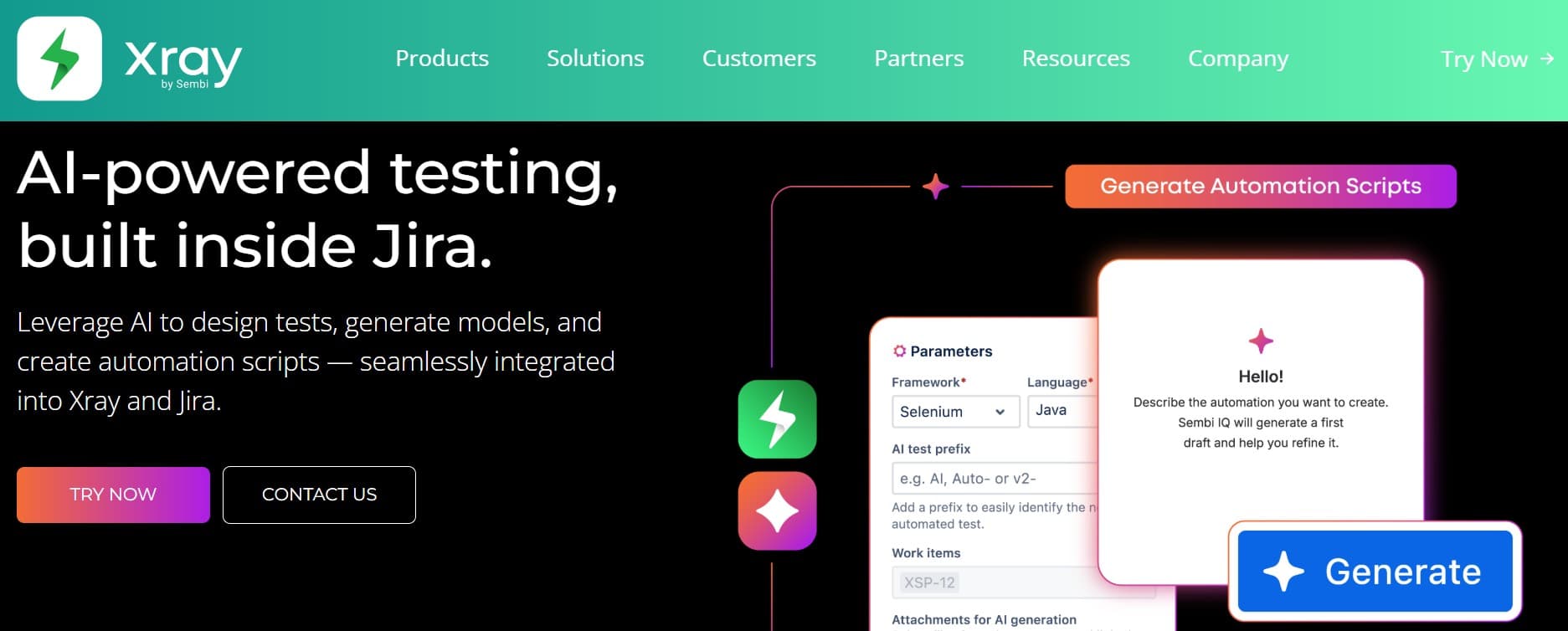
Xray (Xpand IT) is the Jira-native option that engineers tend to vote for. Test cases live as first-class Jira issues, with strong BDD support and a deep API. If you're leaving Testpad because the engineering team wants tests to live in Jira, Xray is the strongest pick.
Key features:
- Test cases as Jira issues, with native rights and visibility.
- Native Cucumber and BDD/Gherkin support.
- Strong REST API and a separate Xray GraphQL API for CI integration.
- Test plans, test sets, and test executions as separate issue types.
- Support for manual, automated, exploratory, and Cucumber test types.
- Integrations for Jenkins, GitHub Actions, GitLab CI, Bitbucket Pipelines, Azure DevOps.
Where it wins vs. Testpad:
- Tests live in the same place engineers already work.
- BDD support is genuinely first-class.
- API surface supports real CI integration.
- Cross-team visibility through native Jira rights.
Where it falls short:
- UI inherits every Jira quirk; non-engineers find it steep.
- AI authoring is limited.
- Custom approval workflows are thinner than dedicated tools.
- Heavyweight setup compared to Testpad.
Best for: Jira-centric engineering orgs where developers contribute tests and BDD or a strong API surface is part of the workflow.
Choose this if Jira is the center of gravity and you want tests to live there.
7. Zephyr Scale: enterprise Jira polish
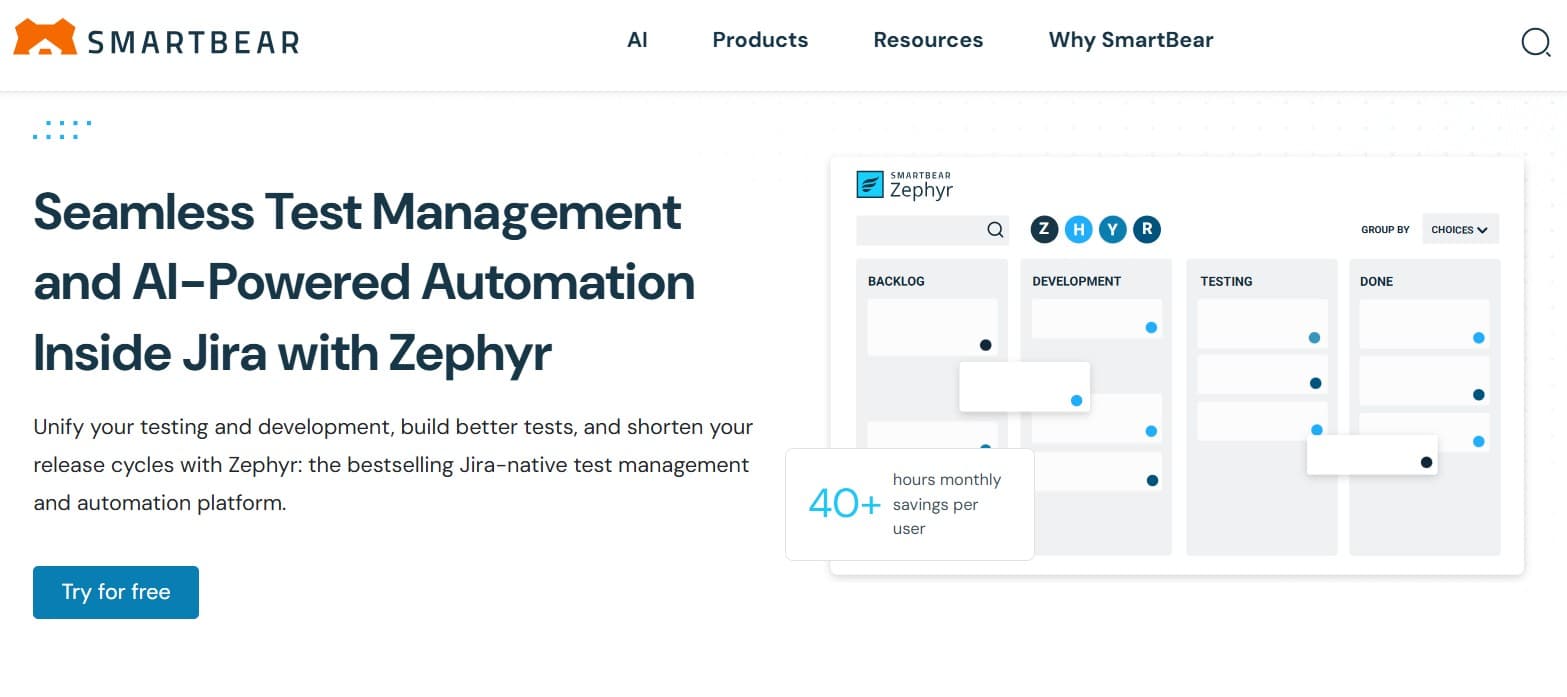
Zephyr Scale (SmartBear) is the more polished Jira-native option. Better cross-project reporting than Xray, a UI that feels less bolted on, and stronger enterprise procurement experience. Heavier on cost, more enterprise in tone.
Key features:
- Hierarchical folders and parameterized test cases.
- Cross-project reporting and dashboards for engineering leadership.
- Test plan and test cycle management with planning views.
- Native Confluence integration alongside Jira.
- REST API and integration with major CI providers.
- Custom field support that doesn't require Jira admin work.
Where it wins vs. Testpad:
- Genuine enterprise reporting depth.
- Cleaner case organization than Xray.
- Mature Jira integration that feels purpose-built.
- Confluence link helps for teams that document requirements there.
Where it falls short:
- Cost at scale is a real line item.
- AI features are limited.
- Heavier than the team you have today if you're leaving Testpad.
- Less flexible than Xray for unusual data models.
Best for: larger Jira-centric orgs that have outgrown Testpad and need cross-team reporting at enterprise scale.
Choose this if you're a larger Jira-centric org and you want enterprise polish.
Tool comparison summary
| Tool | Strengths | Limitations | Best for |
|---|---|---|---|
| qtrl | AI authoring + agent execution + versioned cases + audit | Heavier than Testpad-class tools; newer entrant | Teams scaling beyond manual into AI |
| Qase | Modern UX, free tier, good API, growing AI | AI on non-AI core; reporting depth at scale | Mid-weight clean modern swap |
| TestRail | Familiar, broad CI/Jira, lower cost | 2010s core; lighter audit; slow evolution | Familiarity over AI |
| Testiny | Lightweight, modern UI, affordable | No AI; limited reporting | Slight step up from Testpad |
| TestLodge | Mature, predictable, decent Jira link | No AI; basic reporting; older UI | No-frills lightweight pick |
| Xray | Jira-native flexibility, BDD depth, strong APIs | Jira-quirky UI; limited AI authoring | Jira-centric engineering orgs |
| Zephyr Scale | Enterprise polish, cross-team reporting | Cost at scale; limited AI | Large Jira-centric enterprises |
How to size the upgrade without overbuying
The most expensive mistake leaving Testpad is buying too much tool. An enterprise platform promises to solve every QA problem a team will ever have, but it also drags every enterprise tool's overhead into a team that can't absorb it. A pragmatic playbook:
- Match the upgrade to twelve months out. Pick the tool that fits where you'll be in twelve months, not where you might be in five years. Re-evaluate when you're actually there.
- Export your Testpad data first. Testpad exports to CSV. Run a real export of a real project (not a curated sample) and test how cleanly each candidate ingests it.
- Map cases by purpose, not literal structure. Checklist items in Testpad rarely map one-to-one to test cases in a structured tool. Decide which collapse, which expand, and which get archived before importing.
- Bring CI into the trial. If you're moving from Testpad because automation is starting, wire one real CI pipeline to each candidate during the trial. The integration looks great in demos and breaks in CI.
- Don't over-pre-architect. Most Testpad teams haven't settled on a final QA process yet. Pick a tool that can flex as the process matures, rather than one that locks you into a structure now.
- Plan the cutover. Freeze Testpad as read-only, set a date for the new tool to own active work, and commit to the cutover. Running both indefinitely is how migrations stall.
Where qtrl fits in a post-Testpad stack
Most Testpad alternatives stop at "more structured cases." The teams that end up leaving the next tool too are usually the ones who needed AI execution and an audit trail and got handed structured cases instead. qtrl is built around that next step: AI agents that exercise the app under progressive autonomy (you choose how much initiative they take), manual cases in the same system, and the kind of audit history that satisfies regulated workflows.
For teams shipping AI features, the timing matters. The EU AI Act's phased obligations through 2026 introduce real requirements around testing, traceability, and documentation that older Testpad-class tools weren't designed for. For deeper context, see why structured test management still matters and what is agentic testing. For a vendor-neutral view of how the QA process should be structured before tool selection, the ISTQB Foundation syllabus is the cleanest reference.
Frequently asked questions about Testpad alternatives
Is Testpad still good in 2026? Yes, for the case it was designed for: small teams that want low-overhead manual checklists. If that still describes you, there's no urgency to move.
What is the best Testpad alternative for small teams? Testiny or TestLodge for a similar lightweight feel. Qase for a clean step up. qtrl when the work has moved into automation and AI-assisted execution.
Can I import Testpad data into another tool? Testpad exports to CSV. Most of the tools on this list ingest CSV, though fidelity varies. Run a real export on a real project before committing.
Does Testpad support automation? Testpad is primarily a manual checklist tool. If you're moving into automation, you're looking at one of the tools on this list.
Which Testpad alternative has the best AI features? qtrl is the most AI-native option (agentic execution, AI authoring, adaptive memory, progressive autonomy). Qase and TestRail have AI additions on non-AI cores. The Jira-native and lightweight tools are not primarily AI-driven today.
How much does it cost to migrate from Testpad? Less than from a heavier tool because Testpad's data model is simple. The hidden cost is process: deciding how Testpad checklists map to structured cases in the new tool. Budget time for that, not just import effort.
Should I move CI/CD integrations at the same time as the tool? If your team is genuinely moving into automation, yes. Wire the CI integration during the trial so you don't cut over to a tool that doesn't fit the pipeline you're building.
Is Testpad compliant with the EU AI Act or ISO 29119? Testpad isn't designed for regulated audit shape. If compliance is becoming part of your QA work, you're probably outgrowing Testpad regardless of what else changes.
What others say about Testpad
Public reviews of Testpad reinforce the limitations we've already flagged:
“Lacks the advanced features you get from Jira-integrated tools: CI/CD integration, automation execution, and detailed analytics are all missing.”
G2 reviewer · G2 reviews
“The interface only shows tasks in one view. No charts or graphs, and limited ways to make progress tracking more interactive.”
G2 reviewer · G2 reviews
“When a test run is finished you cannot make edits unless you revert the run back to in-progress.”
Capterra reviewer, QA Lead (IT and Services) · Capterra reviews
The two checks that decide the right pick
Two things move the needle more than anything else when picking a Testpad replacement, and most teams skip both.
First, do a real CSV export and a real import into the candidate. The tool that ingests your mess gracefully is the one that'll handle the rest of the migration. The tool that loses 30% of your structure on import is going to keep doing that as you grow.
Second, ask where you'll be in twelve months. If the answer is "still manual checklists," stay on Testpad or pick Testiny. If the answer is "automation, AI features, audit work," the right tool is one that already has those capabilities, not one that promises to add them later.
If your team is moving from manual checklists into AI-assisted execution and structured audit, try qtrl and see if the shape fits.
Have more questions about AI testing and QA? Check out our FAQ