
Best Jira testing tools in 2026: 7 options compared
By qtrl Team · Engineering
Picking a Jira testing tool is really two questions hiding in one. Where do test cases and runs live, and how do those tests actually get executed against the product every release. Most tools answer one half well and leave the other to a separate stack. The seven options below cover the credible 2026 shortlist for Jira-centric QA teams, split honestly across both jobs. Vendor disclosure: qtrl is on the list.
TL;DR: the seven Jira testing tools that actually compete
For agentic execution paired with structured case management, qtrl. For maximum Jira-native flexibility and BDD depth, Xray. For polished enterprise reporting across many QA teams, Zephyr Scale. For lightweight Jira-native test tracking on a smaller budget, Zephyr Squad. For a dedicated QA workspace with a mature Jira link, TestRail. For large regulated programs that already use Jira as the work surface, qTest. For a clean modern external tool, Qase. Pricing varies per vendor and per seat tier; pull current numbers from each sales team before budgeting.
What "Jira testing tool" actually means in 2026
A Jira testing tool either lives inside Jira (cases as Jira issues, runs as linked issues, native rights) or alongside Jira (its own surface, deep two-way sync). Both shapes are valid; they lead to very different tradeoffs. Inside-Jira tools borrow Jira's strengths (everyone with a seat can see and link) and inherit its weaknesses (UI quirks, reporting primitives that weren't designed for QA). Alongside-Jira tools get a purpose-built UI for QA work, richer reporting, deeper AI features, and more native compliance primitives, in exchange for a sync layer that has to be tight enough that nobody falls back to email.
The 2026 wrinkle: agentic execution. Most of the established Jira testing tools were designed before browser-driving AI agents existed, and they treat automation as something that happens elsewhere (a Playwright repo, a Cypress Cloud run, a CI pipeline) with results flowing back. Newer entrants run the tests themselves, against the real product, with manual cases and AI runs landing in the same history. For a broader treatment of why structured management still matters even as agents arrive, see why structured test management still matters and what is agentic testing.
What to look for in a Jira testing tool
Feature matrices are useless here. Every tool checks every box. Nine criteria that actually decide which one fits:
- Where cases live. Native Jira issues (Xray, Zephyr) versus an external repository with sync (qtrl, TestRail, Qase, qTest). One is not better; they suit different QA cultures.
- Sync depth. Two-way sync of status, results, defects, and linked issues without manual reconciliation. Demo the failure modes (offline reconnects, conflicting edits), not the happy path.
- Case versioning and review. Diffs, approvals, and rollback for real test case changes. A repository without versioning is a spreadsheet with extra steps.
- Execution model. Does the tool drive a real browser, or does it only record results that some other system produced? The answer changes the audit story.
- Manual + AI in one run. Can a tester and an agent both contribute to the same run with a unified report, or do you end up stitching two histories?
- AI authoring quality. Most tools can produce something from a PRD. Few produce cases that don't need heavy editing. Test it on a real PRD, not the vendor's demo doc.
- BDD and API surface. Cucumber/Gherkin support and a documented REST or GraphQL API matter if developers are writing tests or if you need custom CI integration.
- Reporting depth. Cross-project coverage, defect leakage, release readiness. The reports an engineering leader will actually open in a quarterly review.
- Audit and compliance shape. The EU AI Act, the NIST AI Risk Management Framework, and ISO/IEC/IEEE 29119 all expect immutable evidence shapes that older Marketplace apps weren't designed to produce.
Jira testing tools compared at a glance
| Tool | Best for | Where cases live | AI test generation | Manual + AI in one run |
|---|---|---|---|---|
| qtrl | AI execution alongside Jira | External, deep two-way sync | ✓ | ✓ |
| Xray | Jira-native flexibility, BDD | Native Jira issues | ! limited authoring | ✗ |
| Zephyr Scale | Enterprise Jira polish | Native Jira (folder model) | ! basic suggestions | ✗ |
| Zephyr Squad | Lightweight Jira-native | Native Jira issues | ✗ | ✗ |
| TestRail | Familiar dedicated QA tool | External, mature sync | ! recent additions | ✗ |
| qTest | Large regulated programs | External, enterprise sync | ! moderate | ✗ |
| Qase | Clean modern external tool | External, modern sync | ! catching up | ✗ |
1. qtrl: AI execution that plugs into Jira workflows
qtrl is two products in one. A structured test management system with versioned cases, review workflows, immutable audit trails, and role-based access. And an agentic execution layer that drives a real browser against your product with progressive autonomy and human oversight on the steps that matter. The Jira integration is tight enough that tests, runs, and outcomes land where engineering already lives, while the case repository and run history stay together in one system.
Key features:
- Versioned test cases with branchable history and review-gated changes.
- AI authoring from PRDs, user stories, design specs, and exploratory sessions.
- Agentic browser execution with progressive autonomy (you set the level of agent initiative per flow).
- Adaptive memory: agents learn your app's patterns across runs rather than starting cold every time.
- Manual and AI execution in the same run, with one unified history.
- Immutable audit trail produced as a side-effect of normal work, not assembled at audit time.
- Two-way Jira integration (issue links, status updates, defect creation) on the Atlassian Cloud REST API.
- CI hooks for GitHub Actions, GitLab CI, Jenkins, CircleCI, Bitbucket Pipelines, Azure DevOps.
Where it wins vs. native Jira testing apps:
- Manual + AI runs share one history; native Marketplace apps treat AI as somebody else's job.
- Adaptive memory makes the second run faster and smarter than the first.
- Audit evidence is in the shape that EU AI Act and NIST AI RMF reviewers actually ask for.
- Browser execution lives in the same system as the case repository, so the audit story holds together end to end.
- Less time spent reconciling reports across a test management app, a CI dashboard, and a separate automation repo.
Where another tool fits better:
- If your QA org strongly prefers tests as first-class Jira issues with no separate UI, Xray or Zephyr are the better fit.
- If your team is not ready to weave AI into the daily workflow yet, a simpler dedicated tool like TestRail or Zephyr Squad is a gentler ramp.
- If your testing surface is dominated by visual regression on a heavy marketing-driven product, a visual specialist like Applitools earns a slot alongside whichever Jira tool you pick.
Best for: Jira-centric teams that want unified management + agentic execution, progressive automation with human oversight, and the audit shape modern regulations expect.
Choose this if Jira is the work surface but you also want modern AI authoring and a real browser agent, not a 2014-era test repository bolted to Jira.
2. Xray: Jira-native flexibility for engineering-led QA
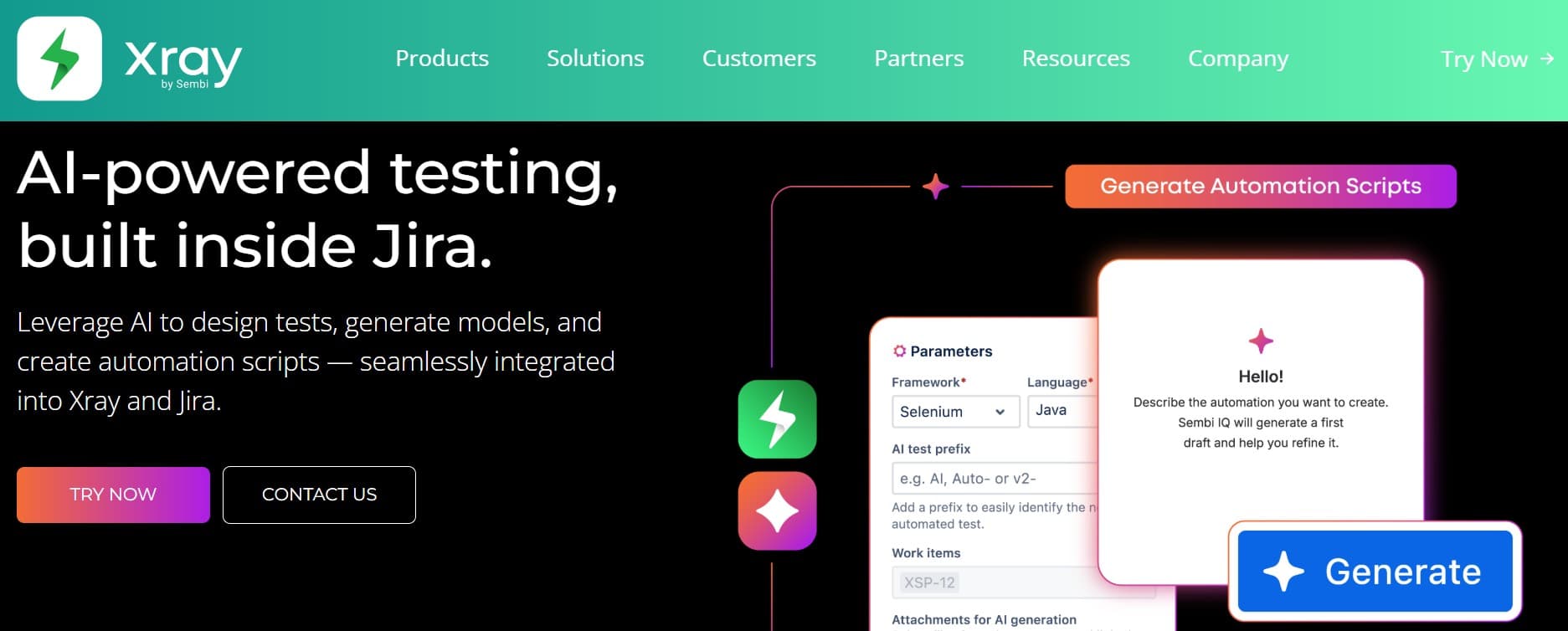
Xray (Xpand IT) is the most flexible of the Jira-native options. Test cases live as first-class Jira issues, which means everyone with a Jira seat can see, link, and comment on them without an extra license. The data model is open enough to handle large repositories without dragging Jira down, and BDD/Gherkin support is genuinely first-class rather than a tab in the settings.
Key features:
- Test cases as Jira issues, with native rights and visibility.
- Native Cucumber and BDD/Gherkin support.
- Strong REST API and a separate Xray GraphQL API for CI integration.
- Test plans, test sets, and test executions as separate issue types.
- Support for manual, automated, exploratory, and Cucumber test types.
- Integrations for Jenkins, GitHub Actions, GitLab CI, Bitbucket Pipelines, Azure DevOps, CircleCI.
Where it wins:
- Engineering teams already in Jira adopt with near-zero cognitive switch.
- BDD support is deeper and more mature than every other Jira-native option.
- REST and GraphQL APIs are documented well enough that custom CI integrations are real engineering work, not heroics.
- Native Jira rights mean cross-team visibility doesn't need extra license tiers.
Where it falls short:
- UI inherits every Jira quirk, which is steep for non-engineering users.
- Custom approval workflows are thinner than dedicated QA tools, which matters in the most regulated environments.
- AI authoring is still limited compared to AI-native tools.
- Performance can degrade in very large test repositories without careful configuration.
Best for: Jira-centric engineering orgs where developers write tests and BDD or a strong API surface is part of the workflow.
Choose this if Jira is the center of gravity, BDD matters, and you'd rather pay for flexibility than for polish.
3. Zephyr Scale: enterprise Jira polish
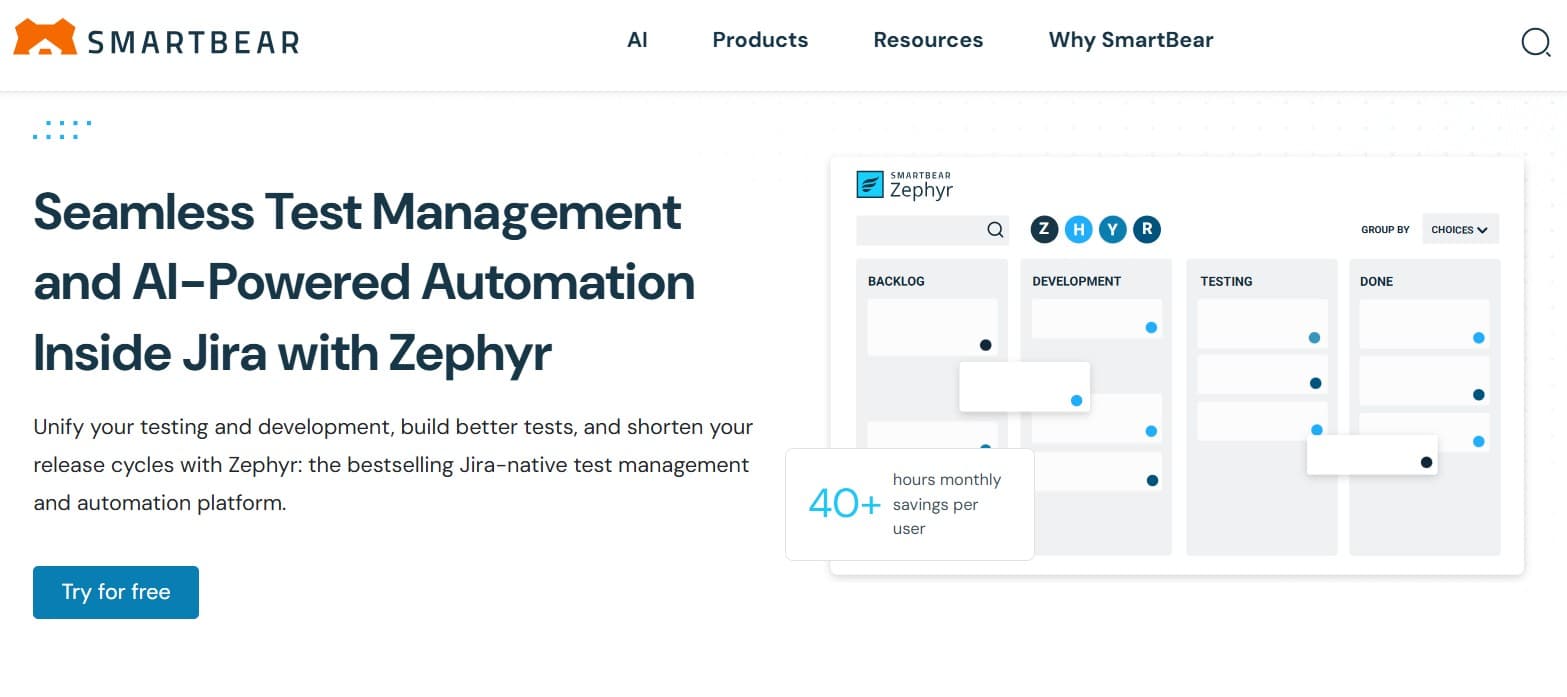
Zephyr Scale (SmartBear, formerly TM4J) is the more polished Jira-native option. Test case organization is cleaner than Xray, cross-project reporting is stronger, and the Jira integration feels purpose-built rather than bolted on. Enterprise programs running multiple QA teams with shared reporting requirements tend to land here.
Key features:
- Hierarchical folders and parameterized test cases.
- Cross-project reporting and dashboards for engineering leadership.
- Test plan and test cycle management with planning views.
- Native Confluence integration alongside Jira.
- REST API and integrations with major CI providers (Jenkins, GitHub Actions, Bamboo, Azure DevOps).
- Custom field support that doesn't require Jira admin work.
Where it wins:
- Cross-team reporting at enterprise scale is genuinely strong.
- Test case organization is cleaner than Xray.
- The Jira integration feels less like a porting layer.
- Confluence integration helps for teams that document requirements there.
Where it falls short:
- Cost at scale is not a small line item.
- AI features are still limited.
- Less flexibility than Xray for unusual data models.
- Migration paths from competing tools exist but rarely arrive frictionless.
Best for: large Jira-centric orgs with multiple QA teams and cross-team reporting requirements where polish matters and budget allows.
Choose this if you're a global enterprise with Jira as the engineering work surface and you're willing to pay for the polish.
4. Zephyr Squad: lightweight Jira-native test tracking
Zephyr Squad is the lighter sibling of Zephyr Scale. Less polished, less flexible, but inexpensive and adequate for smaller Jira-based teams that don't need enterprise depth. The product is being maintained but isn't where most of the Zephyr line's investment goes; SmartBear's roadmap energy is on Scale.
Key features:
- Test cases as Jira issues with linked execution cycles.
- Basic test cycle management and reporting inside Jira.
- Public REST API for CI integration.
- Integrations with Jenkins, GitHub Actions, GitLab CI for triggering automated runs.
- Cloud and Data Center deployments.
Where it wins:
- Lowest cost of the Jira-native options.
- Fast install and easy ramp for small teams.
- Adequate for teams whose "test management" needs are tracking and traceability, not deep reporting.
Where it falls short:
- Reporting depth is thin; not the right pick if leadership wants cross-project dashboards.
- No real AI features.
- Limited customization compared to Scale or Xray.
- The product roadmap is conservative; expect incremental improvements only.
Best for: small teams that want a basic Jira-native test layer where budget matters more than depth.
Choose this if you're a small or growth-stage team in Jira that wants test tracking without committing to enterprise pricing.
5. TestRail with Jira integration
TestRail (Idera) lives alongside Jira, not inside it. The integration is mature and widely used: link tests to issues, push results back, see status in Jira. For teams that want a dedicated QA UI with Jira tied in, it works without surprises. We've written separately about why QA teams are leaving TestRail and modern TestRail alternatives for the larger picture.
Key features:
- Test case repository with suites, sections, and milestones.
- Test runs and test plans with configurable workflows.
- Mature Jira integration (linked issues, defect creation, status sync).
- REST API with broad coverage and well-documented endpoints.
- Recent AI features for case suggestions, summarization, and run analysis.
- Integrations with most major CI tools (Jenkins, GitHub Actions, GitLab CI, CircleCI, Bamboo).
Where it wins:
- Many QA engineers know it from a previous job; ramp-up is shorter.
- Community resources are deep (forums, integrations, third-party tutorials).
- Pricing is generally lower than enterprise Jira-native options at comparable scale.
- API coverage is broad enough for custom CI integration without heroics.
Where it falls short:
- AI features sit on top of a 2010s-era core architecture.
- Audit history is lighter than qTest's; not the same regulator-ready evidence shape.
- The product evolves slowly compared to newer entrants.
- Community reports often flag slow support response at the lower tiers.
Best for: teams that want a familiar dedicated QA tool tied to Jira through a mature integration where AI isn't the primary decision factor.
Choose this if you want a dedicated QA workspace with a well-trodden Jira link and don't need AI as a primary feature.
6. qTest with Jira integration
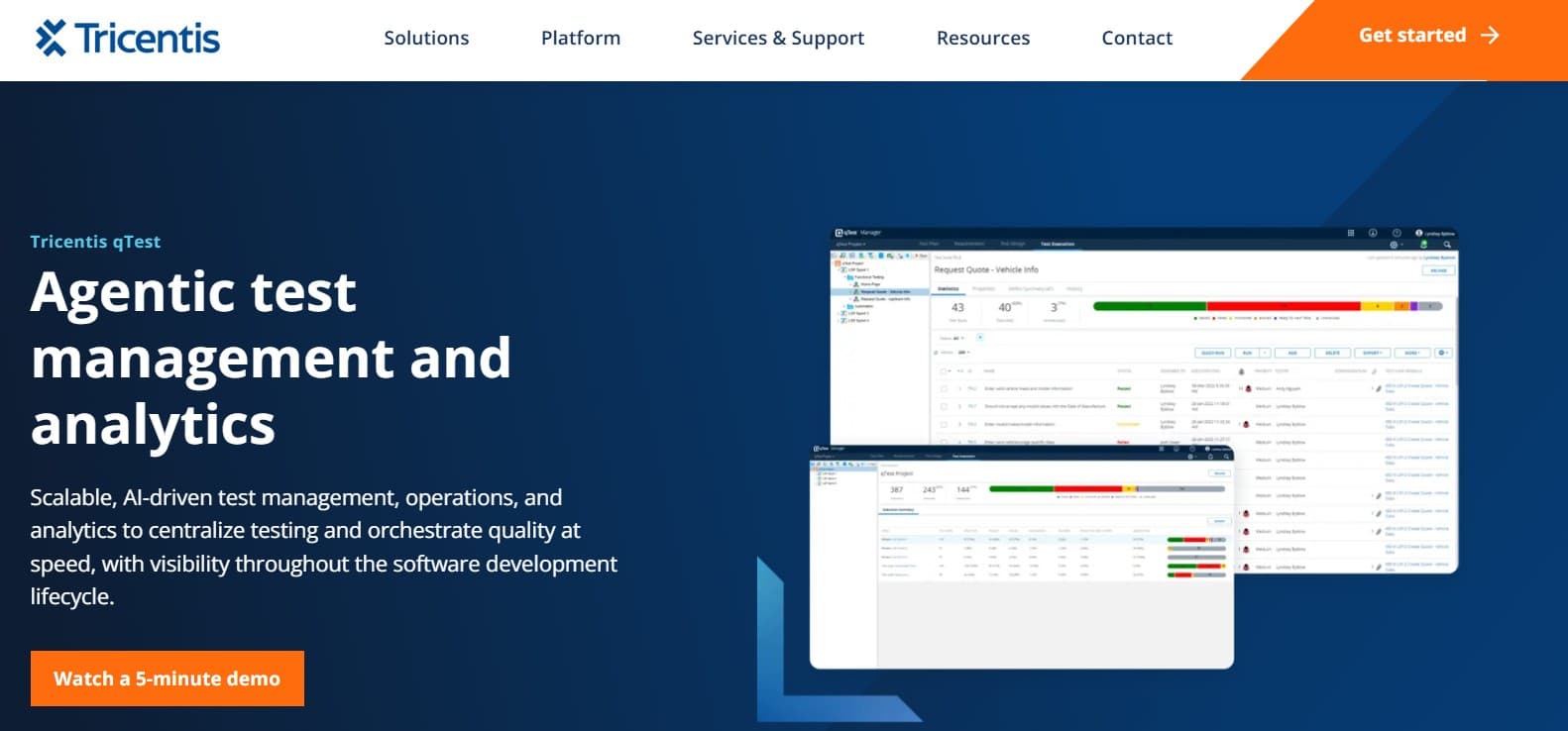
qTest (Tricentis) is the heavyweight option. Built for large regulated QA programs, strong on traceability, audit history, and admin controls. The Jira integration is solid but the product isn't Jira-native. Implementation cost is real, and so is the depth on the audit and reporting side.
Key features:
- Deep requirements traceability from Jira issues through to test runs.
- Role-based access designed for compliance audits.
- Integration with the wider Tricentis platform (Tosca, qTest Pulse, qTest Explorer).
- Two-way Jira sync with linked-issue and defect support.
- Custom workflows and field configurations for enterprise QA programs.
- Built for global QA orgs spanning many teams and geographies.
Where it wins:
- Compliance and audit posture for regulated industries is genuinely deep.
- Cross-program reporting at enterprise scale is strong.
- Admin model handles QA orgs that span many teams cleanly.
- Integration with the broader Tricentis stack matters when Tosca is already in play.
Where it falls short:
- Heavyweight by design; wrong fit for growth-stage QA orgs that ship weekly.
- AI features are bolt-ons rather than woven into the core workflow.
- Pricing scales fast at the enterprise tier.
- Implementation effort is non-trivial. See best qTest alternatives for the deeper trade-off picture.
Best for: large enterprises in regulated industries (pharma, banking, medical devices) that also use Jira as the engineering work surface.
Choose this if you're a Fortune 500 QA org with deep compliance requirements and Jira is the engineering surface.
7. Qase with Jira integration
Qase is the cleanest of the modern external test management tools. The data model is familiar, the import tooling is solid, and the UI is genuinely pleasant. A real Jira integration (two-way sync, linked issues) and a public REST API that doesn't feel like an afterthought. For deeper coverage of the alternatives, see best Qase alternatives.
Key features:
- Modern UI optimized for QA daily workflow.
- Free tier usable for small teams; paid tiers for advanced features.
- Real CI/CD integrations (GitHub Actions, GitLab CI, Jenkins, CircleCI, Bitbucket Pipelines).
- Public REST API with comprehensive coverage.
- AI features for case generation, defect summarization, and suite analysis.
- Two-way Jira integration with linked-issue support.
- Native support for behavior-driven tests and parameterized cases.
Where it wins:
- UI is genuinely pleasant; ramp-up time is meaningfully shorter than older external tools.
- Free tier keeps total cost down at growth stage.
- API surface is broad enough that custom workflows don't require heroics.
- AI features are improving meaningfully each quarter.
Where it falls short:
- Compliance depth is lighter than qTest at the enterprise tier.
- AI features sit on top of a non-AI core, so they're additions rather than central capabilities.
- Reporting depth at large scale isn't at Zephyr Scale or qTest level.
- The Jira sync is real but doesn't feel as deep as the Jira-native options.
Best for: teams that want a modern external test management tool with a clean Jira link, where AI is nice-to-have rather than the primary need.
Choose this if you want a clean modern UI and you're happy linking to Jira rather than living inside it.
Tool comparison summary
| Tool | Strengths | Limitations | Best for |
|---|---|---|---|
| qtrl | Agentic browser execution + structured management + audit in one platform | Newer entrant; fewer legacy compliance certs than incumbents | Jira-centric teams that also want AI execution |
| Xray | Jira-native flexibility, deep BDD, strong APIs | Jira-quirky UI; thin custom approval workflows | Jira-centric engineering orgs with BDD workflows |
| Zephyr Scale | Enterprise polish, cross-team reporting, Confluence link | Cost at scale; limited AI; less flexible than Xray | Large enterprise Jira orgs with multiple QA teams |
| Zephyr Squad | Inexpensive Jira-native option | Thin reporting; no AI; conservative roadmap | Small teams wanting basic Jira-native tracking |
| TestRail | Familiar, broad CI/Jira integration, lower cost | 2010s core; lighter audit; slow product evolution | Teams that want a familiar dedicated QA tool |
| qTest | Deep traceability, enterprise admin, Tricentis stack fit | Heavyweight; AI bolt-on; high implementation effort | Large regulated programs already on Jira |
| Qase | Clean modern UX, good API, growing AI features | Lighter compliance; reporting depth at scale | Teams wanting a modern external tool with Jira link |
How to evaluate a Jira testing tool without wasting a quarter
Most Jira testing tool evaluations stall because everyone is comparing feature lists instead of running real work through the candidates. A pragmatic playbook:
- Pick a real project, not a demo. Migrate or replicate an actual messy project with broken links, half-orphaned cases, and run history that goes back too far. The tool that handles your mess gracefully in the trial is the one that'll handle the rest of the migration.
- Map fields before you import. Custom fields are where most migrations break. Document what you have, decide what you keep, and don't try to preserve fields nobody uses.
- Test the sync failure modes. Disconnect Jira mid-run, edit the same case from both sides, change an issue type. The happy path always works in a demo; the failure paths decide whether QA stops trusting the integration.
- Have a developer find a test result. Ask someone outside QA to find the test results for the feature they shipped last week. If they can't do it without help, you haven't solved the visibility problem you came in to solve.
- Wire CI before cutover. The first release run on the new system should pass through unchanged CI. Wiring this after the fact creates a window where neither tool is the source of truth.
- Plan the cutover, not just the migration. Most teams underestimate the cutover quarter when both tools are live. Pick a date, freeze the old tool as read-only, and make the new tool the source of truth from day one. Running both indefinitely is how migrations stall.
Why Atlassian never shipped first-party test management
The Marketplace ecosystem around test management exists partly because Atlassian deliberately leaves room for partners on the high-value verticals. That's also why the integration depth between Jira and the testing tools varies so wildly: each vendor builds against the same Jira public APIs but makes different opinion calls about what counts as native. The community has been waiting on a first-party Atlassian solution for years; the seven tools above sit on different points of that spectrum instead. The decision usually comes down to how much of a QA-only surface you want versus how much should disappear into Jira itself.
Where qtrl fits in a Jira stack
Most Jira testing tools answer the "where do cases live" question. Few answer "and how do they get executed against the real product every release." The split typically leaves teams with a Jira-native test app for management and a separate Playwright or Cypress repo for execution, with results stitched back through CI. qtrl collapses that split: AI agents handle a large share of execution under progressive autonomy (you set how much initiative the agent takes on each flow), manual cases live in the same system, and the link back to the Jira issue is direct.
For teams shipping AI features, the timing matters. The EU AI Act's phased obligations through 2026 introduce real requirements around testing, traceability, and documentation. qtrl keeps those artefacts together by default, instead of leaving you to stitch them across a test management tool, a CI system, and an automation repo. We covered the broader compliance picture in testing non-deterministic AI under the EU AI Act.
Frequently asked questions about Jira testing tools
What is the best Jira testing tool in 2026? For pure Jira-native flexibility, Xray. For polished enterprise reporting across many teams, Zephyr Scale. For agentic AI execution combined with Jira workflows, qtrl. For lightweight setups, Zephyr Squad. For familiar dedicated tools, TestRail.
Xray vs Zephyr Scale, which is better? Both are mature. Xray wins on flexibility and BDD. Zephyr Scale wins on polish and cross-project reporting. Zephyr Scale tends to be more expensive at enterprise scale. Neither is AI-native today.
Does Jira have its own native test management? No. Atlassian deliberately leaves test management to Marketplace partners. Most Jira-centric teams pick Xray, Zephyr Scale, or Zephyr Squad for the Jira-native experience, or TestRail/qTest/Qase for a dedicated external workspace.
Can I run automated tests from Jira? With most Jira testing tools, you trigger automated tests in your CI system and push results back through the tool's REST API. With agentic tools like qtrl, the AI execution itself can be triggered and tracked alongside the Jira issue. See how to get started with test automation in 2026 for the broader picture.
Which Jira testing tool has the best AI features? qtrl is the most AI-native (agentic execution, AI authoring, adaptive memory, progressive autonomy). Qase and TestRail have meaningful AI additions on top of non-AI cores. Xray, Zephyr Scale, Zephyr Squad, and qTest are not primarily AI-driven products today.
How does Jira testing tool licensing usually work? Marketplace apps (Xray, Zephyr) license per Jira user. External tools (TestRail, qTest, Qase, qtrl) license their own seats independently of Jira. The right model depends on whether you need every developer to see tests directly or only QA and engineering leads.
Can I migrate from one Jira testing tool to another? Yes, and most vendors advertise importers for the major competitors. Run any import on a real, messy project before you commit. A demo import is not a migration test.
Does Jira testing tool choice affect EU AI Act compliance? It affects how easy compliance is, not whether you can achieve it. The EU AI Act expects immutable evidence of how AI-influenced features were tested. Older Marketplace apps weren't designed for that shape; newer tools produce it as a byproduct of normal work. See our piece on testing non-deterministic AI under the EU AI Act.
What others say
What others say about Xray
“Xray is overrated and hard to work with. It is slow, lags on large test sets, and the UX is unclear.”
G2 reviewer, QA Team Lead (Mid-Market) · G2 reviews
“Xray does not prevent duplicate issues, lacks Slack integration, cannot report issues from email, and has no external dashboard.”
G2 reviewer, Junior Software Tester (Mid-Market) · G2 reviews
“The core concepts are complex for new users, the UI gets slow on large Jira projects, and bulk updates on big data sets are cumbersome.”
G2 reviewer, Lead SDET (Mid-Market) · G2 reviews
What others say about Zephyr Scale
“The UI is initially confusing, integrations sometimes need better syncing, large test cases can be slow, pricing feels high for smaller teams, and support can be delayed.”
G2 reviewer, Manual Tester (Enterprise) · G2 reviews
“Reliable overall, but reporting and performance are areas needing improvement, and large repositories can feel slow.”
Gartner reviewer, Engineering Manager in IT Services (500M–1B USD) · Gartner Peer Insights
The two checks that decide the right pick
Two things move the needle more than anything else when picking a Jira testing tool, and most teams skip both.
First, run the sync failure modes in the trial, not the happy path. Disconnect, edit from both sides, change a case status while Jira is offline. The tool that recovers gracefully is the one that'll keep QA trusting the integration two years in.
Second, hand the tool to someone outside QA. Ask a developer or a PM to find the test results for the feature they shipped last week. If they can't do it without help, you haven't solved the visibility problem you came in to solve. That's the quiet failure mode that kills more Jira testing tool rollouts than any feature gap.
If your team lives in Jira and you want AI agents executing tests alongside structured case management, try qtrl and see how it sits next to whatever's already on your shortlist.
Have more questions about AI testing and QA? Check out our FAQ