
Best AI tools for QA in 2026: 7 picks across the QA lifecycle
By qtrl Team · Engineering
"AI tools for QA" covers a much wider surface than "AI tools for QA automation." QA work spans test case management, defect triage, visual review, unit-test coverage, and audit, and different AI tools own different slices. Seven below across the lifecycle. Vendor disclosure: qtrl is one of them. The picks and trade-offs below draw on more than a decade of hands-on work with QA tooling across regulated and growth-stage teams.
What we mean by "AI tools for QA"
Before the shortlist, a definition is worth getting right. By "AI tools for QA" we mean any tool where machine learning or an LLM materially changes how QA work gets done across the lifecycle, not just whether a button in the UI is labelled "AI." That covers four practical surfaces: case authoring and management (generating, summarizing, and clustering test cases and defects), execution (agentic browsers, smart locators, NL-driven runs), specialist verification (visual diffing, accessibility, unit-test generation), and audit (evidence that holds up under regulatory scrutiny).
Anything narrower than that misses a real slice teams are buying for. Anything wider drifts into "every tool that mentions AI on its pricing page," which is most of the QA category in 2026 and not a useful filter. The shortlist below is one tool per slice, plus the consolidation option for teams that don't want to stitch four vendors together.
TL;DR: seven AI tools across the QA lifecycle
For unified management + agentic execution + audit, qtrl. For AI added to an existing test management system, Qase AI or TestRail AI. For visual regression, Applitools Eyes. For Java unit-test generation, Diffblue Cover. For flake reduction and managed E2E, Mabl. For enterprise model-based testing with AI authoring, Tricentis Tosca Copilot. Most QA teams need two or three of these, not all seven.
Why "AI for QA" is the wrong shopping list
Every vendor in the QA category now claims AI. The honest version is that each tool owns a slice. Picking "an AI tool for QA" without naming the slice produces the same outcome as picking "a database" without naming the workload: you end up with something that's technically a fit and never quite right for the job you bought it for.
The seven tools below are mapped to the slice each one actually owns, not the slice the marketing page claims. The selection criteria after the TL;DR are the ones we'd use to evaluate the same tools.
The three AI shapes in QA, and the slices that follow
Three AI shapes coexist under the same "AI for QA" umbrella in 2026:
- Authoring & management AI: generating cases, summarizing defects, surfacing coverage gaps, clustering similar bugs. Most useful when the bottleneck is the volume of cases or the cost of triaging defects.
- Execution AI: agentic browsers, smart locators, natural-language test runs. We cover this lane in detail in AI tools for QA automation.
- Specialist AI: visual diffing, unit-test generation, flake clustering, accessibility scanning. Narrow surfaces, often very deep capability inside the surface.
Most QA teams need at least one tool from two of those buckets. The mistake is buying a tool from the first bucket and expecting it to solve problems in the third.
What to look for in an AI tool for QA
Nine criteria, weighted by which problem you're solving:
- Slice clarity. Can the vendor name which slice the product owns without listing every capability? The answer reveals whether you're buying a specialist or a consolidator.
- AI output quality on real input. Feed a real PRD or flaky suite. Rate output on coverage, accuracy, and review time. Demo prompts hide the differences.
- Integration with existing tools. Most teams already have a Jira, a CI system, and a test management tool. The AI tool that integrates cleanly compounds; the one that requires a parallel stack loses adoption.
- Review and approval loop. Every AI output needs human review. Tools that surface diffs, route approvals, and track decisions compound; tools that produce a green checkmark with no review path lose trust.
- Audit trail. Under the EU AI Act and the NIST AI Risk Management Framework, the evidence shape matters. AI tools that produce audit as a side-effect of normal work hold up better than ones that bolt it on.
- Data handling. Where does the AI run? Is your code, your PRDs, your customer data sent to a third-party model? Some teams have firm answers required by GDPR or sector regulations.
- Maintenance cost. AI doesn't eliminate test maintenance. It moves the cost. Ask how much human review the typical output needs after a year of use.
- Consolidation cost vs. specialist depth. One platform covering three slices vs. three specialists each owning one. Both work; the answer depends on team size and willingness to manage multiple tools.
- Adaptive memory. Does the AI learn the patterns of your app, your team's naming, your edge cases over time? Or does every run start cold? The compounding gain is rarely on the marketing page.
AI tools for QA compared at a glance
| Tool | Best for | AI test generation | Adaptive memory | Immutable audit trails |
|---|---|---|---|---|
| qtrl | Consolidation across lifecycle | ✓ | ✓ | ✓ |
| Qase AI | AI inside an existing TMS | ✓ | ! limited | ! basic history |
| TestRail AI | Incremental AI on TestRail | ! recent additions | ✗ | ! basic history |
| Applitools Eyes | Visual specialist | ✗ | ! visual baselines | ! moderate |
| Diffblue Cover | Java unit-test debt | ✓ at unit layer | ✗ | ✗ |
| Mabl | Flake reduction | ! limited | ! flake clustering | ! moderate |
| Tricentis Tosca Copilot | Enterprise model-based | ✓ | ✗ | ✓ |
1. qtrl: AI across authoring, execution, and audit
qtrl is the consolidation play. AI generates cases from PRDs and stories, agents execute those cases in a real browser under progressive autonomy, adaptive memory means the second run is informed by the first, and the audit trail accumulates as a side-effect of normal work. For teams trying to consolidate three or four point tools into one, this is the case qtrl was built for.
Key features:
- AI test case generation from PRDs, user stories, designs, and exploratory sessions.
- Versioned cases with branchable history and review-gated changes.
- Agentic browser execution with progressive autonomy (you set the agent's initiative per flow).
- Adaptive memory: the agent learns your app's patterns across runs.
- Manual and AI execution in the same run, with results unified.
- Immutable audit trail satisfying EU AI Act and NIST AI RMF evidence shapes.
- Two-way Jira integration; CI coverage across the major providers (GitHub Actions, GitLab CI, Jenkins, CircleCI, Bitbucket Pipelines, Azure DevOps).
Where it wins:
- One platform replaces several point tools; reduces stitching cost across cases, runs, and audit.
- Audit is built in, not bolted on after a regulator asks.
- Adaptive memory compounds: by month three, generated cases need meaningfully less editing than month one.
- Manual and AI runs share history; comparing trends across both isn't a stitching exercise.
Where another tool fits better:
- For pure visual regression on a marketing-heavy product, Applitools owns that slice more deeply.
- For Java unit-test debt specifically, Diffblue Cover is a specialist worth pairing with.
- If your team is already invested in TestRail or Qase and the AI capability gap isn't painful, an incremental AI add-on is a gentler ramp than a platform migration.
Best for: teams that want to consolidate the QA AI stack into one platform with unified management, execution, and audit.
Choose this if the consolidation problem is what hurts most.
2. Qase AI: AI inside an existing test management system
Qase spent 2025 and 2026 layering AI onto a strong test management UX. Case generation from prompts, defect summarization, suite analysis. It's the most complete "AI added to a test management tool" story right now. The AI is additive rather than central, which keeps it predictable.
Key features:
- AI case generation from natural-language prompts.
- Defect summarization and clustering.
- Suite analysis surfacing coverage gaps.
- Sits on top of the standard Qase test management UX (suites, runs, Jira integration, CI coverage).
- Two-way Jira integration with linked-issue support.
Where it wins:
- If you already use Qase, the AI is a setting toggle, not a platform migration.
- Workflow doesn't change shape; AI is additive.
- Free tier remains usable for small teams.
- Predictable: you keep the Qase shape you know.
Where another tool fits better:
- For teams that want AI to change the workflow (agentic execution, adaptive memory), a deeper platform fits better.
- Audit history is light vs. tools designed around it.
- No agentic execution; you still run a separate Playwright or Cypress repo.
Best for: teams already on Qase who want AI assistance without changing the workflow shape.
Choose this if case management is the daily friction and you want AI that helps without changing how the team works.
3. TestRail AI: incremental AI on the most widely deployed TMS
TestRail's AI features (case suggestion, summarization, run analysis) sit on top of the most widely deployed test case repository in the industry. Useful for teams already on TestRail. Not a reason on its own to pick TestRail in 2026. For the broader view, see why QA teams are leaving TestRail and the best TestRail alternatives in 2026.
Key features:
- AI-assisted case generation from descriptions.
- Case summarization for stale or complex cases.
- Run analysis surfacing failure patterns.
- Standard TestRail base (suites, milestones, runs, Jira integration, broad CI coverage).
Where it wins:
- If you already use TestRail, AI is incremental rather than a migration.
- Familiarity stays intact; community knowledge applies.
- Broad integration coverage TestRail has accumulated still works.
Where another tool fits better:
- AI features are recent and lighter than tools built around AI from the start.
- Underlying TestRail UX hasn't modernized; the AI sits on a 2010s core.
- If you're moving from TestRail because of UX, the AI features don't address that.
Best for: teams already on TestRail who want incremental AI help.
Choose this if TestRail is staying and you want AI assistance inside it.
4. Applitools Eyes: the visual regression specialist
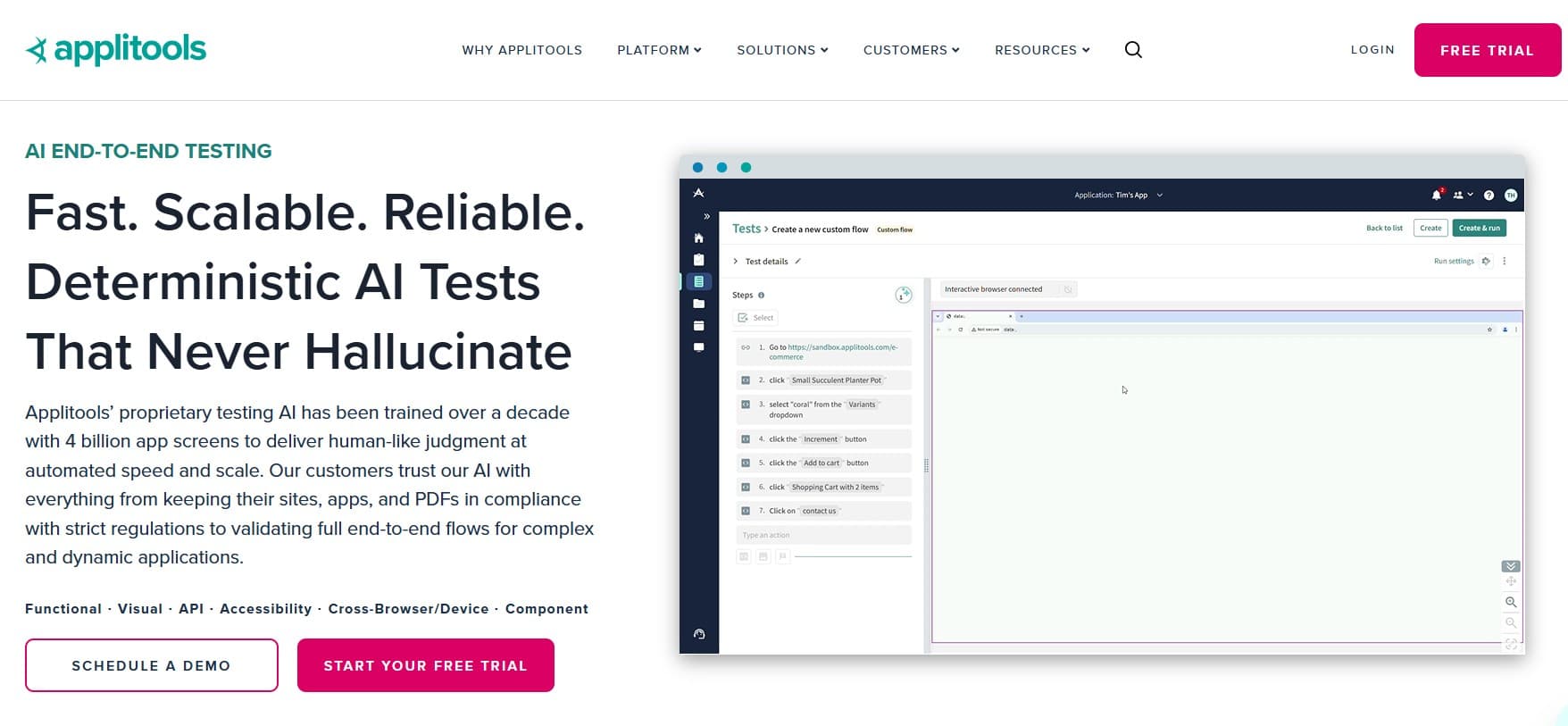
Applitools Eyes is the longest-running visual AI in the QA category. The model compares what a human sees, not what a pixel-diff sees, which dramatically cuts the false-positive rate compared to older approaches. If your bugs hide in layout, contrast, or rendering, this is the specialist worth paying for. We covered the broader visual category in visual regression testing in 2026.
Key features:
- Visual AI that compares perceived intent, not raw pixels.
- SDKs for Playwright, Cypress, Selenium, WebDriverIO, Appium, and more.
- Cross-browser, cross-device visual baselines.
- Visual root-cause analysis when a difference is detected.
- Ultrafast Grid for parallel visual checks at scale.
- Applitools Eyes plus Applitools Autonomous (newer agentic product).
Where it wins:
- Visual coverage is genuinely deeper than pixel-diff tools or general-purpose AI.
- False-positive rate is meaningfully lower; team trust holds up.
- SDK coverage means it plugs into whatever framework you already use.
Where another tool fits better:
- Outside visual regression, the surface area is narrow; not a replacement for management or execution.
- For products with minimal UI surface (APIs, back-office tools), the ROI is harder to justify.
- Pricing at scale is a real budget conversation.
Best for: teams where visual correctness is a recurring failure mode and the rest of the AI stack doesn't cover it well.
Choose this if visual coverage is the gap you can't close with the other tools.
5. Diffblue Cover: unit-test generation for Java
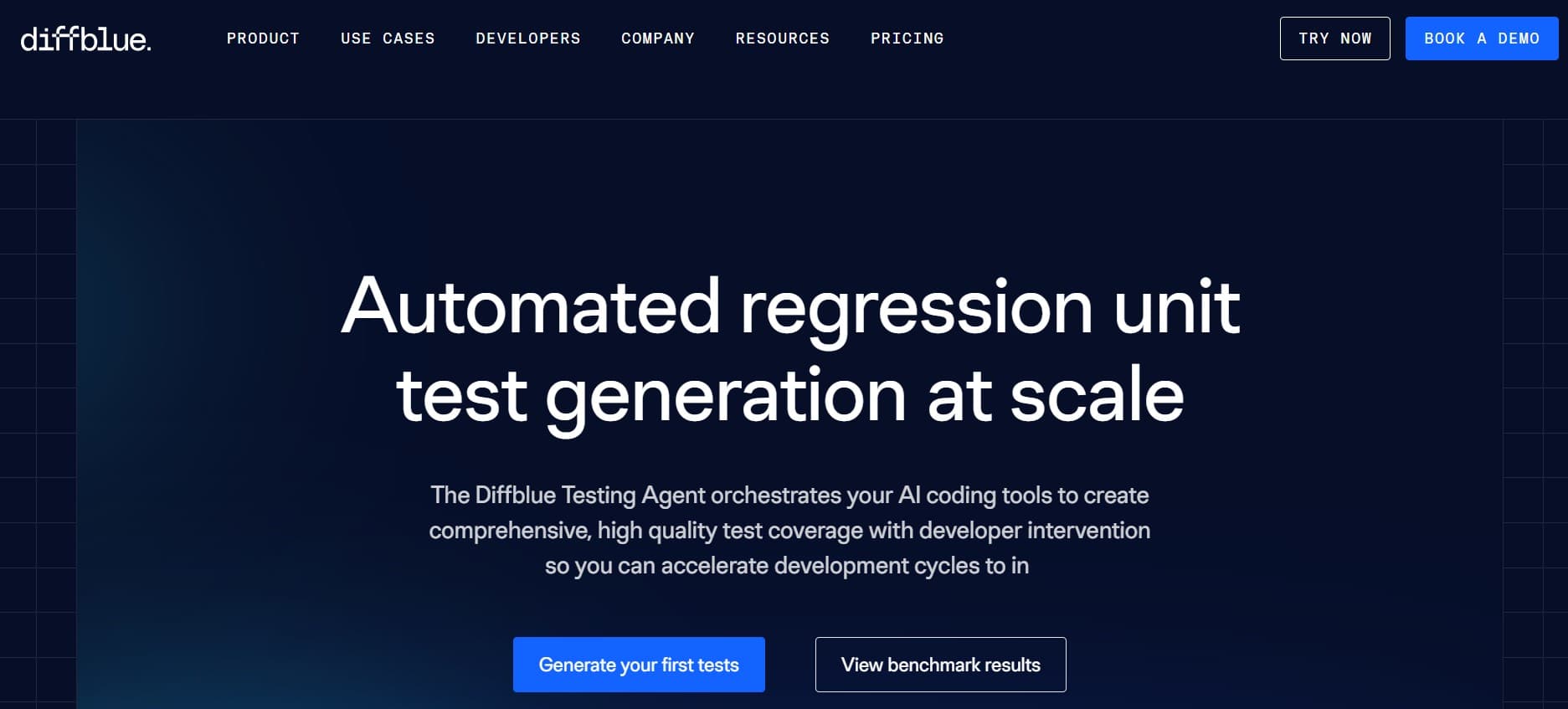
Diffblue Cover is the unit-test AI most people forget exists. It reads Java source and produces JUnit tests targeted at observed behavior. If your test debt sits at the unit layer and your codebase is Java, this is the specialist that moves a metric most QA tools can't touch.
Key features:
- Reads Java source code (Maven, Gradle, IntelliJ, Eclipse).
- Produces JUnit 4 and JUnit 5 tests targeting observed behavior.
- CLI for CI integration and IDE plugins for interactive use.
- Coverage targeting at method, class, and package level.
- On-premise deployment for teams that can't send code to a cloud service.
Where it wins:
- Specialist depth at the Java unit-test layer is unmatched by general-purpose AI.
- Generated tests are deterministic and reproducible (no LLM randomness).
- On-premise option is rare in this category.
Where another tool fits better:
- Java only; if your stack is Python, Go, Rust, JavaScript, or otherwise, this isn't the tool.
- Unit layer only; doesn't address integration, E2E, or management.
- Tests are correct by construction but generic by design; they need review to be expressive of intent.
Best for: Java teams with unit-test coverage debt and a static-enough surface for the tool to reason about.
Choose this if your gap is unit-test coverage on Java, not UI coverage.
6. Mabl: flake reduction and managed E2E
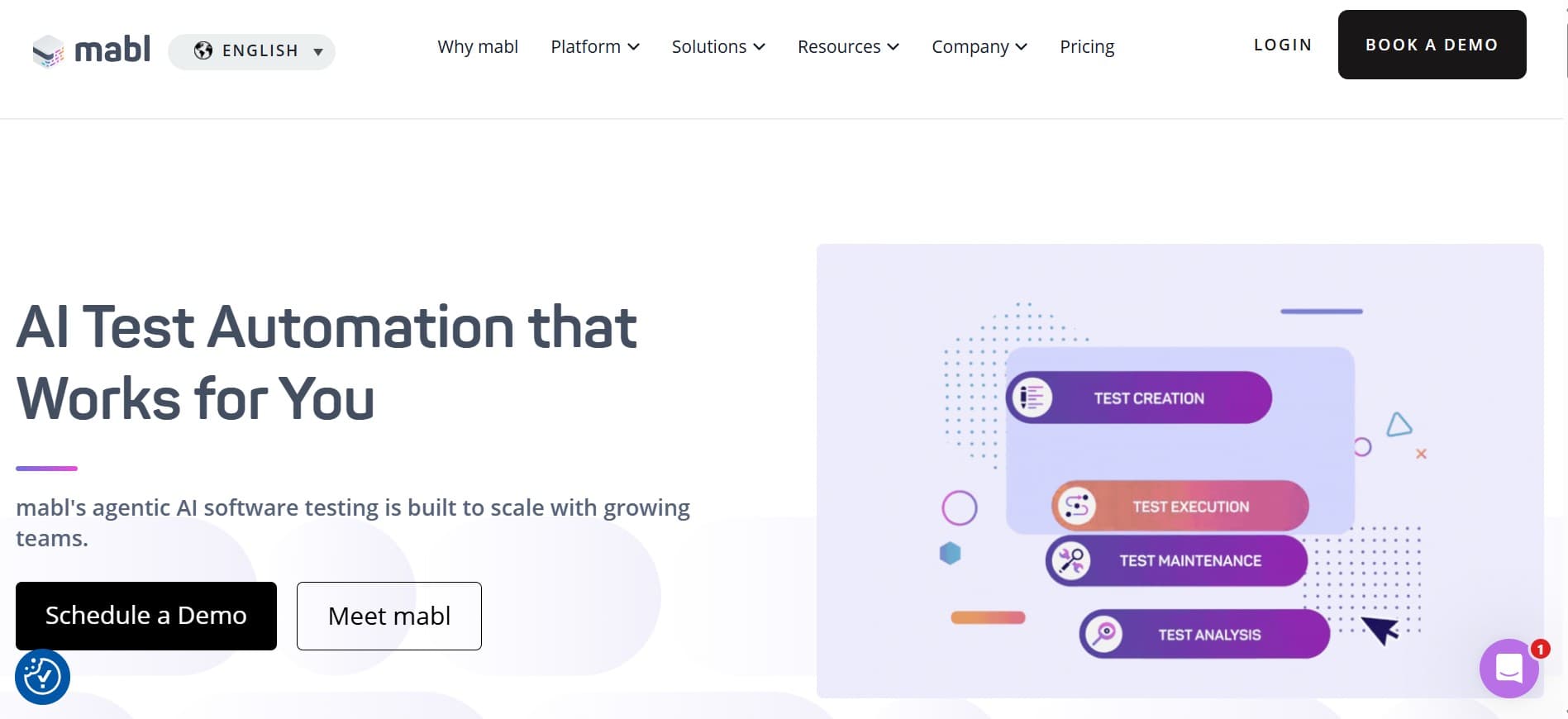
Mabl predates the current wave of AI testing tools and has spent that time getting good at the unglamorous parts: clustering flaky tests, surfacing root causes, smoothing CI failures. It's less of an "AI authoring" tool than a "reduce the noise in your existing suite" tool, and that's the slice worth picking it for.
Key features:
- Auto-healing selectors that adapt as the UI drifts.
- Flake detection and clustering across runs.
- Cross-browser execution (Chrome, Firefox, Safari, Edge) in the Mabl cloud.
- Integrated reporting with trend views.
- CI integration with Jenkins, GitHub Actions, GitLab CI, CircleCI, Bitbucket, Azure DevOps.
- API testing alongside UI testing.
- Test data management with shared fixtures.
Where it wins:
- Flake triage and CI noise reduction are real, measurable wins.
- Managed platform means no framework maintenance.
- Reporting depth on managed E2E is strong out of the box.
Where another tool fits better:
- Execution is scripted under the hood; not agentic.
- AI authoring is limited; not a tool to replace test design effort.
- For teams wanting agents that explore beyond defined cases, an agentic tool fits better.
Best for: teams where flake triage is eating the daily cost more than authoring is.
Choose this if your suite is mostly written and the problem is keeping it green.
7. Tricentis Tosca with Copilot: enterprise model-based AI

Tosca is the enterprise model-based testing platform that regulated industries already trust. Copilot extends that with AI authoring and maintenance inside the existing workflow. For teams already running Tosca, the question is just "turn it on," not "evaluate a new platform."
Key features:
- Model-based test design (Tosca's long-standing approach).
- Copilot AI for authoring, maintenance, and natural-language case generation.
- Integration with qTest, Jira, Azure DevOps, ServiceNow, SAP, and most enterprise systems.
- Risk-based test optimization built in.
- Deep compliance posture for regulated industries.
- On-premise, hybrid, and cloud deployment options.
Where it wins:
- Tightest fit if you're already on Tosca; AI is additive rather than a rip-and-replace.
- Compliance posture is strong for regulated industries.
- Enterprise ERP/SAP integration depth is rare in this category.
Where another tool fits better:
- Adoption cost is significant if you're not already in the Tricentis ecosystem.
- Model-based testing is a different mental model than scripted or agentic; not the right fit for small agile teams.
- For browser-only testing, a lighter-weight tool fits better.
Best for: enterprise teams already on Tosca who want AI assistance in the same workflow.
Choose this if you're a Tosca shop.
Tool comparison summary
| Tool | Strengths | Limitations | Best for |
|---|---|---|---|
| qtrl | Unified authoring + agentic execution + audit; adaptive memory | Newer product; not a visual or Java unit specialist | Consolidation across the QA lifecycle |
| Qase AI | AI added cleanly to a modern TMS | Additions on top of non-AI core; no agentic execution | Existing Qase users |
| TestRail AI | AI on the most widely deployed TMS; familiar workflow | 2010s core; light audit; AI is recent | Existing TestRail users |
| Applitools Eyes | Visual specialist with broad SDK coverage | Narrow surface; budget at scale | Visual regression depth |
| Diffblue Cover | Java unit-test generation; deterministic; on-prem option | Java-only; unit layer only | Java unit-test debt |
| Mabl | Flake reduction, managed E2E, smart maintenance | Scripted execution; limited authoring AI | Flake triage and managed E2E |
| Tosca Copilot | Enterprise model-based AI; deep ERP/SAP integration | Adoption cost outside Tricentis ecosystem | Tosca shops |
How to sequence AI adoption across the QA lifecycle
Most QA orgs accumulate AI tools the way they accumulated dashboards in the 2010s: one per problem, none of them talking. The way out is to sequence rather than buy the catalogue. A pragmatic playbook:
- Diagnose the slice that costs the most hours today. Authoring, triage, visual, unit, or audit. Don't skip this; the wrong first tool wastes a quarter.
- Pick a tool for that slice, not for the catalogue. Buy the specialist or the consolidator that owns it, not the one that lists it in marketing.
- Wire it into existing tools cleanly. The AI tool that requires a parallel stack rarely earns its keep. The one that plugs into Jira, CI, and your existing TMS compounds.
- Build the review loop before the volume. Generated cases need triage, agentic runs need approval, clustered failures need investigation. Tools that surface review decisions cleanly compound; tools that produce a green checkmark with no review path lose trust.
- Add the second slice only when the first compounds. You'll know it's working when the review effort goes down quarter on quarter and the AI's outputs are mostly accepted with minor edits.
- Audit the audit. Walk through evidence generation with a compliance lead or auditor. If they can't produce a defensible record from the AI tool's output, you have an evidence gap that will surface at the wrong moment.
Where qtrl fits in an AI-for-QA stack
Specialists win their slice. The reason consolidation tools exist is that most QA orgs don't have the budget or the appetite to license seven specialists. qtrl is the consolidation play: enough AI across cases, execution, and audit that one license replaces several. For regulated work, the audit angle is the differentiator that point tools struggle to match.
We covered the broader picture in AI in software testing: hype vs reality and what is agentic testing. For the regulatory shape, the ISO/IEC/IEEE 29119 testing standard is the cleanest vendor-neutral reference.
Frequently asked questions about AI tools for QA
What's the difference between AI tools for QA and AI tools for QA automation? AI for QA is the wider category and covers case authoring, defect triage, visual review, unit-test generation, exploratory, and audit. AI for QA automation narrows to the execution-tier: agentic browsers, smart locators, NL-to-script. See AI tools for QA automation for the narrower lane.
Will AI replace QA engineers? Not on the trajectory we're on. AI shifts the work from typing scripts to defining intent and reviewing outputs. See will AI replace QA engineers.
Are AI tools safe for production-like environments? Credible vendors run isolated sessions, scoped credentials, and recorded execution traces. The questions worth asking are about data retention, training data use, and whether agents can be constrained to defined surfaces.
Can AI tools handle non-deterministic systems? Some can, with statistical pass criteria and intent-based oracles. Most weren't built for it. See testing non-deterministic AI under the EU AI Act.
Should I buy one consolidator or several specialists? Depends on team size and willingness to manage multiple tools. Small and mid-size teams usually benefit from a consolidator. Large QA orgs with budget for specialist depth often run a consolidator plus one or two specialists.
Does my AI tool need to be on-premise? For most teams, no. For regulated industries handling sensitive data (healthcare, defense, some finance), the answer is sometimes yes. Check the vendor's data handling and deployment options before evaluating; on-prem availability narrows the shortlist quickly.
How do I evaluate AI output quality? Feed real input from your product. Rate the output on three things: how much of what you already knew, how much of what you didn't, and how much editing the output needs before it's usable. The third number is the real cost.
What about prompt-injection risks in agentic testing? Real and worth taking seriously. The vendors with credible answers run isolated browser sessions, scoped credentials, and policy boundaries the agent can't cross. Ask for those specifics during evaluation.
What others say
What others say about Mabl
“No option to run plans from a custom branch other than master.”
G2 reviewer · G2 reviews
“Setup of QA testing often did not work as expected, and when it did, tests took so long to run that they slowed the development process.”
G2 reviewer · G2 reviews
“Highly priced and overly complicated for what you get.”
G2 reviewer · G2 reviews
What others say about Testim
“Test execution slows down when handling very large test suites, and pricing can be high for smaller teams compared to open-source frameworks.”
G2 reviewer · G2 reviews
“Limited integration with other tools, no mobile-device testing, does not support all languages, and debugging can be challenging.”
G2 reviewer · G2 reviews
“For complex scenarios you sometimes need to write custom code, network log visibility is limited, and some tests are flaky on reruns.”
G2 reviewer · G2 reviews
What others say about Katalon
“Reviewing results in large suites is painful because you click through cases one by one, and performance lags on big projects.”
G2 reviewer · G2 reviews
“The free version is useful to start with but key features sit behind the paid tier, and pricing becomes a factor at scale.”
G2 reviewer · G2 reviews
“Self-healing helps but it doesn’t always work, and the search experience could be better.”
G2 reviewer · G2 reviews
What others say about Applitools
“The learning curve is steep and you have to manually create baseline images, which gets tedious.”
G2 reviewer · G2 reviews
“Test execution feels slow and the UI looks less polished than competing visual-testing tools.”
G2 reviewer · G2 reviews
“Baseline management gets confusing when multiple team members update baselines, and very minor pixel differences occasionally trigger false positives.”
G2 reviewer · G2 reviews
Don't buy seven tools, pick one slice at a time
Most QA orgs accumulate AI tools the way they accumulated dashboards in the 2010s: one per problem, none of them talking. The way out is to pick the slice where AI saves the most hours right now (often flake triage or case authoring) and start there. Add a second slice only when the first one is paying off. A consolidation tool like qtrl is the case for going wide in one move, but the alternative is fine if you'd rather prove the value slice by slice.
If AI across cases, execution, and audit in one platform is what you're evaluating, qtrl was built for that consolidation. Try it out and see where it lands on your shortlist.
Have more questions about AI testing and QA? Check out our FAQ