
Best BrowserStack alternatives in 2026: 7 options compared
By qtrl Team · Engineering
BrowserStack now sells two things wearing one logo. The device and browser cloud is still the core, and Kane AI is the agentic testing layer they bolted on top. Picking an alternative depends on which one you're actually trying to replace. The seven options below split honestly across both jobs. Vendor disclosure: qtrl is on the Kane AI side only; we don't run a device farm.
TL;DR: seven BrowserStack alternatives, split by what they replace
For the AI execution layer (Kane AI), qtrl is the closest fit with a deeper test management story. For enterprise-grade device cloud capacity, Sauce Labs. For cheaper cloud capacity at similar coverage, LambdaTest HyperExecute. For AWS-native teams, AWS Device Farm. For real-device mobile testing with performance instrumentation, Headspin. For managed E2E with ML-assisted maintenance, Mabl. For visual coverage across browsers (often the real reason teams pay for BrowserStack), Applitools. Pricing is per-vendor and per-tier; pull current numbers from each sales team.
Two jobs BrowserStack does, and why that matters for evaluation
BrowserStack's pricing pages obscure a useful split. There's a cloud capacity job (real iOS, Android, and the long tail of desktop browsers, on demand) and an AI execution job (Kane AI authors and drives tests in natural language). Most teams need a tool that covers one or the other. A few need both, in which case the right answer is usually pairing two best-of-breed picks rather than buying both capabilities from the same vendor.
The split also matters for evaluation. A device cloud is judged on device coverage, parallelism, queue behavior, and pricing realism under CI peak load. An AI execution tool is judged on authoring quality, agent resilience under app drift, audit shape, and how well it fits into structured test management. Comparing on the wrong axis is how procurement burns a quarter.
What to look for in a BrowserStack alternative
Nine criteria that decide which way a real replacement evaluation lands:
- Which job you're replacing. Cloud capacity and AI execution are different products in the same skin. Decide first or you'll end up comparing oranges to motorbikes.
- Device and browser coverage. If it's the cloud you're replacing, get a real list of devices and browsers needed (not a hypothetical matrix) and check coverage tier by tier.
- Queue behavior under peak load. List price per parallel session is meaningless if the vendor can't actually run the 40 parallel sessions you need at 9am Pacific.
- WebDriver compatibility. Tests written to the vendor-neutral W3C WebDriver standard are portable. Tests written to vendor-specific extensions are lock-in.
- AI authoring quality. If you're replacing Kane AI, test the candidate on a real PRD and a real flow, not the demo's curated example.
- Agent resilience to UI drift. Most AI agents pass the demo. The ones that survive a real product's weekly UI churn are a smaller list.
- Test management integration. Cases, runs, defect links, and audit history. The AI tools that punt on this leave you stitching reports.
- Audit and compliance shape. The EU AI Act and the NIST AI Risk Management Framework both expect immutable evidence of how AI-influenced features were tested. Newer tools produce that shape; older device clouds were never designed for it.
- Realistic total cost. Per-minute pricing is rarely the real cost. Queue time, retries on flaky cloud sessions, and the long-tail device matrix push wall-clock spend two or three times above the on-paper number.
BrowserStack alternatives compared at a glance
| Tool | Best for | Cloud device capacity | Autonomous browser execution | Natural language authoring |
|---|---|---|---|---|
| qtrl | Kane AI alternative + management | ✗ | ✓ | ✓ |
| Sauce Labs | Enterprise device cloud | ✓ | ! limited AI | ! limited |
| LambdaTest HyperExecute | Cheaper device cloud | ✓ | ! growing AI | ! limited |
| AWS Device Farm | AWS-native teams | ✓ | ✗ | ✗ |
| Headspin | Mobile + performance | ✓ | ✗ | ✗ |
| Mabl | Managed E2E + maintenance | ✗ | ! scripted runs | ! limited |
| Applitools | Visual specialist | ✗ | ! visual focus | ✗ |
1. qtrl: AI agents that execute tests, with structured management
qtrl is the natural alternative if you're evaluating Kane AI rather than the BrowserStack device farm. We run AI agents against your real product, mix manual cases with AI execution in the same run, and hold the cases, runs, and audit trail in one structured test management system. We aren't a device farm, so for deep cross-device coverage on real iOS or Android hardware you'll still want one of the cloud capacity vendors alongside us.
Key features:
- Agentic browser execution with progressive autonomy (you set the level of agent initiative per flow).
- Natural language authoring from PRDs, user stories, design specs, and exploratory sessions.
- Adaptive memory: agents learn your app's patterns across runs rather than starting cold every time.
- Manual and AI execution in the same run, with one unified history.
- Versioned test cases with branchable history and review-gated changes.
- Immutable audit trail produced as a side-effect of normal work, not assembled at audit time.
- Jira-connected with deep two-way sync (issue links, status updates, defect creation).
- CI hooks for GitHub Actions, GitLab CI, Jenkins, CircleCI, Bitbucket Pipelines, Azure DevOps.
Where it wins vs. Kane AI:
- Structured test management is built in, not a separate purchase.
- Manual + AI runs share one history; Kane AI assumes someone else holds the cases.
- Adaptive memory makes the second run faster and smarter than the first.
- Not tied to one device cloud's pricing model; you pair us with whichever capacity vendor wins your evaluation.
- Audit shape fits EU AI Act and NIST AI RMF without bolt-on integrations.
Where another tool fits better:
- If you need real iOS and Android device coverage at scale, a device cloud is the right pick alongside or instead of us.
- If visual regression across browsers is the real pain, Applitools earns its slot.
- If you want a single-vendor bundle of capacity + AI + reporting and don't mind the pricing model that comes with it, BrowserStack's bundle is at least all in one place.
Best for: teams replacing Kane AI on the AI execution side who also want structured management and audit, not just an agent in a browser.
Choose this if what you're really evaluating is Kane AI, and you want AI execution plus structured management without being locked into one device cloud's pricing model.
2. Sauce Labs: the enterprise device cloud incumbent
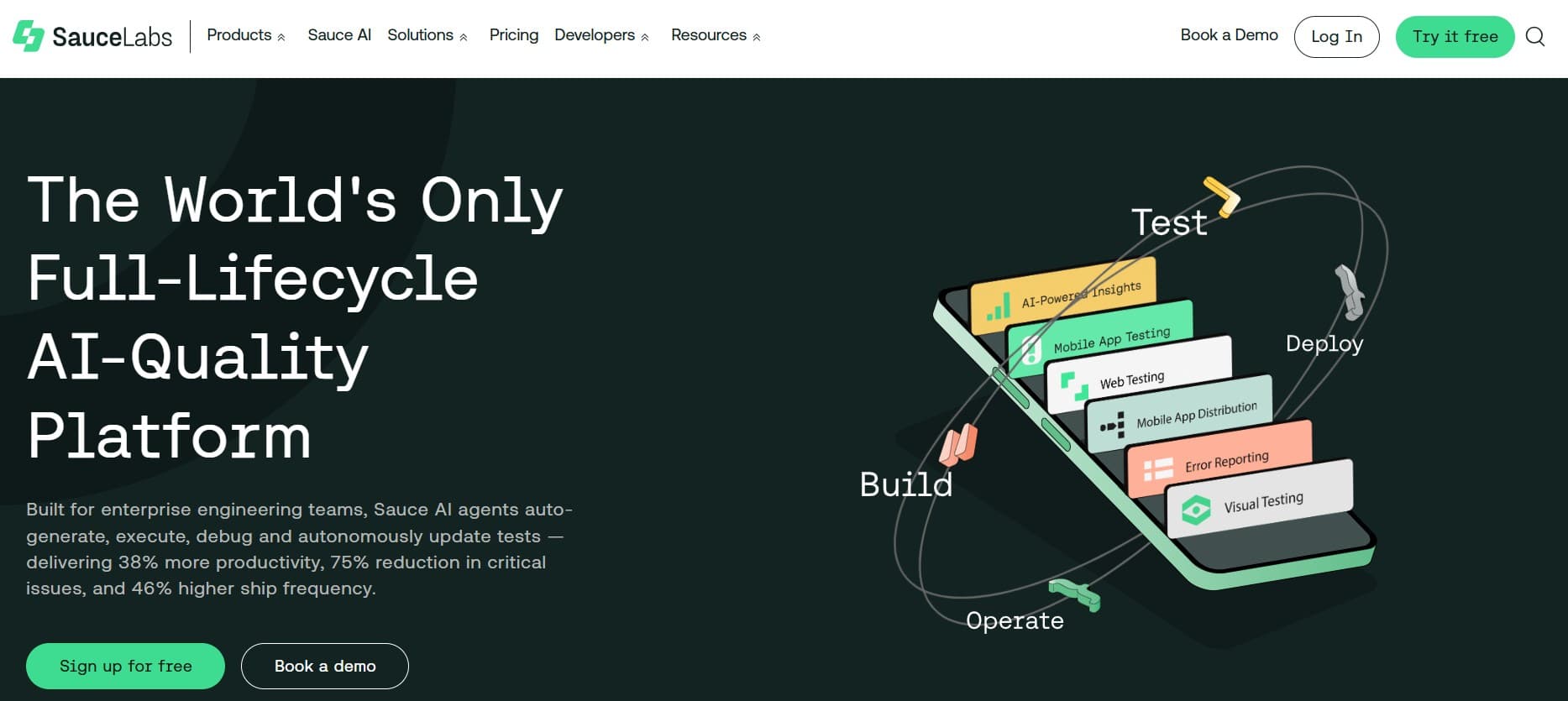
Sauce Labs is the most direct device-farm alternative to BrowserStack. Real iOS, Android, and browser coverage at scale, mature parallelism, and an enterprise footprint that goes back over a decade. AI features are catching up but aren't the headline; the value is in the cloud.
Key features:
- Real device cloud (iOS, Android) and virtual machine browsers across Windows, macOS, Linux.
- High-parallelism execution with predictable queue behavior at enterprise scale.
- WebDriver and Appium support with the standard vendor extensions.
- Integrations with Jenkins, GitHub Actions, GitLab CI, CircleCI, Bitbucket Pipelines, Azure DevOps.
- Sauce Visual for visual regression testing (separate add-on).
- Enterprise support tiers with named contacts.
Where it wins:
- Device and browser coverage is comparable to BrowserStack at the enterprise tier.
- Queue behavior at peak load is usually predictable, which is the thing that breaks at smaller vendors.
- Mature enterprise support and procurement experience.
- Less vendor-extension lock-in than some competitors.
Where it falls short:
- AI features are limited compared to AI-native tools.
- Pricing at scale is comparable to BrowserStack; this isn't a cost play.
- UI is functional rather than delightful.
- Visual regression is an add-on, not built in.
Best for: enterprise teams replacing BrowserStack's cloud capacity who want a comparable, well-supported device farm.
Choose this if you're replacing the device cloud and you want enterprise-grade depth without changing the basic shape of your testing stack.
3. LambdaTest HyperExecute: cheaper cloud capacity with growing AI
LambdaTest competes head-to-head with BrowserStack on cloud capacity, often at a meaningfully lower price point. HyperExecute is their fast grid offering, with AI features (test generation, smart parallelization, flake analysis) improving year over year.
Key features:
- Cloud capacity across thousands of browser and OS combinations.
- HyperExecute fast-grid for accelerated parallel runs.
- Real-device cloud for iOS and Android.
- Integrations with Jenkins, GitHub Actions, GitLab CI, CircleCI, Azure DevOps.
- Test analytics and flake analysis dashboards.
- Growing AI features for test generation and triage.
Where it wins:
- Per-minute pricing is typically lower than BrowserStack and Sauce Labs.
- Broad browser and OS coverage that matches the incumbents on paper.
- HyperExecute's smart parallelization shortens long suites in real workloads.
- AI capabilities are advancing faster than the incumbents' equivalents.
Where it falls short:
- Less mature than BrowserStack or Sauce Labs at the very top tier of enterprise support.
- Real-device queue behavior under peak load is worth testing before committing.
- AI features are useful but not on the level of AI-native execution tools.
- Some enterprise procurement teams will want more years of audit history than LambdaTest currently has.
Best for: teams replacing BrowserStack on cost where broad device coverage is mandatory and enterprise procurement isn't ironclad.
Choose this if price per minute is the deciding factor and you're willing to validate queue behavior on your own peak load before signing.
4. AWS Device Farm: the AWS-native option
AWS Device Farm is the natural pick if your infrastructure already lives in AWS and you want pay-as-you-go device access without onboarding a new vendor. The UI and integrations are less polished than BrowserStack or Sauce Labs, but the primitives are solid and the cost model is predictable.
Key features:
- Real iOS and Android devices in AWS regions.
- Pay-per-device-minute pricing, billed through your existing AWS account.
- Native integration with CodePipeline, CodeBuild, and the broader AWS toolchain.
- Appium, Calabash, XCTest, and Espresso framework support.
- Performance, log, and screenshot capture on each run.
- IAM-based access control aligned with the rest of AWS.
Where it wins:
- No new vendor procurement, no new billing relationship.
- Predictable per-minute pricing without the BrowserStack tier theatre.
- Tight fit with existing AWS-native CI tooling.
- IAM-based access fits cleanly into AWS security models.
Where it falls short:
- UI is plainly utilitarian.
- Device coverage is narrower than the dedicated device cloud vendors.
- No vendor-level QA support; you're on AWS standard support tiers.
- No real AI features in the device farm itself.
Best for: AWS-native teams that want pay-as-you-go device access with predictable billing and no new vendor relationship.
Choose this if you're AWS-heavy, integration into existing AWS tooling matters more than UX polish, and you don't need vendor-level QA support.
5. Headspin: real-device mobile testing with performance instrumentation
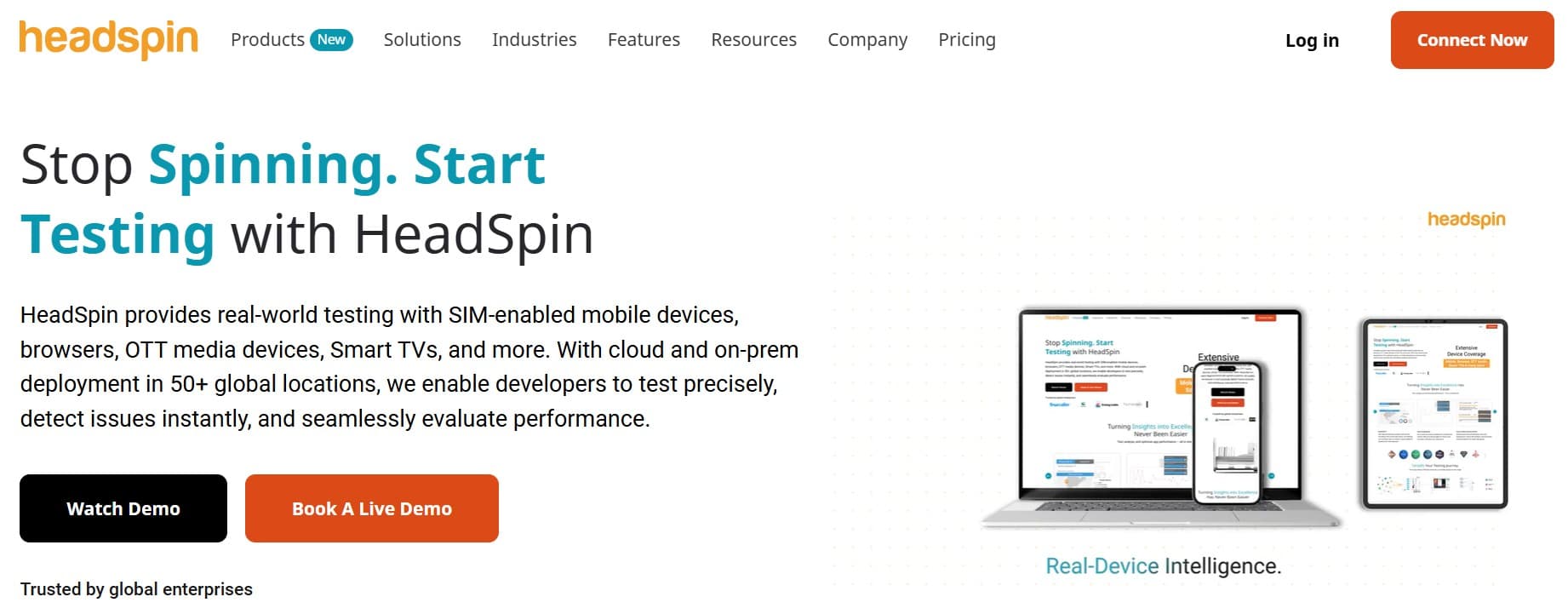
Headspin focuses on real-device testing for mobile and connected devices, with a strong angle on performance metrics, video, and audio testing. The pitch is real devices in real locations, with deep instrumentation that goes beyond pass/fail.
Key features:
- Real-device cloud across many geographic locations.
- Deep performance instrumentation (network, CPU, memory, video frame analysis).
- Audio and video quality testing primitives.
- Appium, XCUITest, Espresso framework support.
- Carrier network testing for genuine mobile conditions.
- API-driven access for CI integration.
Where it wins:
- Performance, video, and audio instrumentation depth is genuinely strong.
- Geographic and carrier coverage matters for global mobile apps.
- Niche use cases (streaming media, real-time communications) are first-class.
- Real-device focus avoids the limitations of emulator-only testing.
Where it falls short:
- Not a general-purpose web testing cloud.
- Pricing is enterprise-only; no growth-stage entry tier.
- No AI authoring or execution.
- Smaller ecosystem of integrations than the broad cloud vendors.
Best for: teams whose testing problem is mobile or connected devices at scale, with performance and media as primary concerns.
Choose this if your testing surface is mobile-first, performance and media quality matter, and you're ready for enterprise-tier procurement.
6. Mabl: managed E2E with ML-assisted maintenance
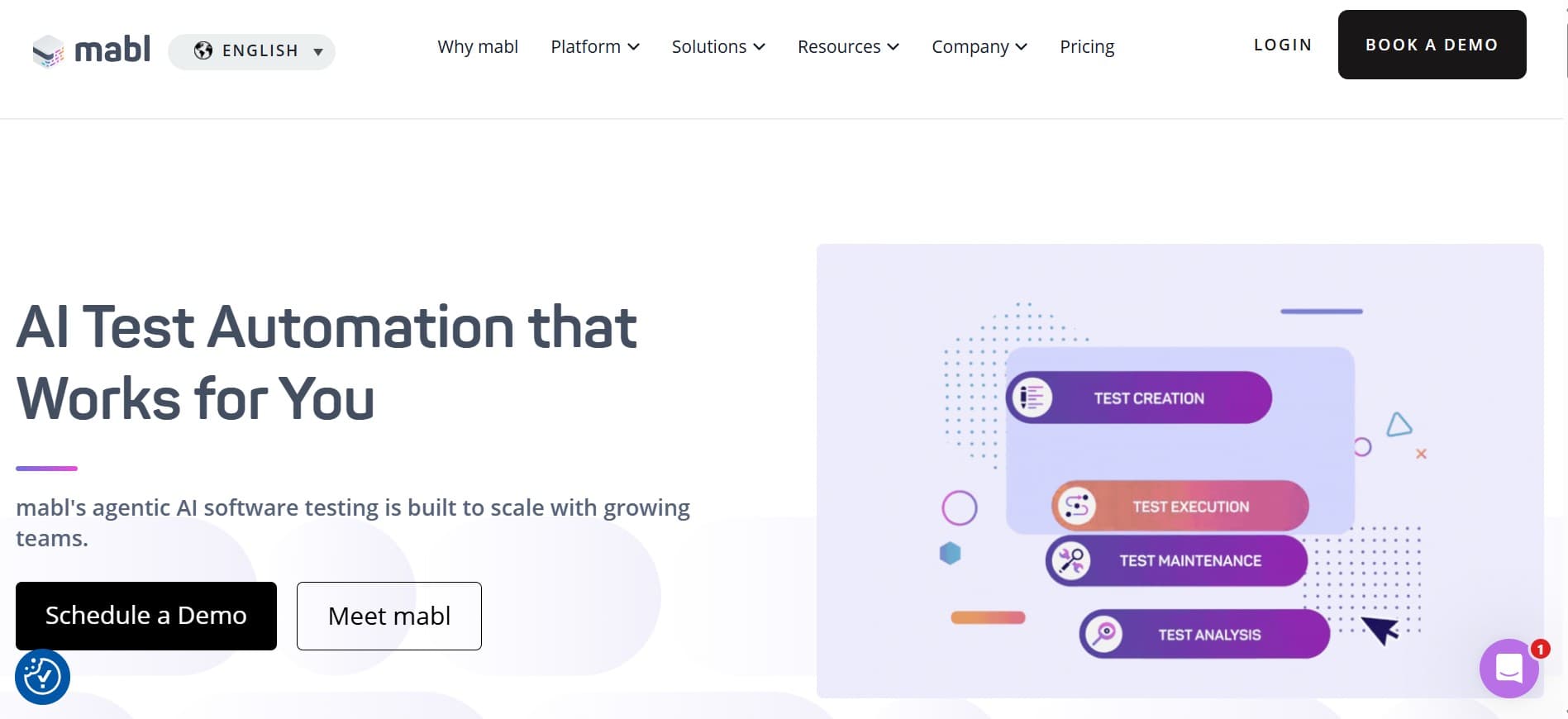
Mabl is a different shape: a managed test automation platform with ML-assisted maintenance, not a device farm. If what you really wanted from BrowserStack was less flake and easier maintenance, Mabl is closer to that pitch than a device-only vendor.
Key features:
- Low-code authoring with ML-assisted element identification.
- Auto-healing tests that adapt to small UI changes.
- Managed cloud execution across browsers (no separate device cloud needed for basics).
- Native CI integration with GitHub Actions, GitLab CI, Jenkins, CircleCI.
- API testing and accessibility testing add-ons.
- Test analytics and flake dashboards.
Where it wins:
- Auto-healing genuinely cuts flake on small UI changes.
- Low-code authoring lowers the barrier for non-engineers.
- Managed execution removes infrastructure work.
- Strong analytics for triaging flaky suites.
Where it falls short:
- Not a real-device cloud; mobile coverage is shallow.
- Low-code abstraction can hit limits on complex flows.
- AI authoring is limited compared to AI-native execution tools.
- Pricing climbs at scale.
Best for: teams where flake and maintenance are the real pain (not device coverage) and a low-code managed platform is acceptable.
Choose this if you want managed functional E2E with smart maintenance and don't need broad real-device coverage.
7. Applitools: the visual specialist
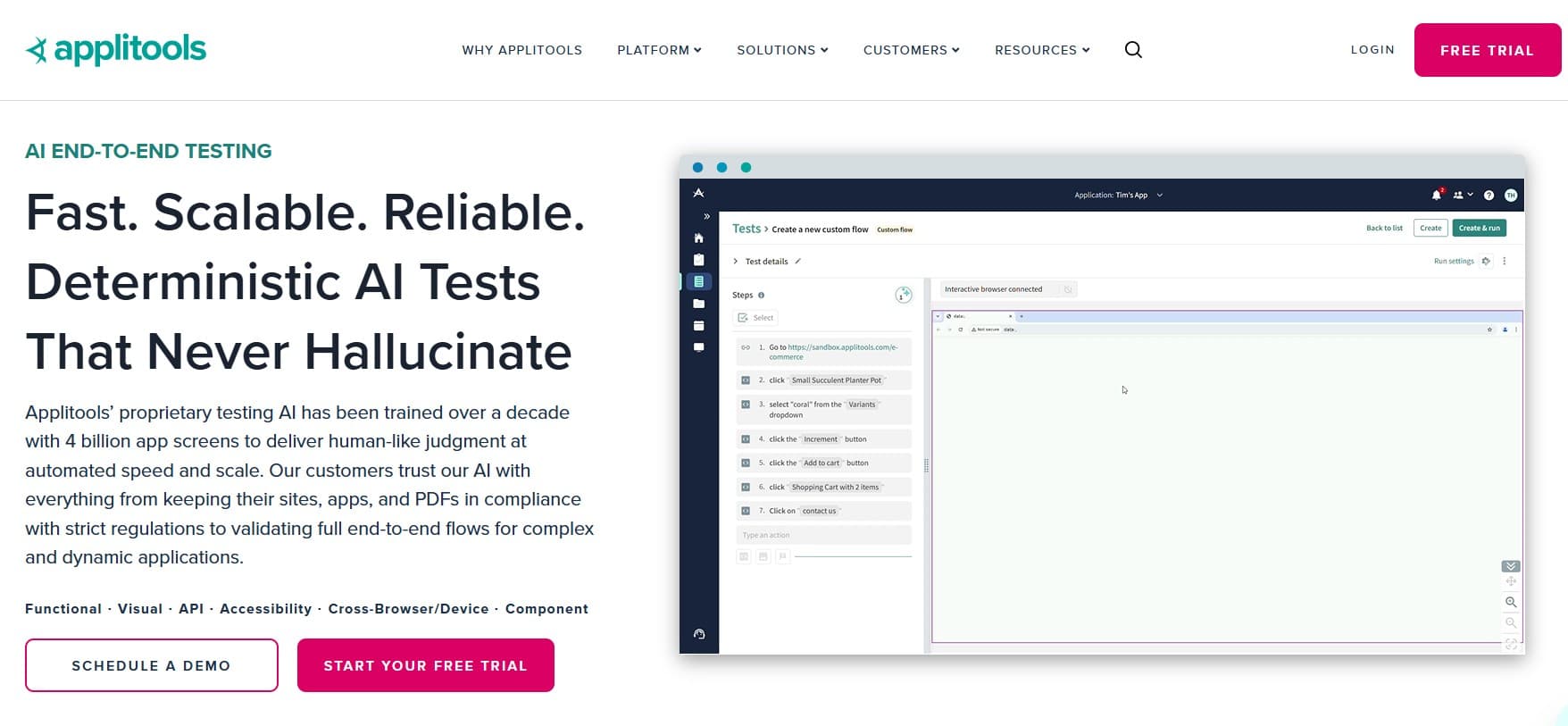
Applitools isn't a BrowserStack alternative in the device-farm sense, but it replaces a real reason teams pay for BrowserStack: catching visual issues across browsers and viewports. Pair it with one cloud capacity vendor and you often need less of the other. See visual regression testing with AI in 2026 for the wider picture.
Key features:
- Visual AI for cross-browser, cross-viewport visual regression.
- Ultrafast Grid for rapid visual checks across many browser/viewport combos.
- Integrations with Selenium, Playwright, Cypress, WebDriverIO, Appium.
- Component-level visual testing for design system work.
- Root cause analysis for visual diffs.
- Native CI integration with all major providers.
Where it wins:
- Visual coverage at a depth no general-purpose tool matches.
- Ultrafast Grid replaces a lot of cloud-capacity cost when visual is the real concern.
- Component-level visual checks fit modern design systems.
- Mature ecosystem and broad framework support.
Where it falls short:
- Not a functional testing tool; pair with something else.
- Not a device cloud; pair with a capacity vendor for real-device coverage.
- Pricing climbs with checkpoint volume.
- Doesn't replace AI execution; it's a verification layer, not an executor.
Best for: teams where visual coverage across browsers is the main reason BrowserStack capacity gets paid for.
Choose this if visual is the real pain and pairing with a functional testing layer is acceptable.
Tool comparison summary
| Tool | Strengths | Limitations | Best for |
|---|---|---|---|
| qtrl | Agentic execution + AI authoring + structured management + audit | Not a device cloud; newer entrant | Kane AI replacements with management depth |
| Sauce Labs | Enterprise device cloud, mature support | Limited AI; cost comparable to BrowserStack | Enterprise device cloud replacement |
| LambdaTest HyperExecute | Cheaper capacity, broad coverage, growing AI | Queue behavior at peak; less enterprise pedigree | Cost-conscious capacity replacement |
| AWS Device Farm | AWS-native, predictable billing | Narrow device coverage; plain UI; no QA support | AWS-heavy teams |
| Headspin | Real-device mobile + performance instrumentation | Enterprise-only pricing; no AI | Mobile-first apps with performance requirements |
| Mabl | Auto-healing, low-code authoring, managed execution | No real-device cloud; low-code ceiling | Flake-and-maintenance pain |
| Applitools | Visual AI depth, Ultrafast Grid, broad framework support | Pair with functional + device cloud | Visual coverage as the primary pain |
How to evaluate a BrowserStack replacement
A pragmatic playbook for not getting burned by a per-minute price page:
- Separate the two jobs. Pick which one you're replacing first. Trying to compare a device cloud against an AI execution tool wastes a quarter.
- Run real CI load, not a demo. The vendor that wins your trial is the one whose queue behavior matches your actual peak. List price per minute is meaningless under contention.
- Test agent resilience on weekly UI churn. For the AI execution side, run the candidate against your product for two weeks of normal release cadence. Demos pass; the failure modes show up in week two.
- Validate WebDriver portability. If the test suite uses standard W3C WebDriver calls, portability between clouds is usually less painful than procurement assumes.
- Pair, don't replace one-for-one. Most teams end up better off with one AI execution tool + one device cloud + one visual specialist than with a single all-in-one bundle.
- Plan the cutover. Freeze the old vendor in read-only mode, route new release runs to the new tool, and keep the migration to one quarter.
The hidden cost of cloud device pricing
Cloud device pricing is usually per-parallel-session-minute, which sounds clean until you run a real CI workload. Queue time inflates wall-clock cost. The long-tail device matrix gets undertested because each new device is another line item. Retries on flaky cloud sessions compound silently. The "real" cost often ends up two or three times the on-paper cost. The vendor that wins your trial isn't always the one with the lowest list price; it's the one whose queueing behavior matches your CI peak. For broader context on the cost question for QA infrastructure overall, see the real cost of test automation.
Where qtrl fits in a post-BrowserStack stack
On the device farm side, qtrl isn't the right pick. We don't maintain real iOS and Android hardware at scale. On the AI execution side, we're a direct alternative to Kane AI, with a meaningfully heavier test management story: AI authoring, manual cases in the same system, immutable audit trails, progressive autonomy (you decide how much initiative the agent takes), and adaptive memory so the agent learns the patterns of your app rather than starting cold every run.
For teams shipping AI features, the timing also matters. The EU AI Act's phased obligations through 2026 introduce real requirements around testing, traceability, and documentation for AI-influenced software. qtrl keeps those artefacts together by default, rather than leaving you to stitch them across a device cloud, a CI system, and a test management tool. For deeper context see what is agentic testing and AI in software testing: hype vs reality.
Frequently asked questions about BrowserStack alternatives
What is the best BrowserStack alternative in 2026? It depends which job you're replacing. For enterprise device cloud, Sauce Labs. For cheaper capacity, LambdaTest. For AWS-native, AWS Device Farm. For replacing Kane AI on the AI execution side, qtrl. For visual coverage, Applitools.
Is Sauce Labs better than BrowserStack? Both are mature and credible. Pricing, support, and the specific device coverage you need usually decide it more than the platform features. Run a real workload on both for a week before committing.
Can I run BrowserStack tests for free? BrowserStack offers limited free minutes for open-source projects and small trials. For real usage the cost adds up. LambdaTest and AWS Device Farm both offer cheaper entry points for budget-watching teams.
Does qtrl compete with BrowserStack's device cloud? Not directly. qtrl runs AI agents against your application, not a fleet of real iOS and Android handsets at scale. Most teams pair AI execution with a device cloud for the long tail of mobile coverage.
What is Kane AI and how does it differ from qtrl? Kane AI is BrowserStack's agentic testing layer that authors and runs tests in natural language. qtrl plays in the same space, with a deeper structured test management story (versioned cases, manual + AI in one run, immutable audit) and without the BrowserStack pricing bundle.
How portable are tests between device clouds? Tests written to the vendor-neutral W3C WebDriver standard port between BrowserStack, Sauce Labs, LambdaTest, and AWS Device Farm with modest changes. Tests written to vendor-specific extensions are lock-in by design.
Should I move my AI authoring and device cloud to the same vendor? Usually no. Single-vendor bundles look clean on a pricing page but leave you with neither the best AI nor the best capacity. Most teams end up with one AI execution tool + one device cloud + one visual specialist.
Does BrowserStack alternative choice affect EU AI Act compliance? It affects how easy compliance is, not whether you can achieve it. The EU AI Act expects immutable evidence of how AI-influenced features were tested. AI-native tools produce that shape by default; traditional device clouds were never designed for it.
What others say about BrowserStack
The complaints in public reviews are remarkably consistent, and they map directly to why teams shop for alternatives:
“Pricing is steep, scaling parallel sessions gets expensive, sessions occasionally time out, and advanced automation onboarding could be friendlier.”
G2 reviewer, Senior Software Engineer (Enterprise) · G2 reviews
“The pricing model is a real hurdle for small teams. Adding parallel sessions or advanced features feels like a big budget jump.”
G2 reviewer (Small-Business) · G2 reviews
“Pricing and licensing were confusing, beta features had lots of bugs, documentation was thin, and the sales outreach felt aggressive.”
Gartner reviewer, IT Associate in Telecommunications (1B–3B USD) · Gartner Peer Insights
The two checks that decide the right pick
Two things move the needle more than anything else when picking a BrowserStack replacement, and most teams skip both.
First, run real CI peak load on the candidate, not a demo. List price per minute is meaningless under queue contention. The vendor that actually runs your 40 parallel sessions at 9am Pacific is the one to pick.
Second, decide whether you're replacing the cloud or replacing Kane AI before you start the evaluation. Most stalled BrowserStack replacement projects stall because the team tried to compare both kinds of tool against each other instead of running two parallel narrower evaluations.
If you're evaluating Kane AI on the AI execution side and you also want structured test management built in, try qtrl and see how it fits next to your device cloud.
Have more questions about AI testing and QA? Check out our FAQ